Clinical Photo Management Software That Supports Your HIPAA Workflow
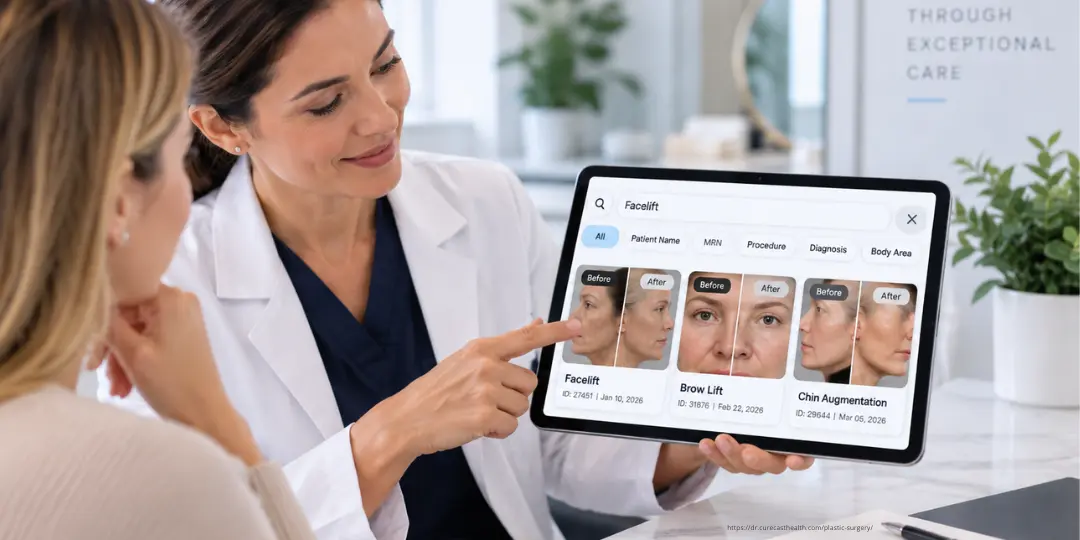
Find & Compare Any Patient Photo in Under 3 Seconds
Clinical photo management software built for plastic surgeons, dermatologists, and med spas. Stop scrolling through thousands of photos during consultations. Instantly find and present the exact cases your patient wants to see. Available on iPhone, Android, iPad, tablet and desktop.
- Trusted by plastic surgeons, med spas, & dermatologists in US, UAE, UK and India.
- 10+ years serving aesthetic practices
ISAPS Plastic Surgeon · HealthBay Aesthetics · Dubai
SkinLab · 20+ Locations
ISAPS Plastic Surgeon · Cadogan Clinic · UK
ISAPS Plastic Surgeon · LCAS · Dubai & London
Isya Aesthetics · India
Wound Care Surgeon · Al Zahra Hospital · UAE
Everything your practice needs, in one photo system.
CureCast replaces nine separate tools and manual workflows with one system built specifically for clinical photo management and how the platform has evolved around real clinical photography workflows.
Practice Photo System
Built to protect patient photos and records.
CureCast combines seven security controls to manage who accesses patient information, what activity is recorded, and how data is protected at rest and in transit.
- Staff Access Control : who can access what
- Audit Trail : what activity is recorded
- Device Management : which devices have CureCast access
- Session Timeout : how inactive sessions are handled
- Encryption : how patient records and clinical photos are protected
- Confidential Patient : invisible to unauthorised staff
- Multi-Clinic : how access stays scoped to a single clinic location
Practice Security Status
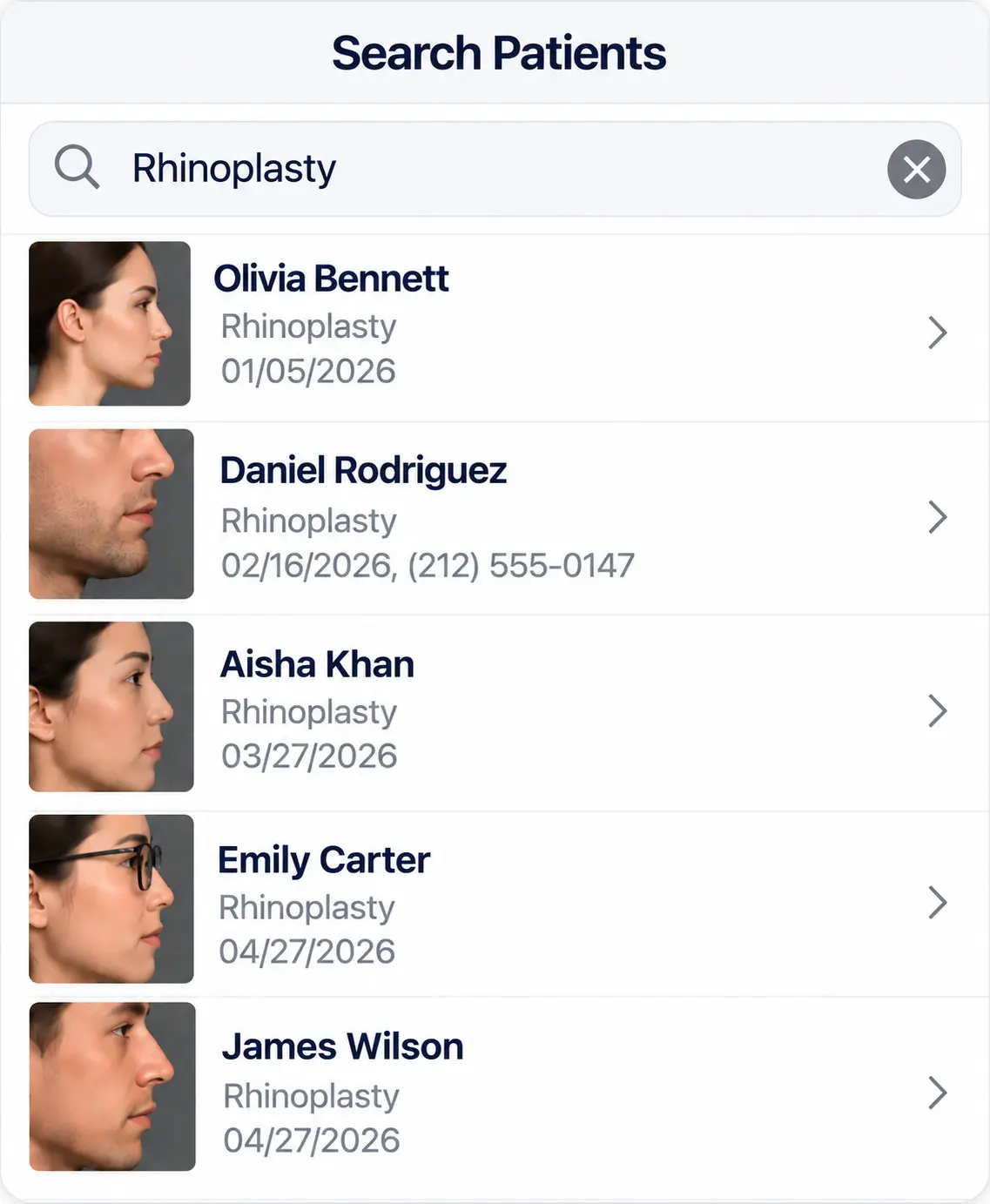
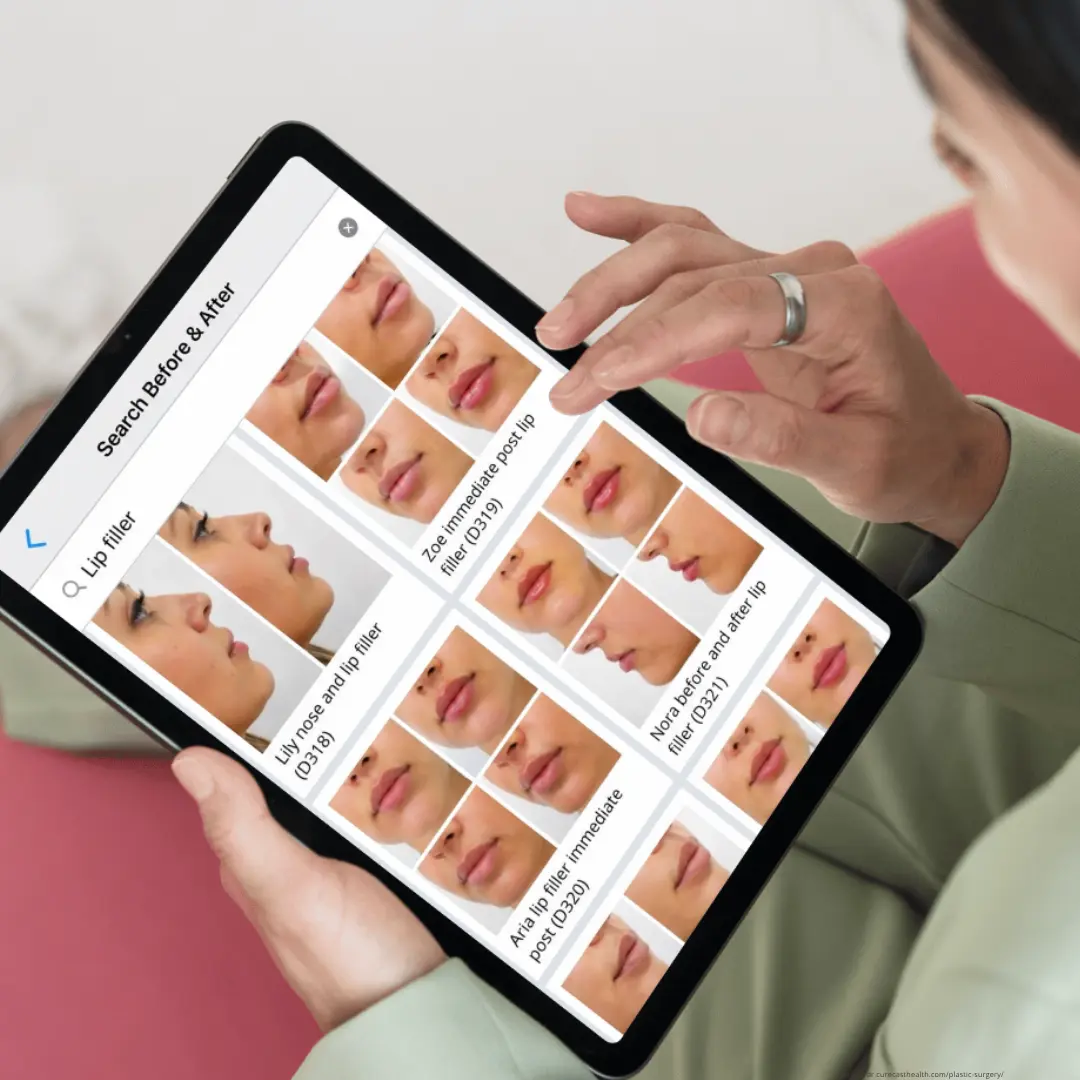
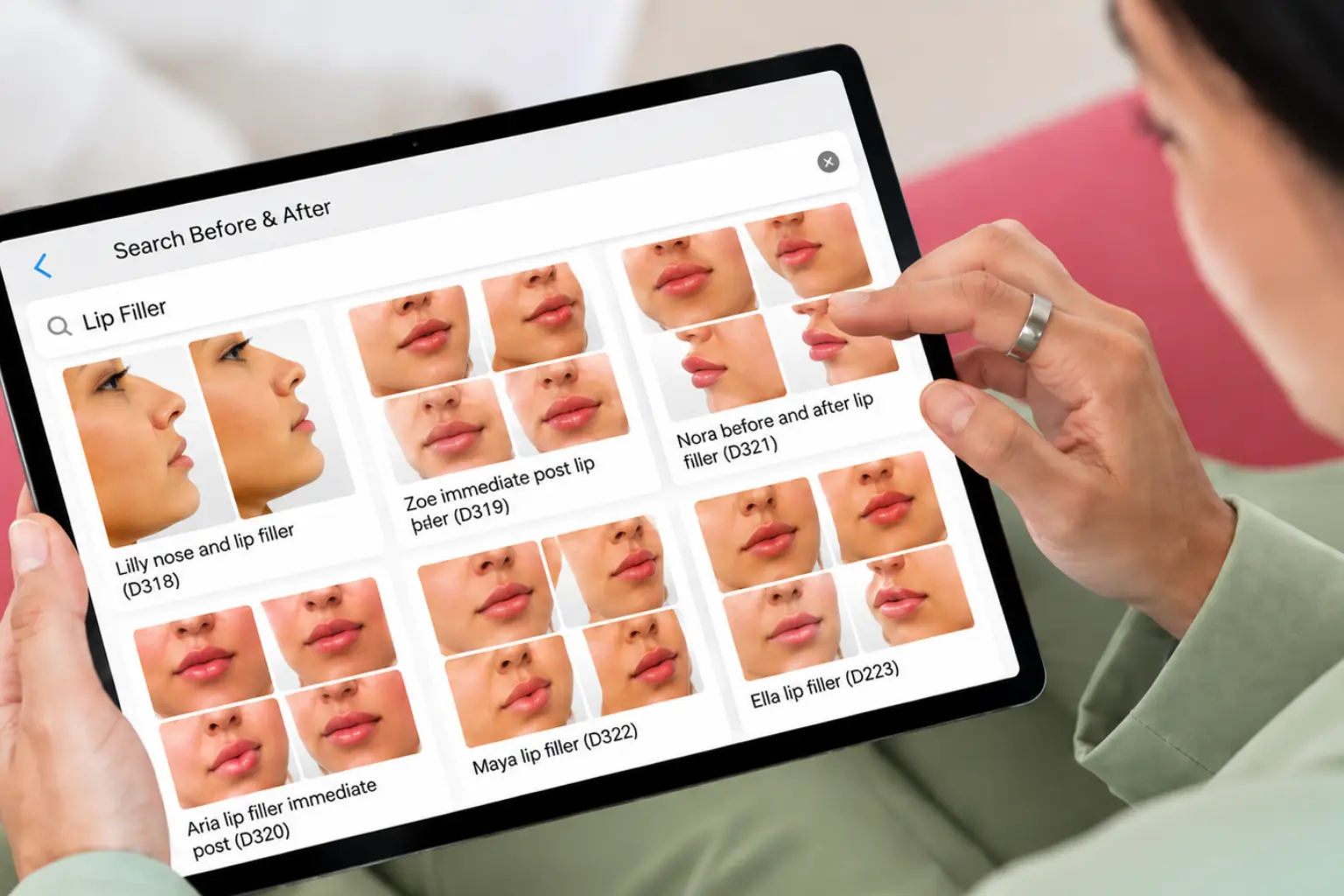
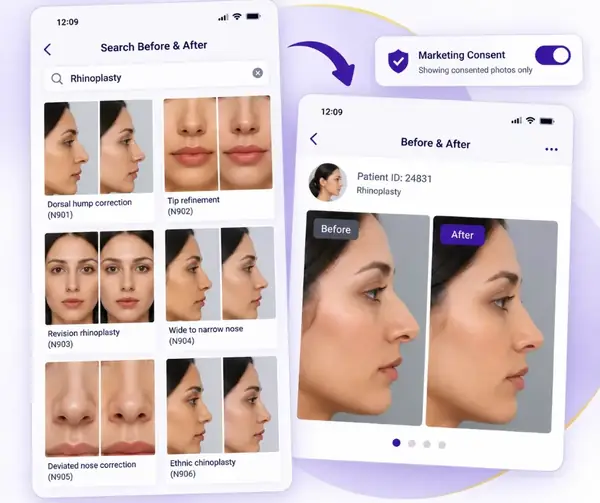
Find any patient photo in under 3 seconds by treatment name, or phone number
Every photo captured in CureCast is automatically tagged at the moment of capture. No manual filing. No folder structures. Just type a treatment name or patient name and every relevant photo appears instantly.
- Search by treatment name, diagnosis, body area, or patient name
- Auto-catalogued by date, patient ID, and treatment notes
- Works mid-consultation, even on slow mobile data
- Staff can capture on supported device; doctor retrieves on any other
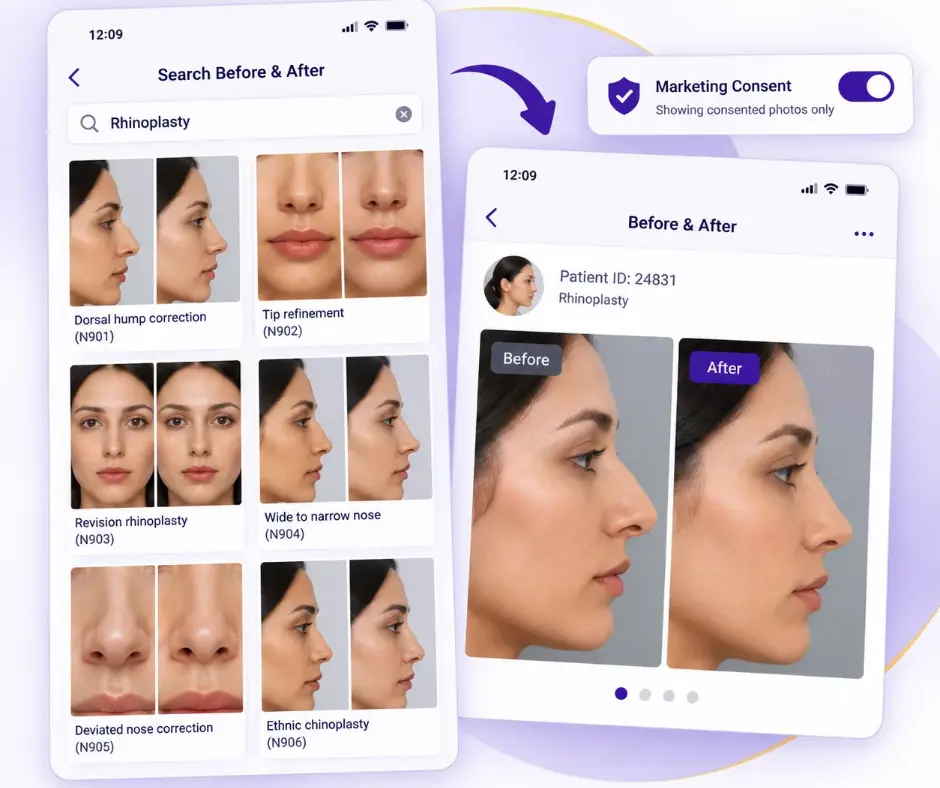
Build before/after comparisons instantly and share via email, or WhatsApp
Select any two photos, choose a layout, add your clinic watermark, and your before/after is ready in seconds. Capture and compare consistent before-and-after photos with CureCast, then share directly to the patient’s WhatsApp without saving their number to your personal contacts.
- Instant side-by-side and overlay comparison tools
- Take follow-up photos from the same angle every time
- Auto-builds your before/after portfolio by treatment name
- Share via WhatsApp securely no personal number saved
- Add clinic logo, watermark, and custom text before sharing
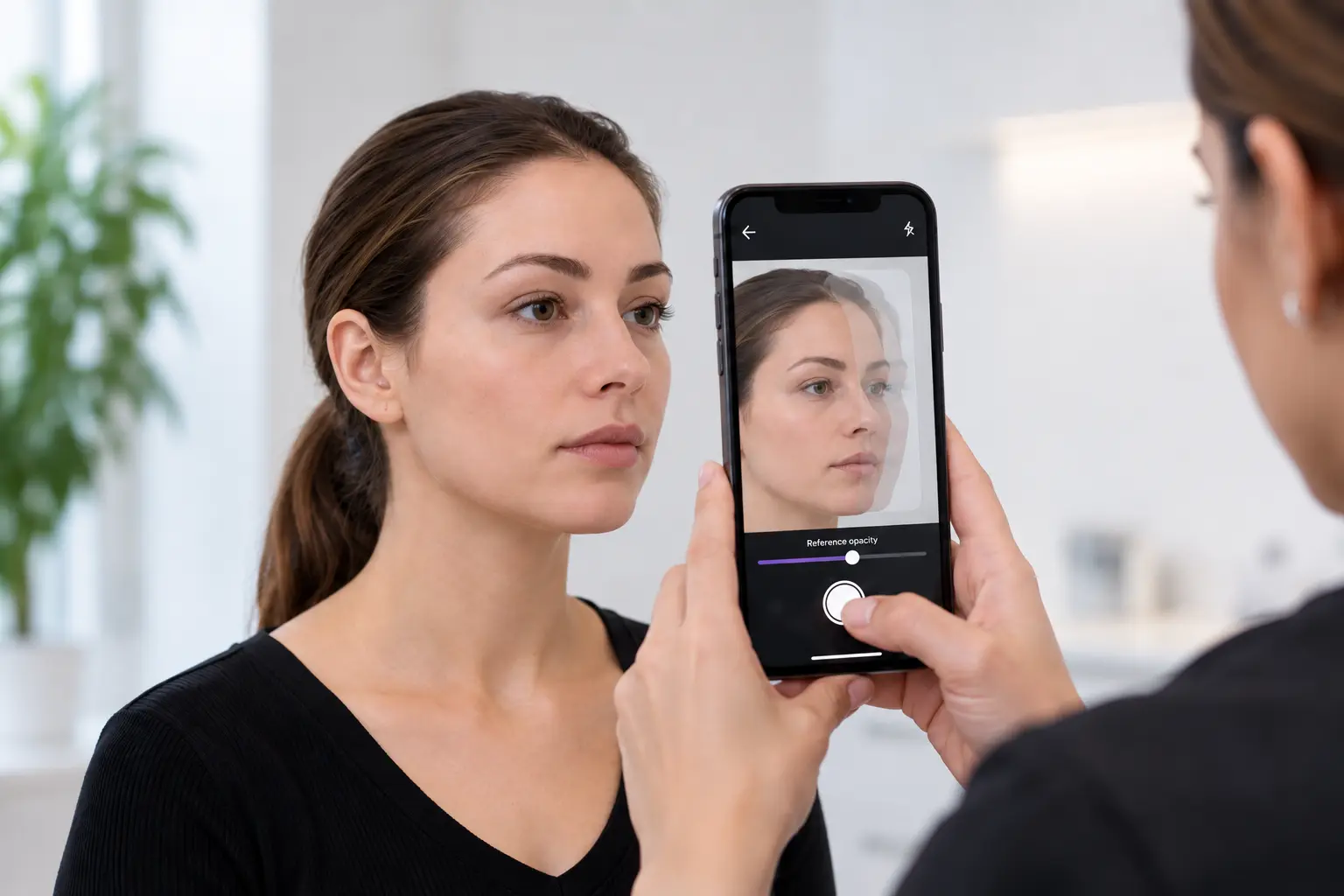
Consistent before and after photos, visit after visit.
When before and after photos don’t match, the treatment usually isn’t the problem. The photos were just taken differently, with the camera at a different angle, distance or position. With TrueAlign Match, CureCast turns the patient’s earlier photo into a live reference on your iPhone or iPad. You can use it as a ghost image with adjustable opacity or as a single clean outline, with alignment guides to help you recreate the original view.
- It works with any photo already in the patient’s file
- Needs no studio, tripod or special lighting
- There is no editing, filtering or retouching
- The image stored is exactly the image captured
Get the post-op photos you never got to take.
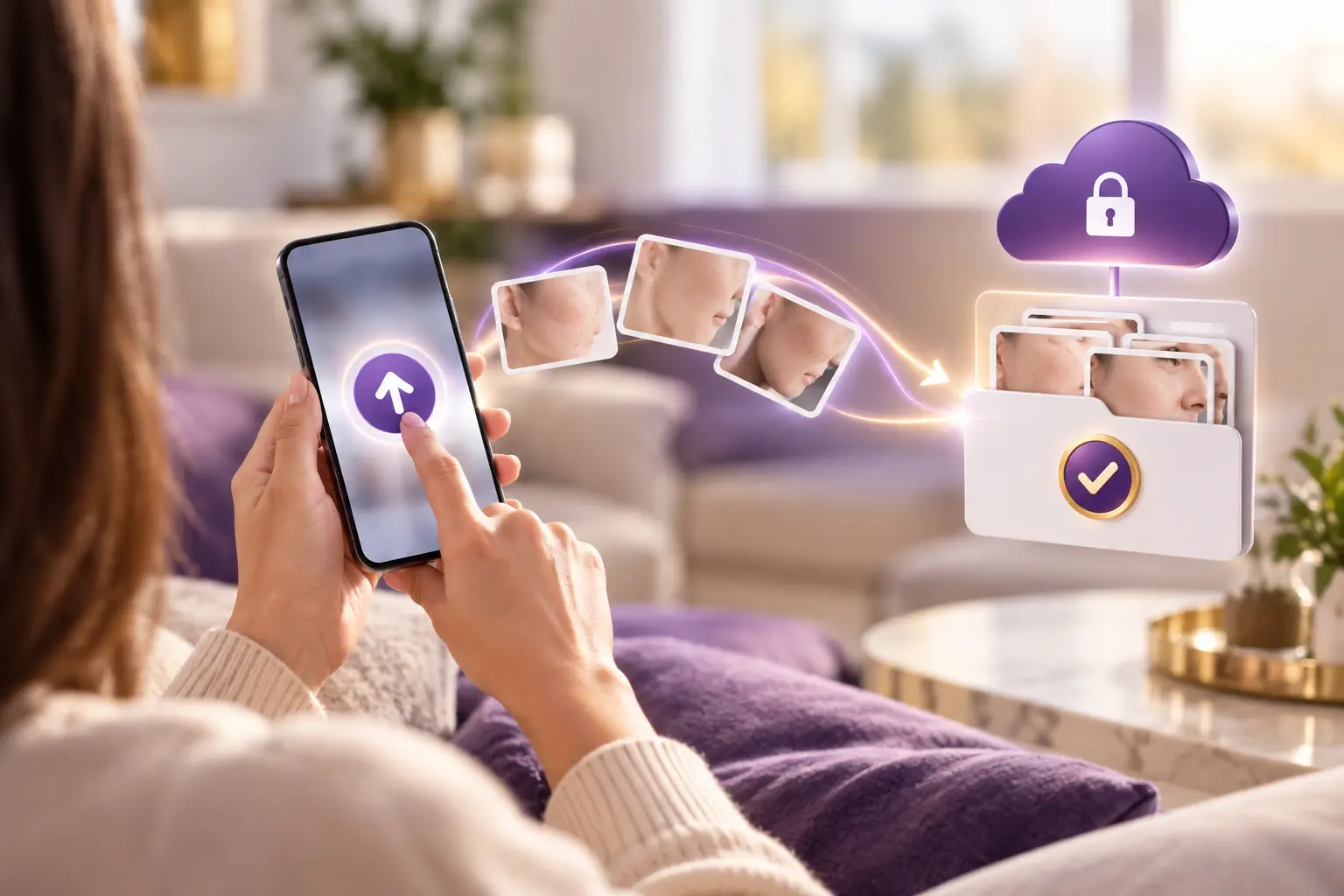
Most patients never come back for follow-up. Their best result never reaches your portfolio. CureCast fixes that with one secure link. Send it from the app. Your patient uploads from their phone. The photos land in their chart, ready for your next consultation or your next post.
- Send a secure upload link to any patient, straight from the app.
- Patients upload photos from their phone. No app to download.
- Photos file into the patient’s chart by upload date.
- You’re notified the moment new photos arrive.
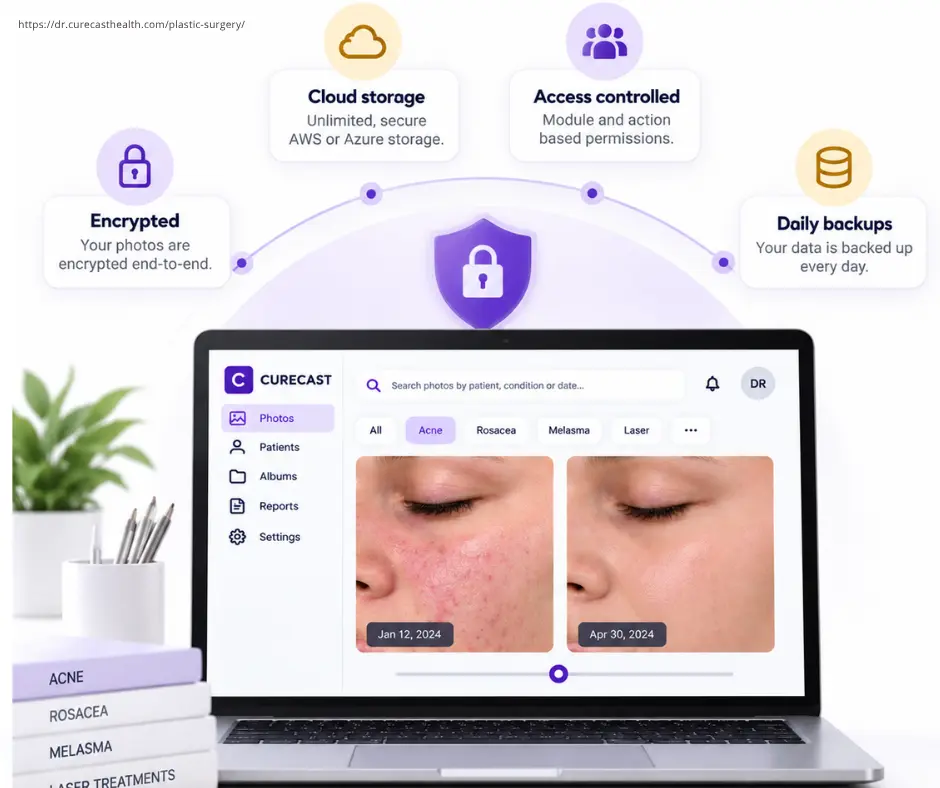
Every photo stored on encrypted cloud infrastructure, never on personal devices.
Patient photos are Protected Health Information under HIPAA. CureCast ensures every photo is captured into the app, encrypted with AES-256 at rest and TLS 1.3 in transit, and stored on encrypted infrastructure never in a personal camera roll. CureCast holds a signed Business Associate Agreement with US practices.
- Photos never touch personal camera rolls
- Unlimited encrypted cloud storage
- Module and action-based permissions; control exactly who sees what
- Daily data backup policies
Trusted by clinics globally


Want to hear from more practices using CureCast? Read more customer reviews →
Common challenges
Looking for an alternative to RxPhoto, TouchMD, Canfield or Aesthetic Record?
Tap the clinical photo management software you use today. We put it next to CureCast, side by side. Then try CureCast free. No payment required to start.
Get Started With CureCast
See How CureCast Fits Your Practice
Discuss how CureCast fits into your clinical photo workflow, from capturing and organizing patient photos to securely managing them across your practice.
Prefer email? [email protected]