Plastic Surgery Photo Management APP Find Any Patient Photo in Under 3 Seconds
ISAPS Plastic Surgeon · HealthBay Aesthetics · Dubai
ISAPS Plastic Surgeon · Al Zahra Hospital · UAE
ISAPS Plastic Surgeon · Cadogan Clinic · UK
ISAPS Plastic Surgeon · LCAS · Dubai & London
Plastic Surgeon · NG Plastic Surgery · Asia
Plastic Surgeon · Shushrut Clinic · Asia
Everything your practice needs, in one photo system.
CureCast replaces nine separate tools and manual workflows with one system built specifically for clinical photo management.
Practice Photo System
Built to protect patient photos and records.
CureCast combines seven security controls to manage who accesses patient information, what activity is recorded, and how data is protected at rest and in transit.
- Staff Access Control : who can access what
- Audit Trail : what activity is recorded
- Device Management : which devices have CureCast access
- Session Timeout : how inactive sessions are handled
- Encryption : how patient records and clinical photos are protected
- Confidential Patient : invisible to unauthorised staff
- Multi-Clinic : how access stays scoped to a single clinic location
Practice Security Status
Trusted by clinics globally


Want to hear from more practices using CureCast? Read more customer reviews →
You have the photos. You just can’t find them when it matters most.
Four capabilities that change how your practice runs every day
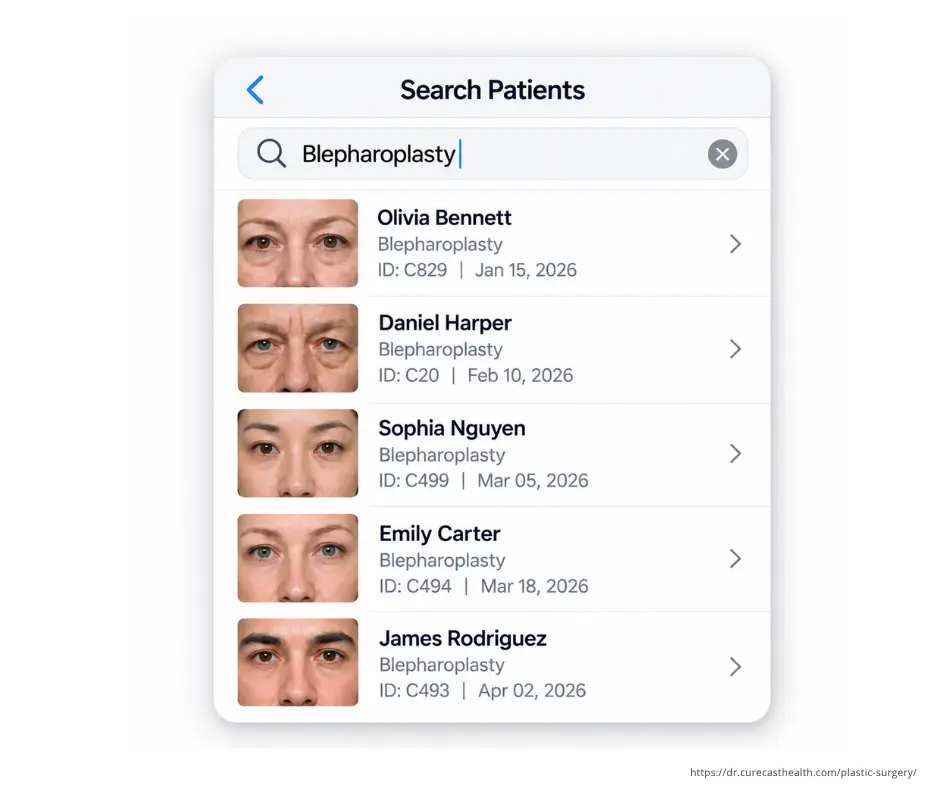
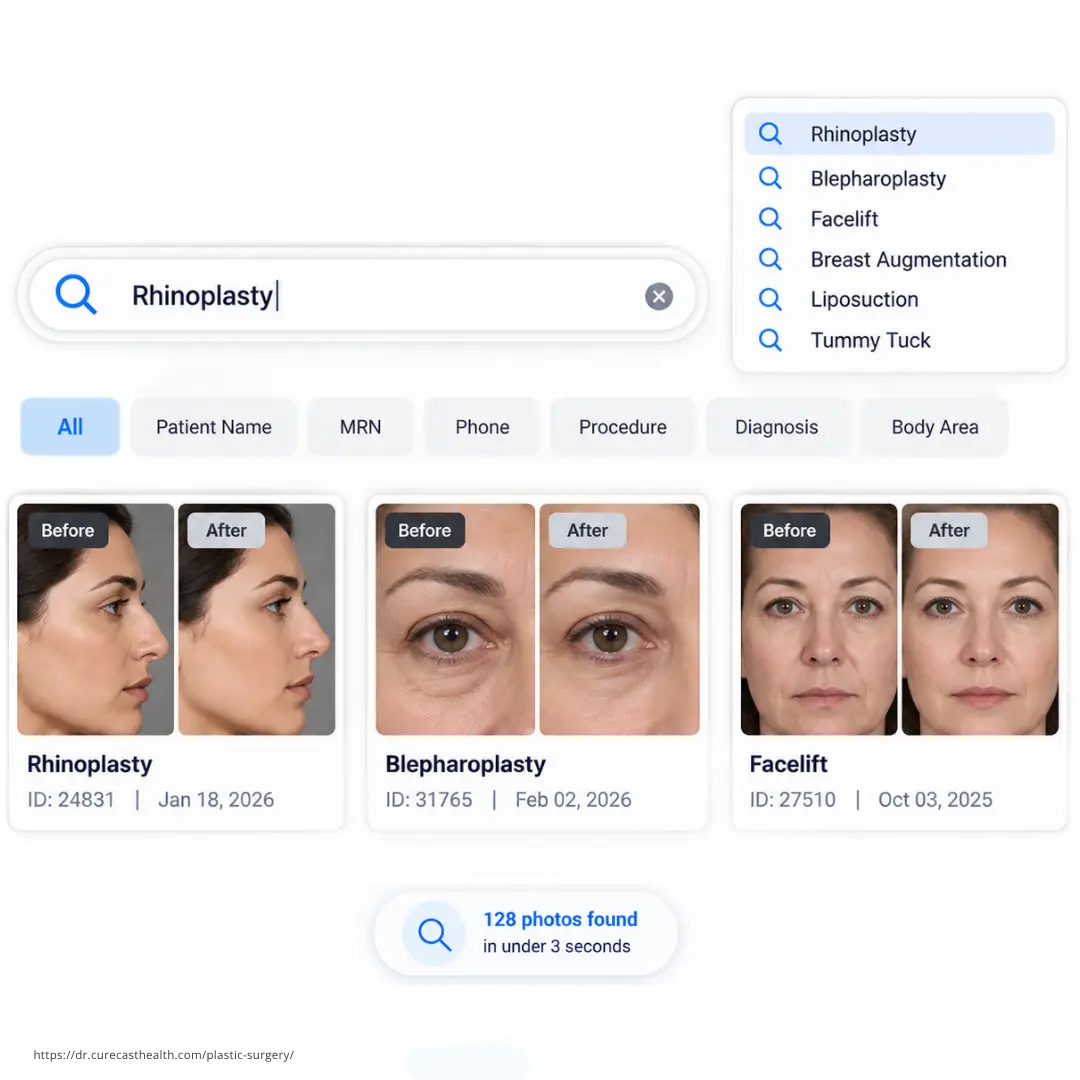
Find any patient photo in under 3 seconds by surgery, patient name, MRN or phone number
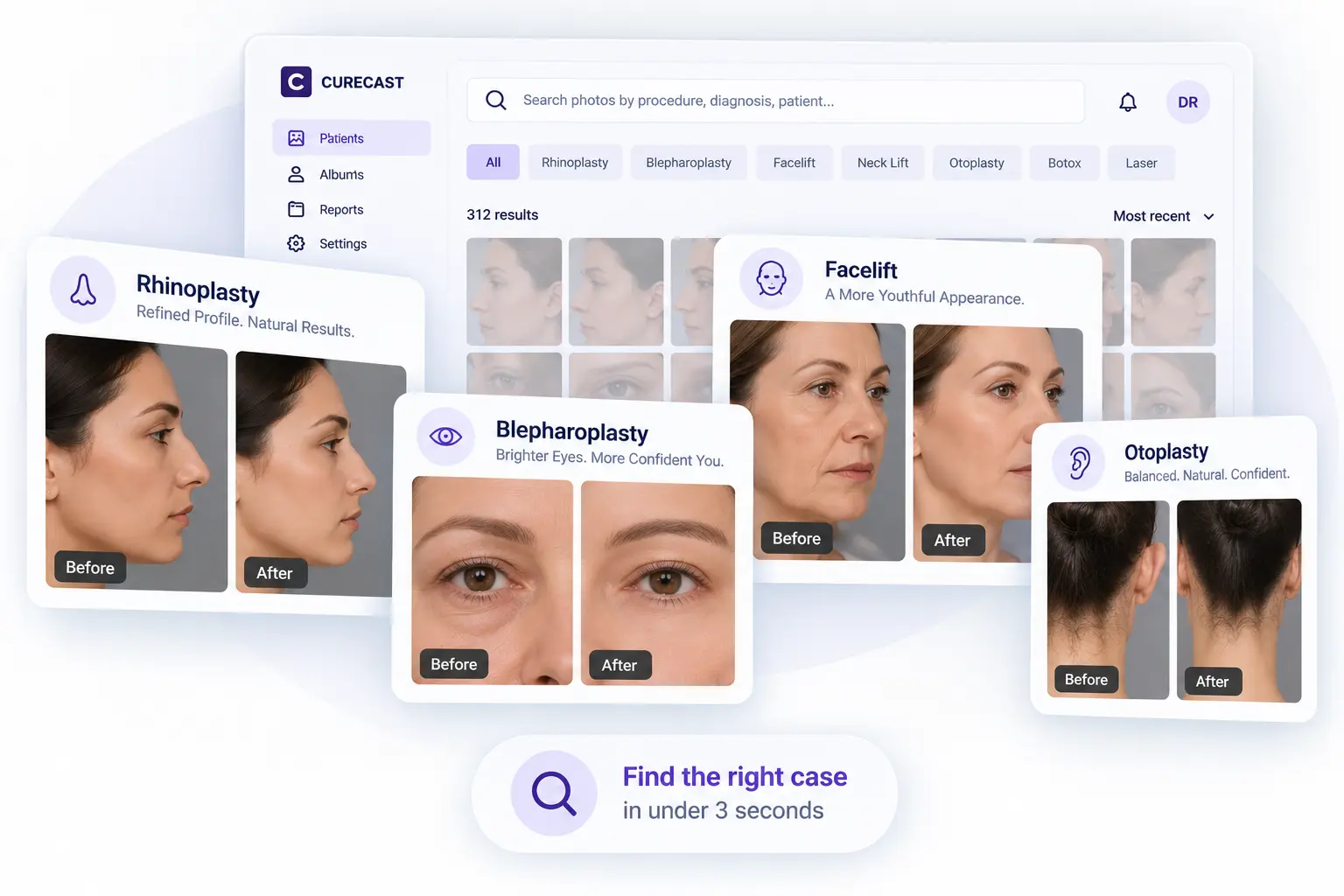
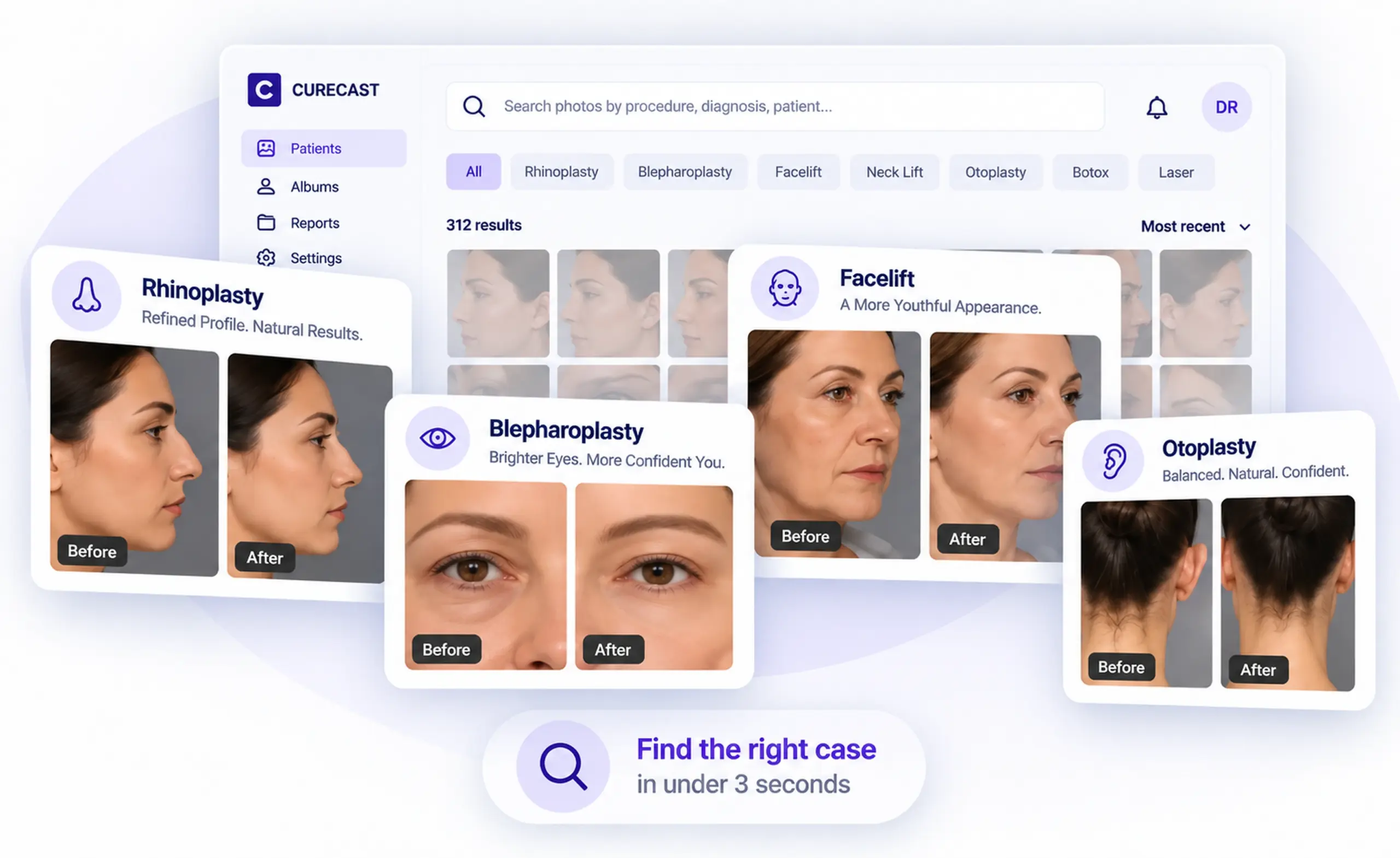
All photos captured in CureCast are automatically tagged at the time of capture by procedure, body area, date, phone, and patient. No manual organization is required. During consultations, users can search by procedure, diagnosis, phone, or patient to instantly retrieve all relevant images.
- Search by treatment name, diagnosis, body area, MRN or patient name
- Auto-catalogued by date, patient ID, and treatment notes
- Tag one photo under multiple procedures simultaneously
- Staff captures on a phone or iPad. The doctor opens it on any device.
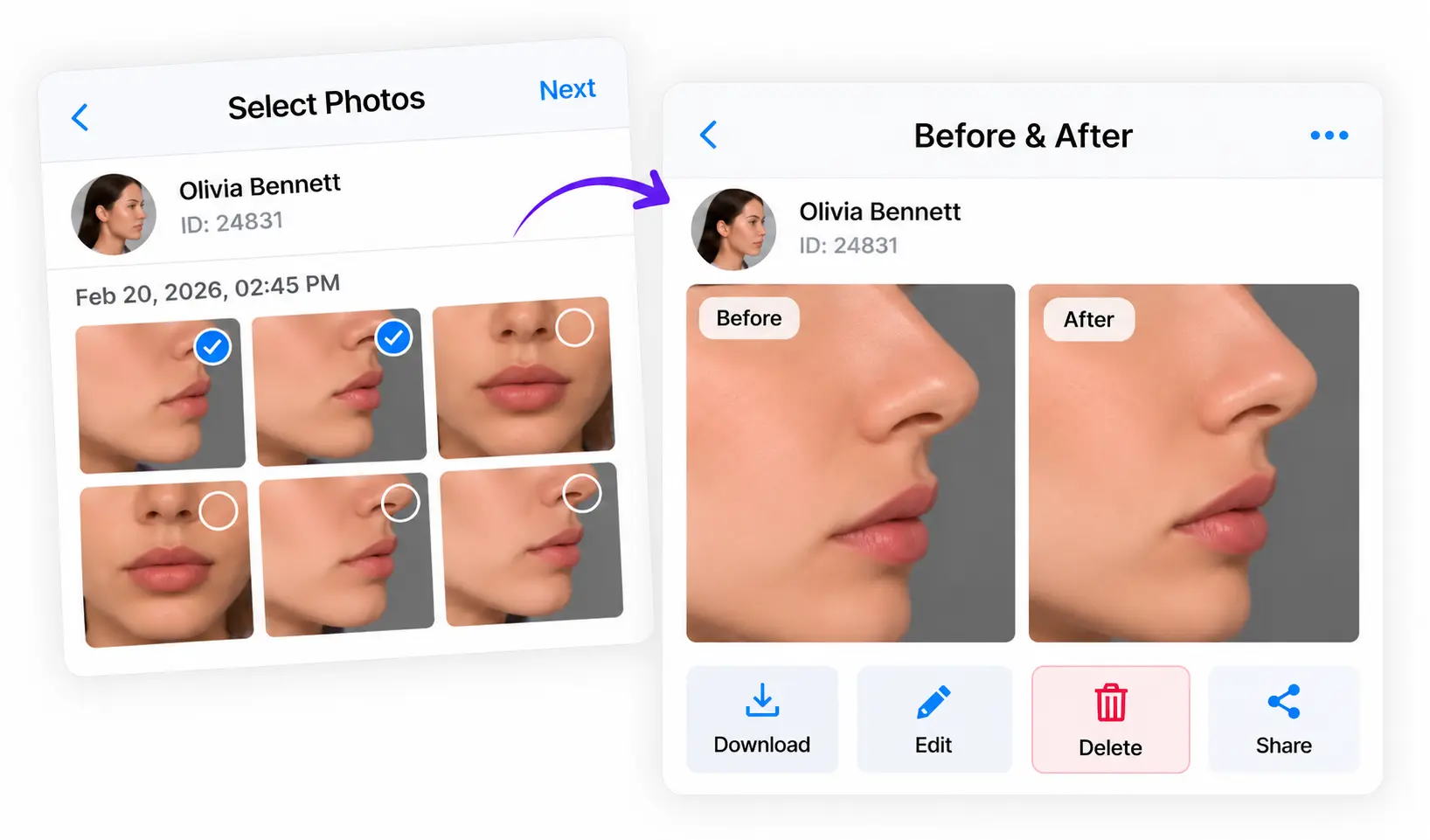
Build before/after comparisons instantly and share compliantly via email, or WhatsApp
Select any two photos, choose a layout, add your clinic watermark, and your before/after is ready in seconds. Capture and compare consistent before-and-after photos with CureCast, then share directly to the patient’s WhatsApp without saving their number to your personal contacts.
- Resolves patient doubts about treatment progress with photographic evidence
- Complete chronological photo timeline, every patient visit visible at a glance
- Automatically builds your before/after portfolio by procedure name
- Share to Instagram directly from app after adding watermark and consent
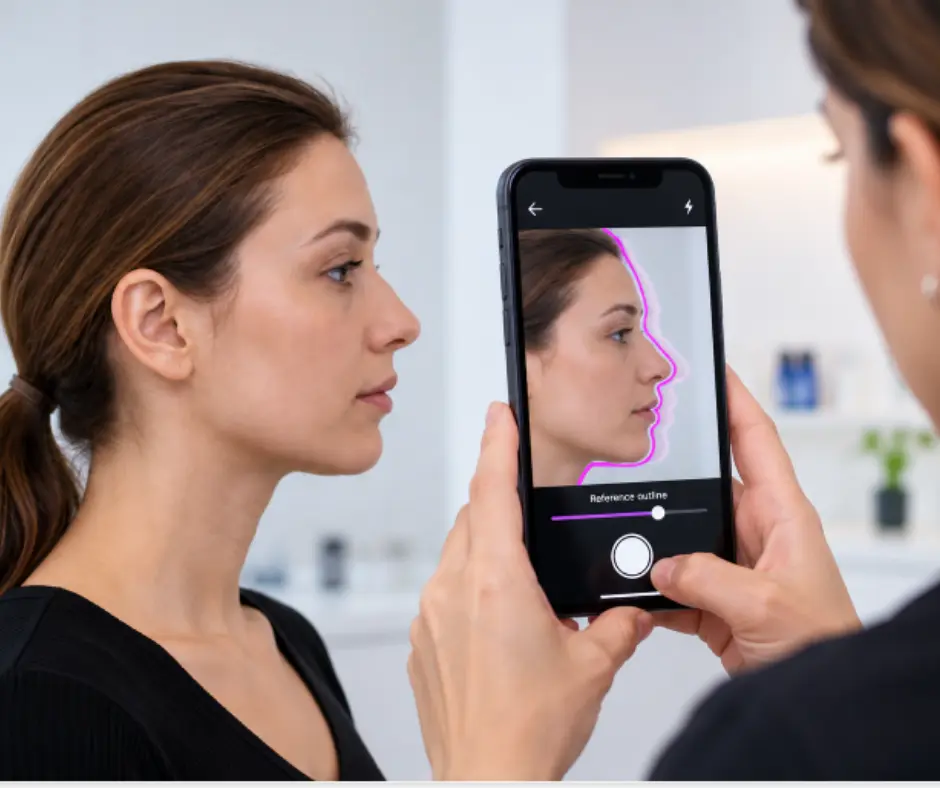
Match your rhinoplasty photos, visit after visit
In a rhinoplasty side photo, even a small change shows. If the patient turns their head a little, or you stand closer than last time, the nose can look different. The surgery went well, but the photo doesn’t show it.
TrueAlign Match shows the earlier photo on the live camera screen, as a faded ghost image or as a simple outline. This helps you take the follow-up photo from the same spot.
- Helps keep the patient’s head in the same position
- Shows if the camera is tilted up or down
- The outline helps you line up the brow, nose, lips and chin
- Makes profile photos easier to compare
It also shows you when the camera is tilted up or down, not just turned left or right. This matters because a photo taken with the camera tilted slightly can still look normal, but it makes the jaw look different from how it really is.
Build procedure-specific and condition-specific galleries with full marketing consent control
A rhinoplasty patient sits down. In seconds you are showing your own results filtered by nose type and correction needed. They stop asking if you have experience. They can see it. Filter by marketing consent. Your marketing team sees approved before and after albums only never the full patient file.
- Galleries by procedure, body area or condition
- Marketing consent filter, only consented photos appear in marketing albums
- Role-based access, marketing team sees albums only, never the full patient library
- Works mid-consultation on any device, phone, iPad, tablet, or desktop
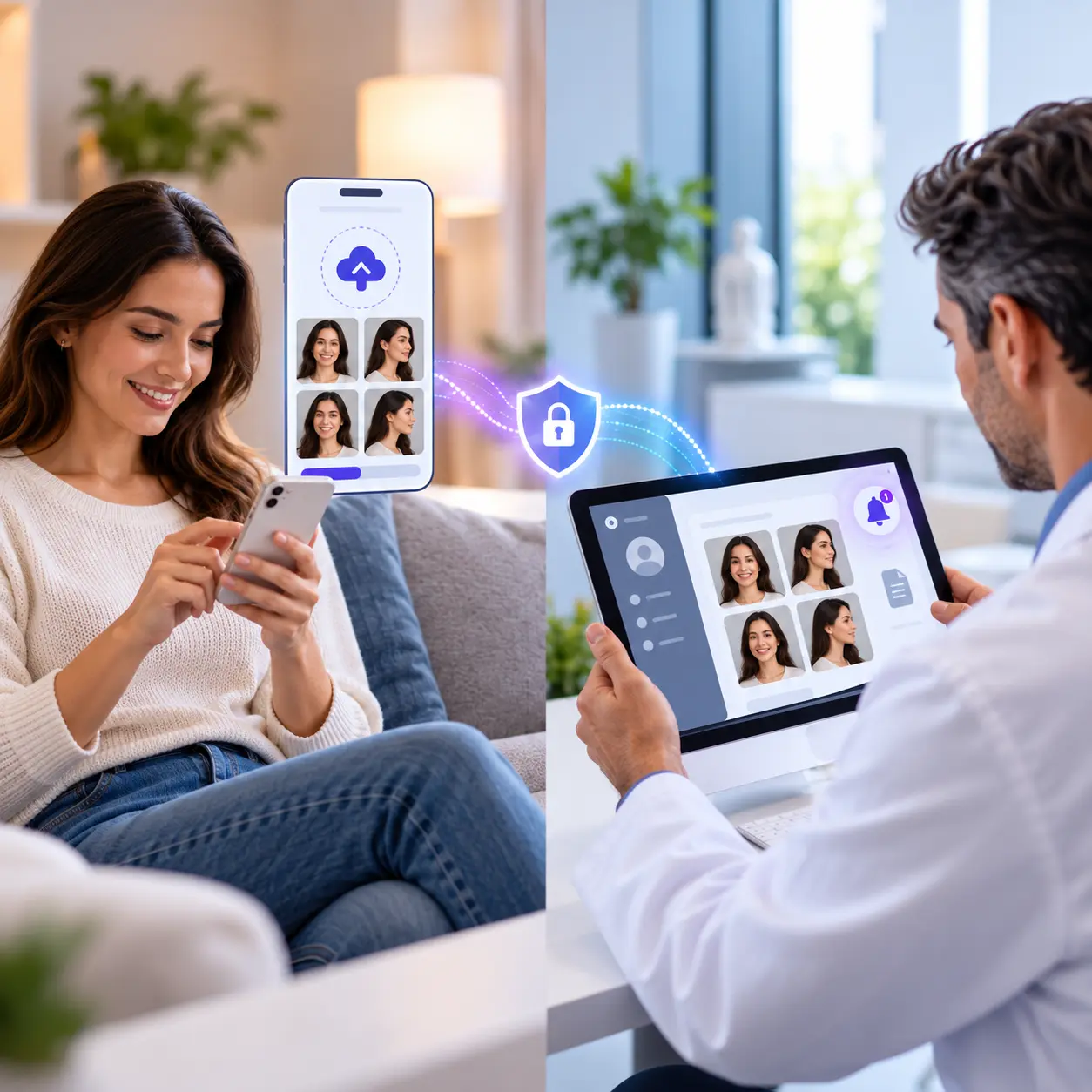
Collect post-operative photos, videos, and documents from patients who never come back for follow-up
Ask any plastic surgeon about their biggest regret and the answer is often the same: patients stop coming back once surgery is done. Without follow-up visits, the post-op photos that show your real results never make it into your portfolio, and you lose the proof that helps future patients choose you. CureCast solves this with a secure upload link you send directly from the app. Instead of asking patients to travel back to the clinic, you let them share photos, videos, and documents from home whenever it suits them, and everything reaches your team without extra manual work.
- Generate a secure link for any patient; sent automatically via WhatsApp or email
- Patient uploads photos from their phone; no app download required
- Photos automatically filed into patient chart on the upload date
- Instant push notification to the surgeon when photos arrive
Find photos instantly by any plastic surgery procedure
Get Started With CureCast
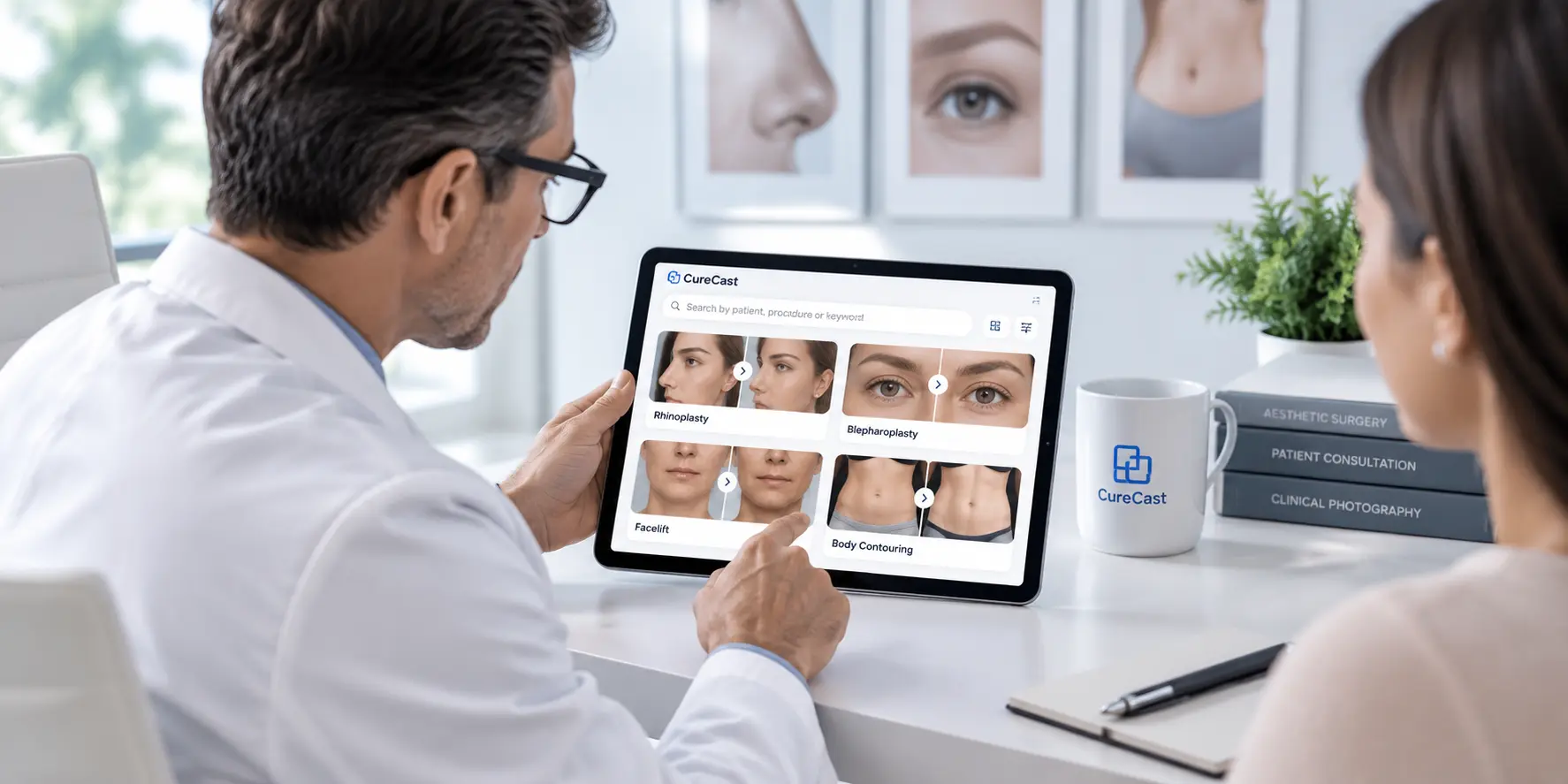
See How CureCast Fits Your Practice
Discuss how CureCast fits into your clinical photo workflow, from capturing and organizing patient photos to securely managing them across your practice.
Prefer email? [email protected]