Plastic Surgery Photo Management APP Find Any Patient Photo in Under 3 Seconds
Built for plastic surgeons who need to pull up before/after cases instantly, mid-consultation, from any device. It also Supports HIPAA-compliant workflows.
Trusted by plastic surgeons in US, UAE, UK and India
RHINOPLASTY
BREAST AUGMENTATION
FACELIFT & BLEPHAROPLASTY
LIPOSUCTION & HD LIPO
BOTOX & LIP FILLERS
BODY CONTOURING
MOMMY MAKEOVER
TUMMY TUCK
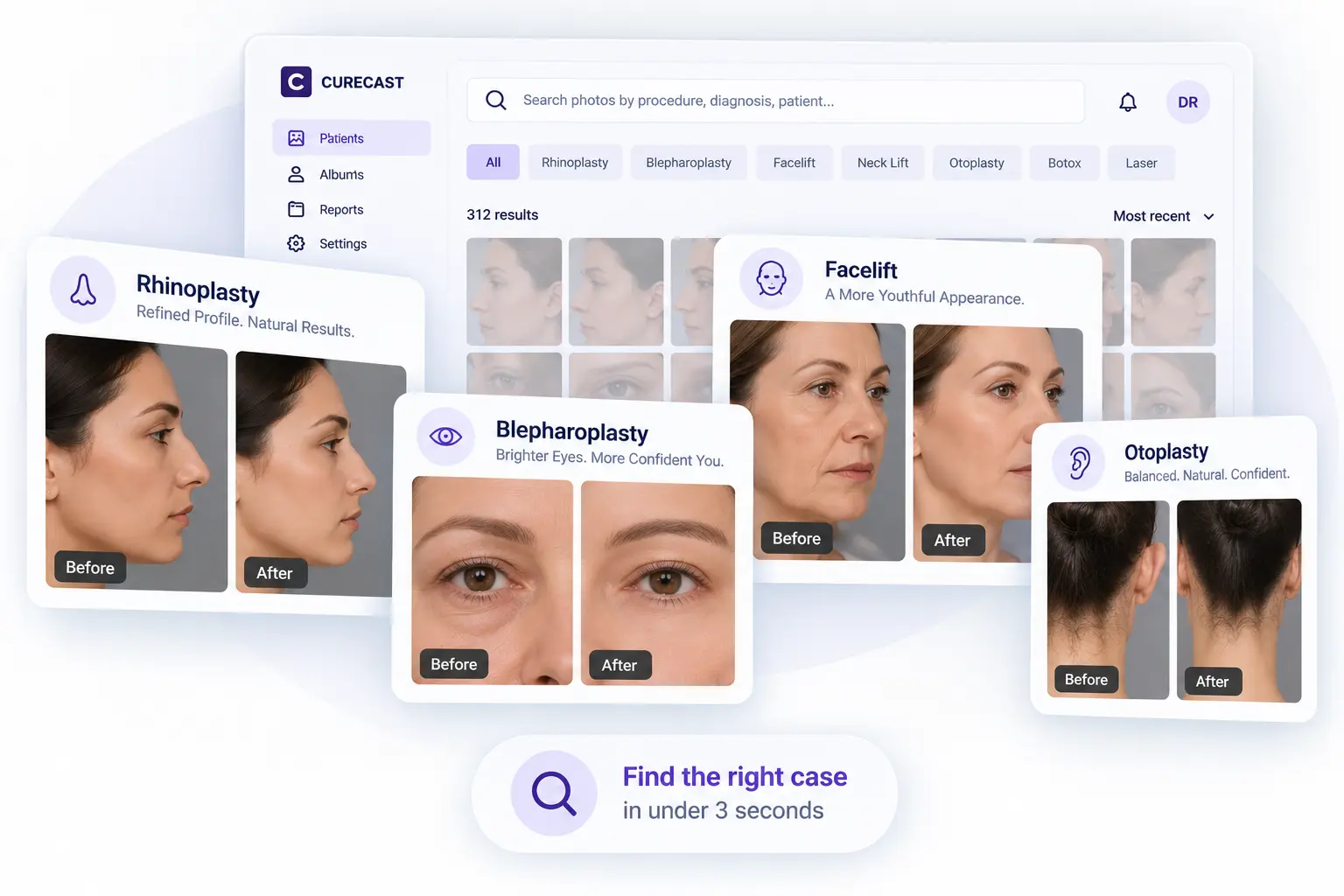
Procedure galleries in a plastic surgery photo management app such as rhinoplasty, blepharoplasty, facelift, otoplasty
TRUSTED BY PRACTITIONERS
Dr. Matteo Vigo
ISAPS Plastic Surgeon · HealthBay Aesthetics · Dubai
Dr. Mohan Rangaswami
ISAPS Plastic Surgeon · Al Zahra Hospital · UAE
Dr. Roberto Viel
ISAPS Plastic Surgeon · Cadogan Clinic · UK
Dr. Maurizio Viel
ISAPS Plastic Surgeon · LCAS · Dubai & London
Dr. Neel Gupta
Plastic Surgeon · NG Plastic Surgery · Asia
Dr. Sanjay Kucheria
Plastic Surgeon · Shushrut Clinic · Asia
One Platform, Nine Photo Workflows

Everything your practice needs, in one photo system.

CureCast replaces nine separate tools and manual workflows with one system built specifically for clinical photo management.

Align Guide: on-screen camera guides for consistent framing
TrueAlign Match: overlays the prior photo for matched before/afters
Inject Map: annotate injection volume and location on photos
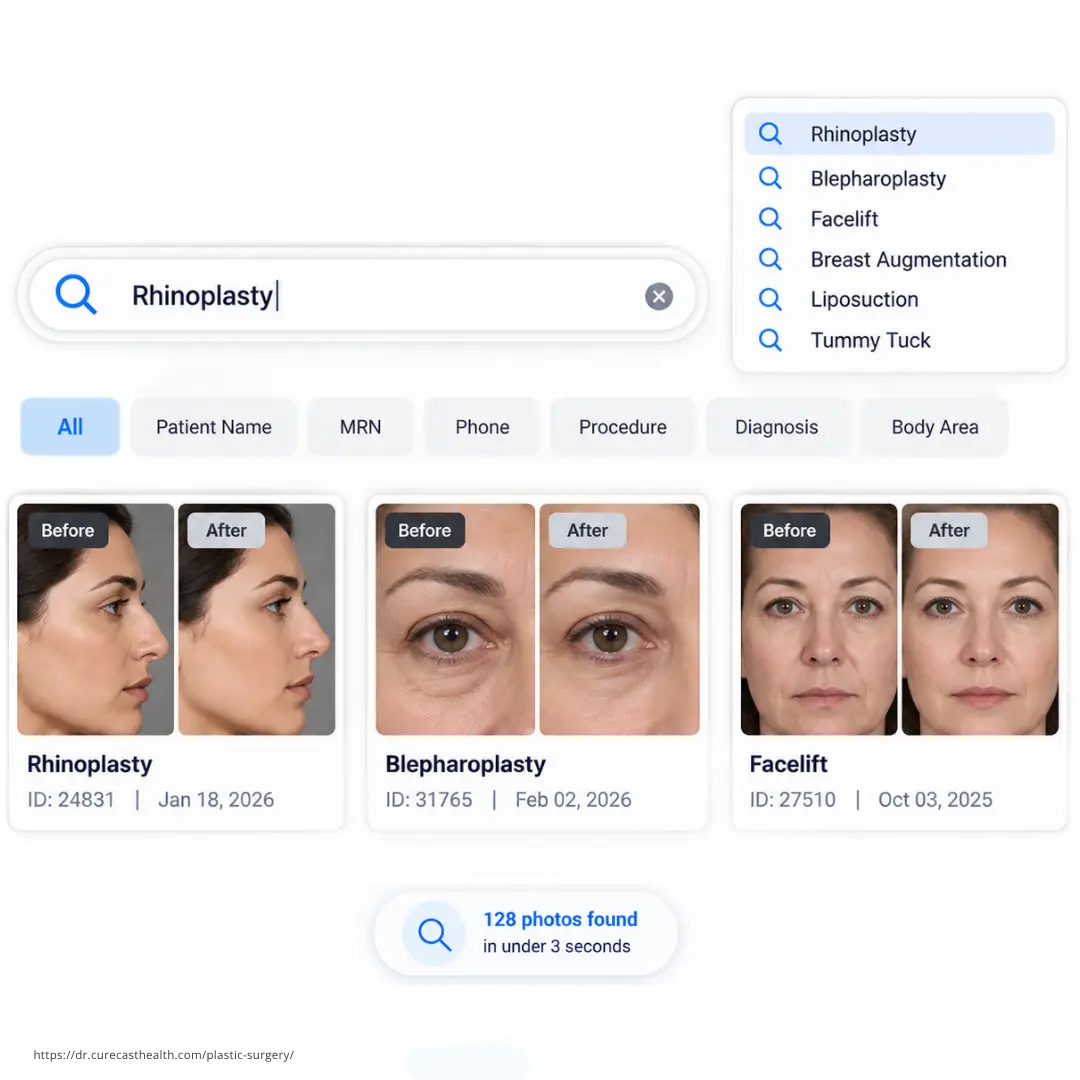
Instant Search: find any patient photo or before/after in seconds
Portfolio Builder: auto-builds treatment-specific before/after sets
Consultation Albums: procedure-specific galleries for new patients
Consent Forms: customisable, up to four signers per procedure
Lead Tracking: mark and filter patients as leads or prospects
Secure Sharing: patients upload post-op photos via a secure link
Photo Workflow Overview

Practice Photo System

9 workflows built into every plan
TrueAlign Guide
TrueAlign Match
Inject Map
Instant Photo Search
Portfolio Builder
Consultation Albums
Consent Forms
Lead & Prospect Tracking
Secure Remote Sharing
Security & Compliance

Built to protect patient photos and records.

CureCast combines seven security controls to manage who accesses patient information, what activity is recorded, and how data is protected at rest and in transit.

  • Staff Access Control: who can access what
  • Audit Trail: what activity is recorded
  • Device Management: which devices have CureCast access
  • Session Timeout: how inactive sessions are handled
  • Encryption: how patient records and clinical photos are protected
  • Confidential Patient: invisible to unauthorised staff
  • Multi-Clinic: how access stays scoped to a single clinic location
Supports compliance for
HIPAA GDPR PHIPA Australia Privacy Act
SECURITY OVERVIEW
Practice Security Status
7 controls built into every plan
👤
Staff Access Control
📋
Audit Trail
📱
Device Management
Session Timeout
🔒
Encryption
🔐
Confidential Patient Access
🏥
Multi-Location Access

Trusted by clinics globally

Dr. Matteo Vigo
Dr. Matteo Vigo
ISAPS Plastic Surgeon, HealthBay Aesthetics, Dubai
"CureCast lets me show highly relevant before-and-after results within seconds, helping patients decide faster. Built for privacy-focused practices like mine."
Dr. Maurizio Viel
Dr. Maurizio Viel
ISAPS Plastic Surgeon, London Centre of Aesthetic Surgery
"Before CureCast, finding the right patient photo during consultations was nearly impossible. Now I can instantly show exact before-and-after results while keeping all photos secure."

You have the photos. You just can’t find them when it matters most.

Can’t find rhinoplasty photos mid-consultation

A new patient asks to see nose job results. You start scrolling through thousands of untagged phone photos. Twenty seconds later the patient’s confidence and the consultation momentum is gone.

Pre and post-op photos on staff personal phones

Staff photographing patients on personal iPhones means photos auto-sync to personal iCloud. If that staff member leaves, so do your patient photos. That’s a significant privacy and compliance risk for your practice.

Building before/after takes 5-10 minutes during consultation

Find the photos. Download them. Open a third app. Edit. Export. Add watermark. In that time you could have been in another consultation.

No secured way to collect post-surgery photos remotely

Sharing photos through personal WhatsApp or email can create compliance risks. Meta doesn’t provide a BAA for WhatsApp, and most personal email accounts aren’t covered by one either. CureCast allows you to send link on this platform and your patient can upload photos directly on CureCast server without log into CureCast remotely using link.

Multiple clinic locations, no central photo access

Every staff member signs in with their own login. Set permissions individually who can view photos, download files, or marketing photos. If you run multiple locations, manage all your staff from one admin login. Each clinic sees only its own patients.

No control over what staff share externally

CureCast records every action taken on every patient record, who viewed it, who shared it, and when. The screen locks automatically when left unattended, requiring Face ID to continue. Lost a device? Revoke access instantly from your admin panel.

3-second
Find any surgery or treatment photo
Unlimited HIPAA photo storage supporting Hipaa-Compliance
10+
Years serving plastic surgeons globally
0%
Churn, surgeons stay because it works

Four capabilities that change how your practice runs every day
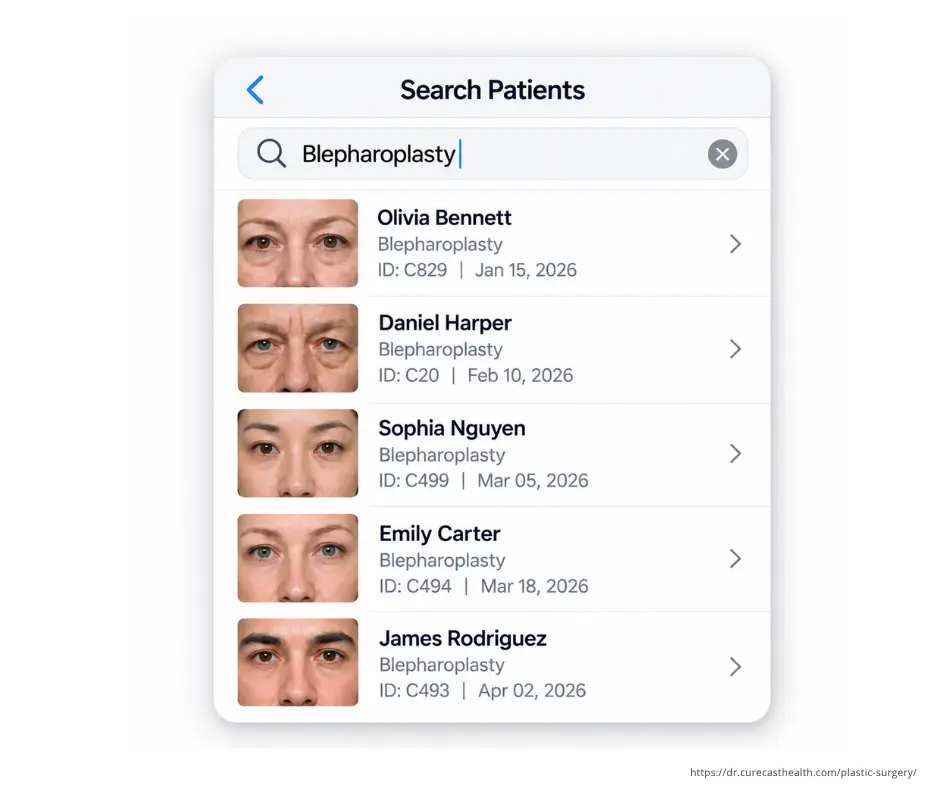
Blepharoplasty patient search in CureCast plastic surgery photo management app

Find any patient photo in under 3 seconds by surgery, patient name, MRN or phone number

All photos captured in CureCast are automatically tagged at the time of capture by procedure, body area, date, phone, and patient. No manual organization is required. During consultations, users can search by procedure, diagnosis, phone, or patient to instantly retrieve all relevant images.

  • Search by treatment name, diagnosis, body area, MRN or patient name
  • Auto-catalogued by date, patient ID, and treatment notes
  • Tag one photo under multiple procedures simultaneously
  • Staff can capture on any device; doctor retrieves on any other
  • Works mid-consultation on any device, phone, iPad, tablet, or desktop

See how CureCast supports clinical photo management

Build before/after comparisons instantly and share compliantly via email, or WhatsApp

Select any two photos, choose a layout, add your clinic watermark, and your before/after is ready in seconds. Share directly to the patient’s WhatsApp without saving their number to your personal contacts.

  • Resolves patient doubts about treatment progress with photographic evidence
  • Complete chronological photo timeline, every patient visit visible at a glance
  • Automatically builds your before/after portfolio by procedure name
  • Share to Instagram directly from app after adding watermark and consent
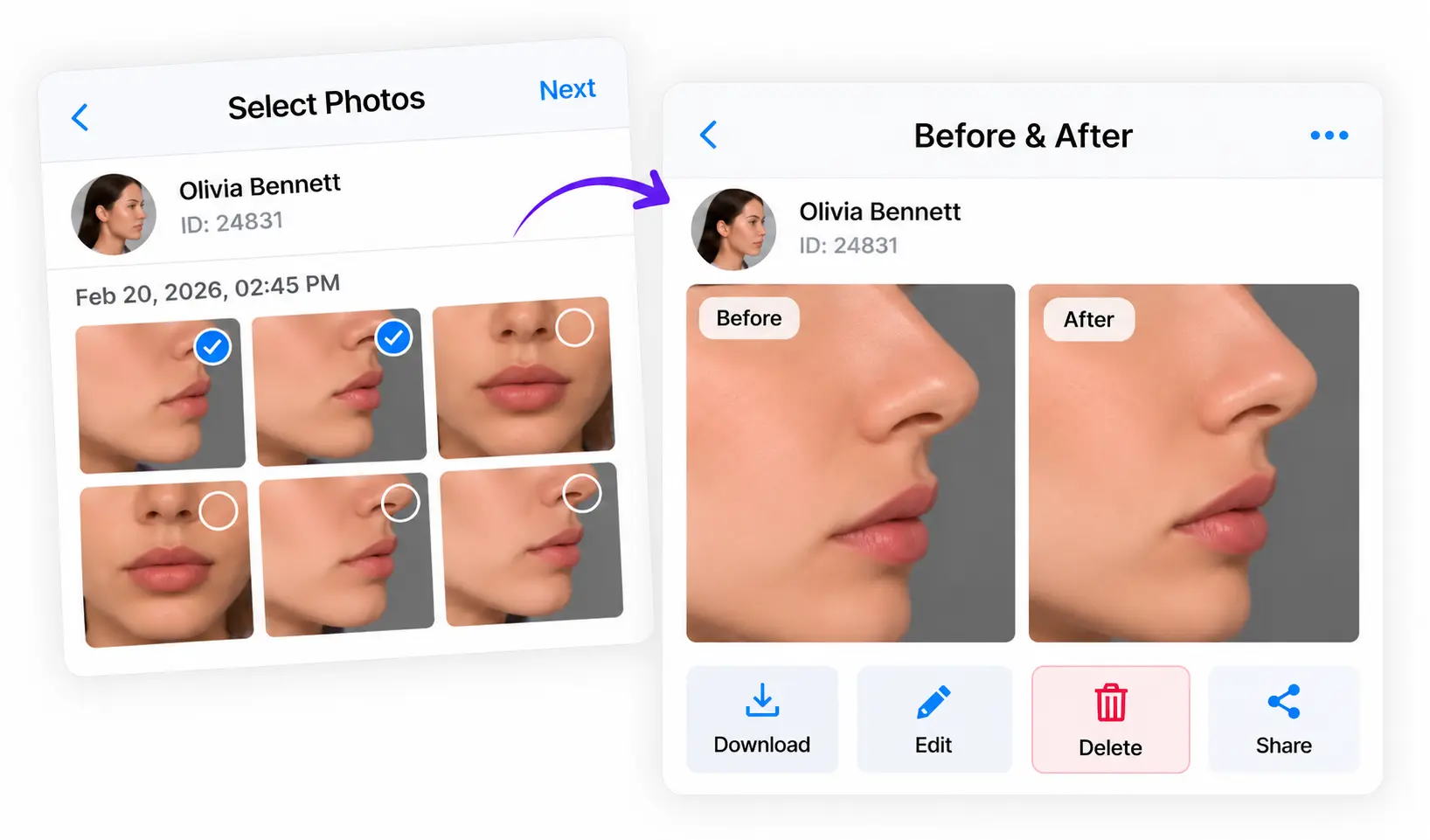
See before/after features

Before and after photo builder in CureCast plastic surgery photo management software
Rhinoplasty before and after photos in CureCast plastic surgery photo management software

Build procedure-specific and condition-specific galleries with full marketing consent control

A rhinoplasty patient sits down. In seconds you are showing your own results filtered by nose type and correction needed. They stop asking if you have experience. They can see it. Filter by marketing consent. Your marketing team sees approved before and after albums only never the full patient file.

  • Galleries by procedure, body area or condition
  • Marketing consent filter, only consented photos appear in marketing albums
  • Role-based access, marketing team sees albums only, never the full patient library
  • Works mid-consultation on any device, phone, iPad, tablet, or desktop

Collect post-operative photos, videos, and documents from patients who never come back for follow-up

The biggest regret of every plastic surgeon, patients don’t return after surgery so the post-op photos never make it into your portfolio. CureCast solves this with a secure upload link you send directly from the app.

  • Generate a secure link for any patient; sent automatically via WhatsApp or email
  • Patient uploads photos from their phone; no app download required
  • Photos automatically filed into patient chart on the upload date
  • Instant push notification to the surgeon when photos arrive
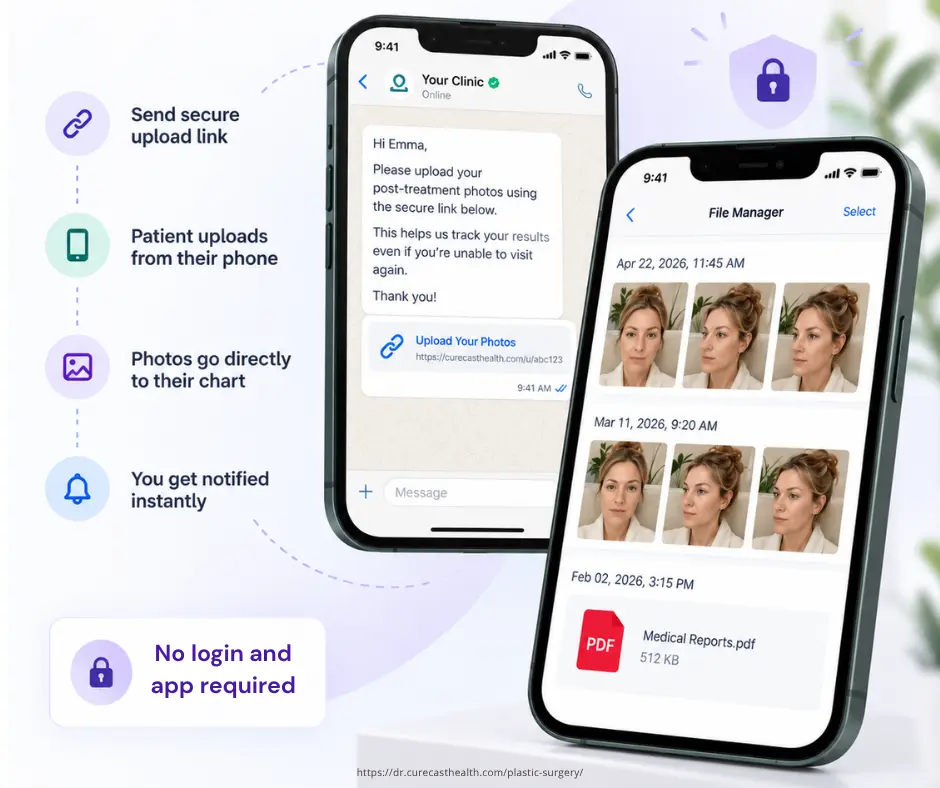
See Collect Post-Surgery Photos features

Secure post-op photo upload feature in CureCast plastic surgery photo management app

Find photos instantly by any plastic surgery procedure

Most searched

Rhinoplasty (Nose Job)

Find all rhinoplasty photos by open, closed, revision, ethnic rhinoplasty. Show new patients results that match their specific anatomy and goals during the consultation.

Open rhinoplasty
Revision rhinoplasty
Ethnic rhinoplasty

Trending

Breast Augmentation

Silicone implants, gummy bear implants, Motiva, and fat transfer can be tagged by diagnosis and procedure variant, so patients see results that match exactly what they’re considering.

Silicone implants

Fat transfer

Motiva

High demand

Body Contouring & Liposuction

HD liposuction, 360 lipo, and “snatched waist” transformations can be organized into diagnosis and procedure-specific portfolios that show the dramatic results patients search for before booking.

HD Liposuction
360 Lipo
Body contouring

Combination trend

Facial Rejuvenation

Facelift, blepharoplasty, and brow lift are often booked as combinations. Tag multi-procedure sessions and show patients the full transformation, not just individual procedure results.

Facelift
Blepharoplasty
Brow lift

Non-surgical

Injectables: Botox & Lip Fillers

High-volume, repeat-visit procedures. Track progress across multiple treatment sessions and show subtle before/after results that build patient confidence for ongoing treatments.

Botox
Lip fillers
Derma fillers

Customise

Any Procedure You Define

CureCast’s tagging system is fully customisable. Add any procedure name, body area, or diagnosis your practice uses. The same photo can appear in multiple procedure searches simultaneously.

Custom tags

Multi-tag

Any specialty

Frequently asked questions

Still have questions?

Yes. CureCast includes photo annotation tools that work directly within the app. During a consultation you can draw on photos and add text notes, useful for marking treatment areas, highlighting planned incision points, or annotating progress photos for the clinical record. The annotation tools are designed to be quick enough to use with a patient in the room without interrupting the consultation flow. Annotated photos are saved to the patient chart alongside the original.

Yes. CureCast supports multi-location plastic surgery groups with two options for managing patient photos and clinical data.

Separate account per location: Each clinic has its own account with its own patients, photos, staff, and permissions. Staff at one location cannot search or view another location’s patients. One administrator can manage multiple location accounts.

One central library across locations: Locations can also share a single patient database and photo library. Staff continue to use their individual accounts, with access controlled by their assigned permissions and location. A surgeon working across multiple sites can access the patient photos they are authorized to see from their own login.

Choose separate accounts when locations are separate legal entities or franchises, patients belong to a specific site, or locations need their data held separately. Choose a shared library when locations operate as one practice, surgeons work across sites, or you want a group-wide patient-photo portfolio and reporting.

Yes. CureCast lets you build procedure-specific and condition-specific counselling galleries for every treatment you offer. For rhinoplasty, you can create galleries filtered by nose type, anatomy, or correction needed, open rhinoplasty, revision rhinoplasty, ethnic rhinoplasty so a new patient sees results that match exactly what they are seeking. For liposuction patients, build zone-specific galleries by waist, flanks, abdomen, or inner thighs separately. Every before and after you create is automatically filed into the right procedure gallery without any manual effort.

Yes, before and after photographs are protected health information. A clinical image that can be linked to an individual is PHI under HIPAA even when no name appears in the frame, and facial photographs are identifiable by definition.
CureCast supports HIPAA workflows for capturing, storing and comparing them. We sign a Business Associate Agreement with every US practice, photos are encrypted with AES-256 at rest and TLS 1.3 in transit, and they are never saved to a staff member’s camera roll. Staff access is controlled individually at module and action level, and every view, download and share is recorded in an audit trail.
No vendor can be “HIPAA certified,” as HHS certifies no products. Your practice remains responsible for its own policies and for patient authorisation before any photograph is used in marketing.

Yes. Send the patient a secure upload link by Email, straight from CureCast. If their number or email is saved in the app, it sends in one tap. The patient uploads from their phone, no app to install. Photos, videos, and documents land in their file automatically, and you get an instant notification.

New patient – Search your portfolio by procedure, body area, or condition. Show real results from your own practice, not stock photos. They see themselves in it. They book.

Returning patient – Open their photo timeline. Build a before/after between any two visits in seconds. They see exactly what changed, and how far they’ve come. Their doubt disappears.

Yes. Search photos by procedure, treatment, patient, or other available details. CureCast describes photo retrieval in under 3 seconds, depending on search and system conditions.

Simple pricing

One flat monthly rate for unlimited photos, videos, and documents

No setup fees, no storage limits, no contract, no surprises.

Get Started With CureCast

Book a demo and get answers
Book a 15-minute demo directly on Calendar or Email, Call or WhatsApp us.
Take a 14-day FREE trial
Start free on website, iPhone or Android. Same credentials across every device.
Choose from our yearly plans
Annual or 4-year plans starting from $150/month billed annually.
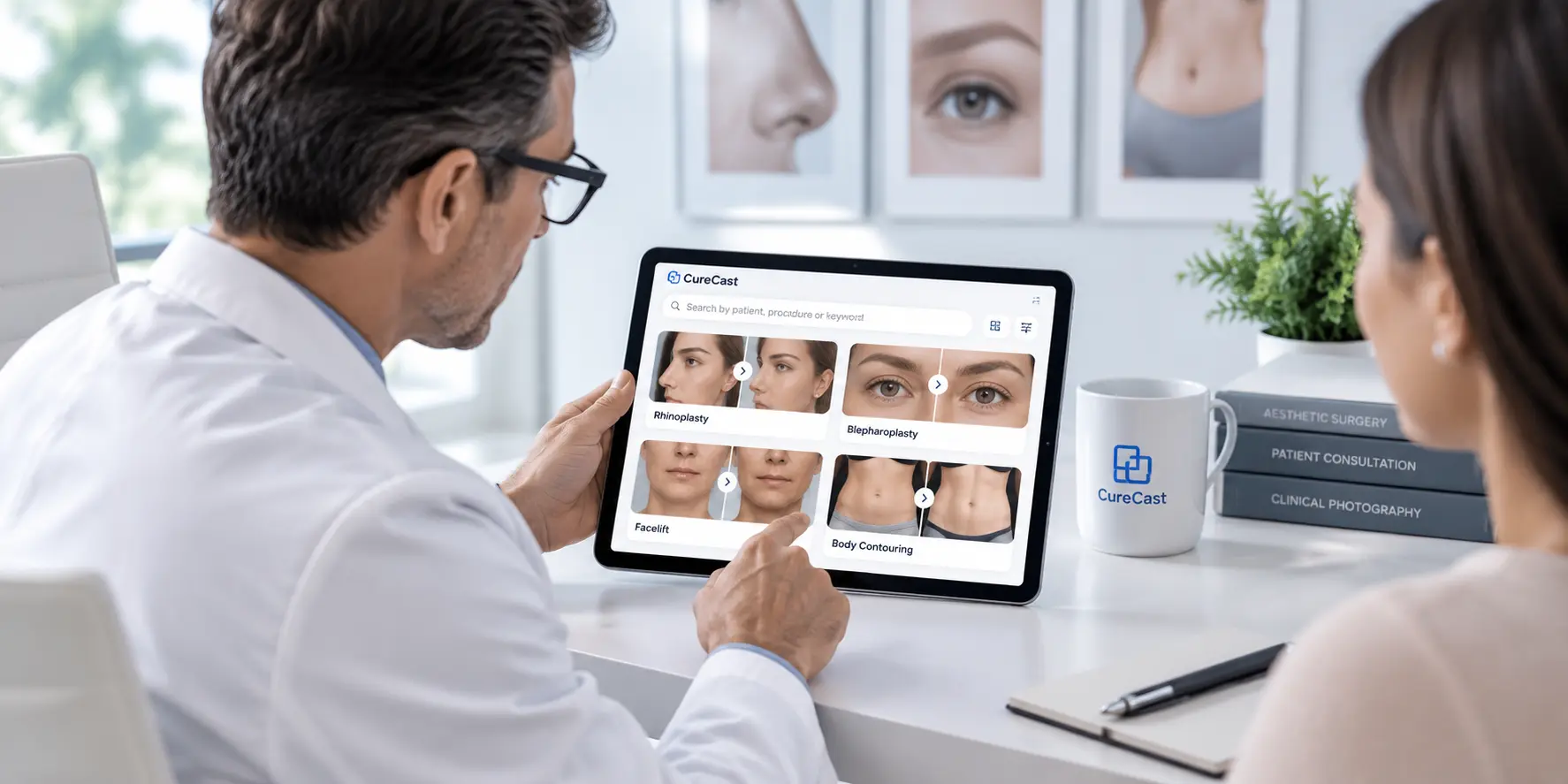
Plastic surgeon using CureCast photo management app during patient consultation

See How CureCast Fits Your Practice

Discuss how CureCast fits into your clinical photo workflow, from capturing and organizing patient photos to securely managing them across your practice.


Prefer email? [email protected]