Clinical Photo Management Software Find Any Patient Photo in Under 3 Seconds
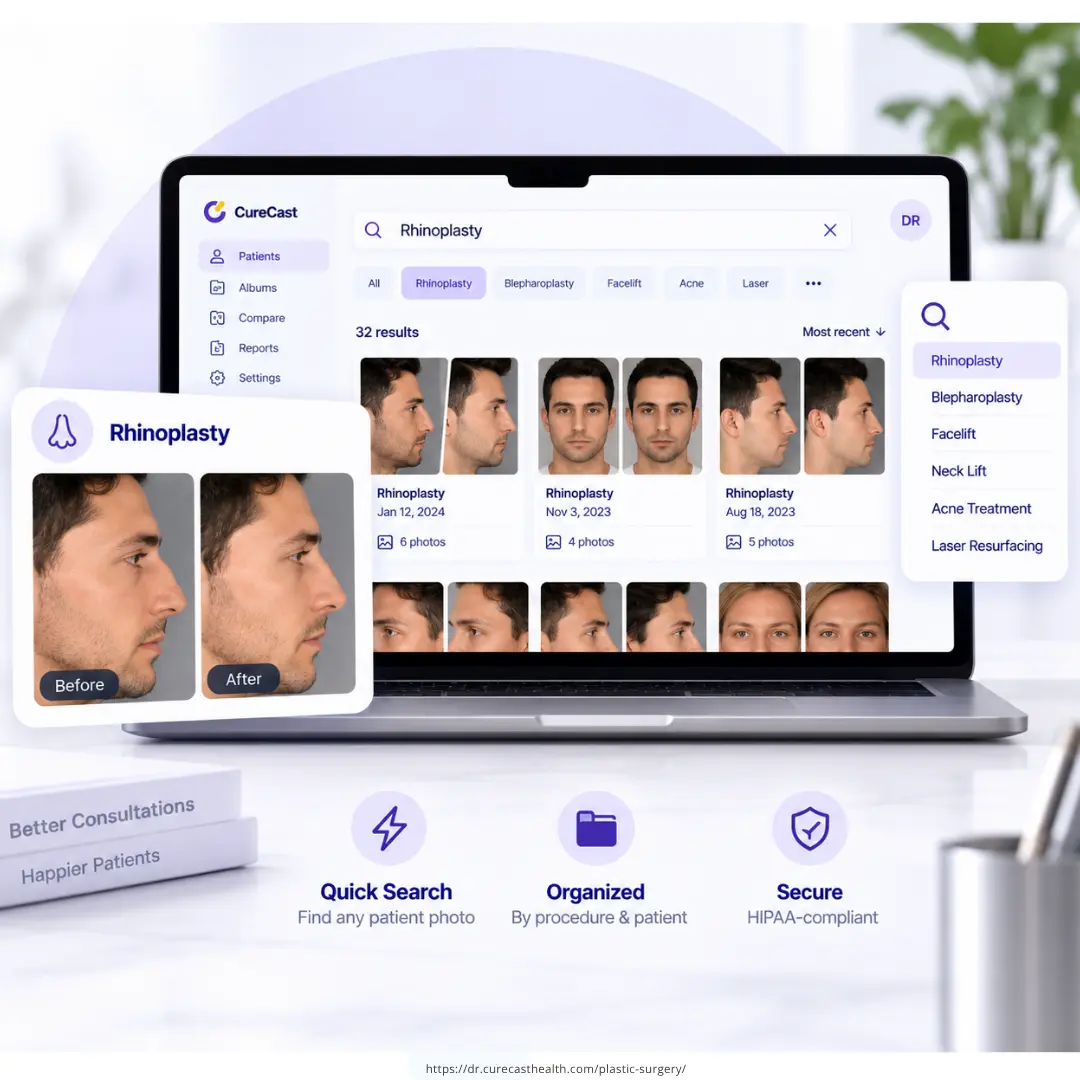
Everything your practice needs, in one photo system.
CureCast replaces nine separate tools and manual workflows with one system built specifically for clinical photo management.
Practice Photo System
Built to protect patient photos and records.
CureCast combines seven security controls to manage who accesses patient information, what activity is recorded, and how data is protected at rest and in transit.
- Staff Access Control: who can access what
- Audit Trail: what activity is recorded
- Device Management: which devices have CureCast access
- Session Timeout: how inactive sessions are handled
- Encryption: how patient records and clinical photos are protected
- Confidential Patient: invisible to unauthorised staff
- Multi-Clinic: how access stays scoped to a single clinic location
Trusted by clinics globally


You have the photos. You just can’t find them when it matters most.
These are the moments where the wrong photo system costs your practice patients, compliance, and time every single day.
Four capabilities that make CureCast the clinical photo app aesthetic practices trust
Find any clinical photo in under 3 seconds by procedure, diagnosis, patient name, or phone number
Every photo captured in CureCast is automatically tagged at the moment of capture by procedure name, diagnosis, body area, patient name, phone number, and patient ID. No manual filing. No folders. No searching. During a live consultation, one search brings up every relevant photo instantly.
- Search by any procedure rhinoplasty, Botox, CoolSculpting, laser, acne, rosacea
- Search by patient name, phone number, diagnosis, or patient ID simultaneously
- Tag one photo under multiple procedures appears in all relevant searches
- Works on iPhone, Android, iPad, and desktop. Results appear in under 3 seconds on any device mid-consultation
Build before/after comparisons instantly, add your watermark and share compliantly
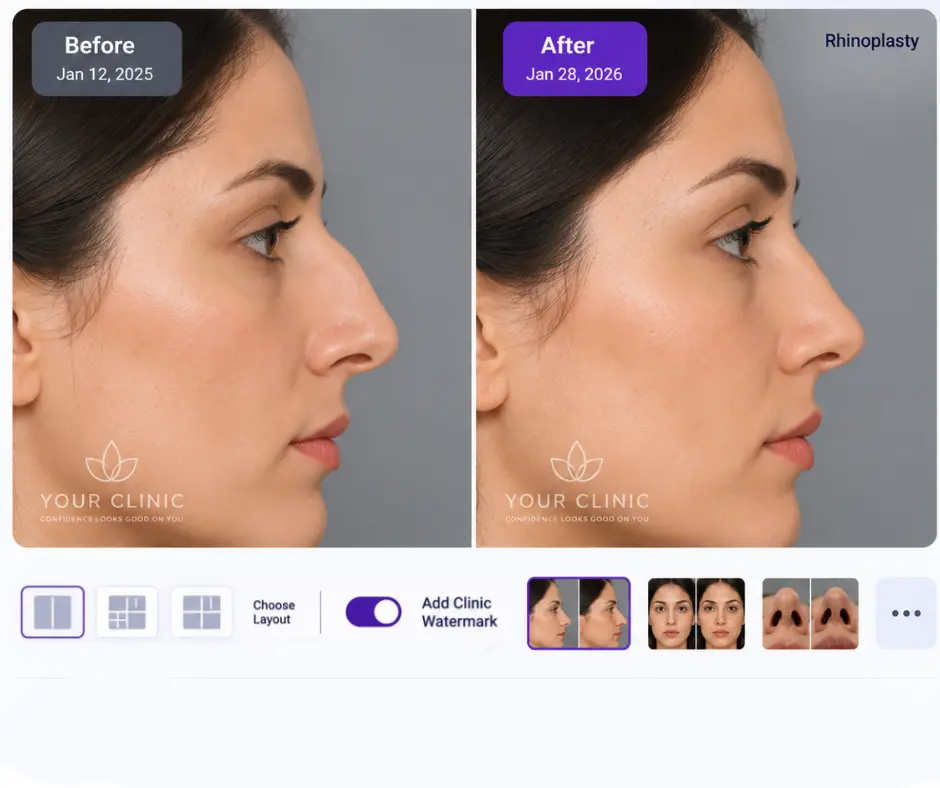
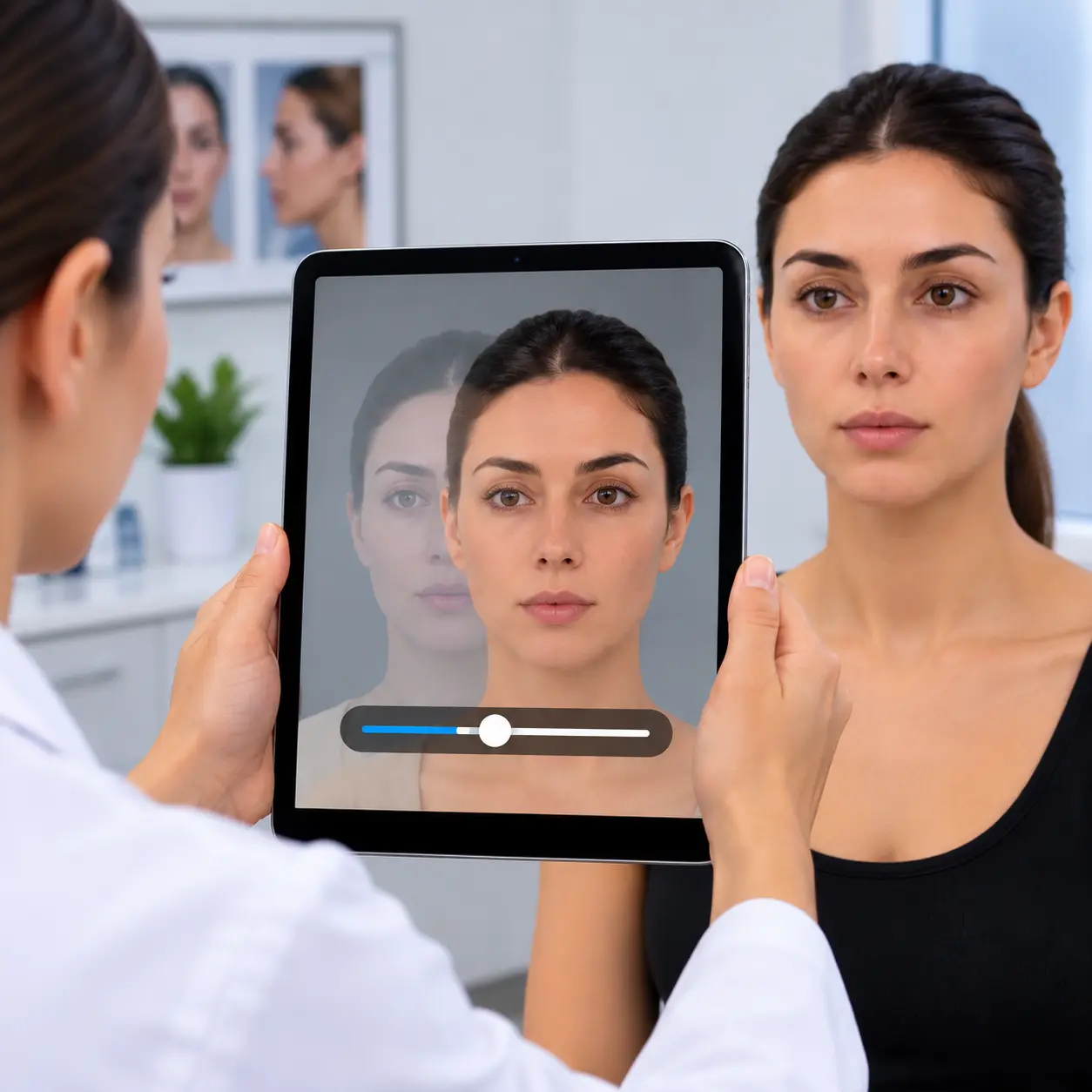
Select any two photos from any two visits, whether they’re one week or two years apart. CureCast creates a side-by-side or overlay comparison in seconds. With TrueAlign, you can match the framing of follow-up photos to the original image, helping create more consistent before-and-after comparisons over time. Add your clinic watermark and logo, then share directly via WhatsApp without saving the patient’s number to personal contacts, or share to Instagram directly from the app.
- Instant side-by-side and overlay comparison from any two visits
- Add clinic watermark and logo before sharing professionally branded every time
- Share directly to Instagram, Facebook, WhatsApp from within CureCast
- WhatsApp sharing without saving client number to personal contacts
Consistent clinical photos, from every device and every visit
Good clinical photo management is not only about storing and finding photos. It starts with taking them the right way. If each photo is taken from a different angle or distance, your comparisons become unclear, no matter how well the photos are organized.
TrueAlign Match shows the patient’s earlier photo on the live camera screen, as a faded ghost image or as a simple outline. You line up the new photo with the old one, so every follow-up is taken from the same position.
- Shows you when the camera is tilted up or down
- Choose up to 15 earlier photos from the patient’s file as a guide
- Use photos taken before you started using TrueAlign Match
- Works on both iPhone and iPad
Photos from both devices are saved at the same shape and size. So if a patient is photographed on a different device at their next visit, the photos still match. There are no filters and no retouching, so every photo in your library is a true record of the patient.
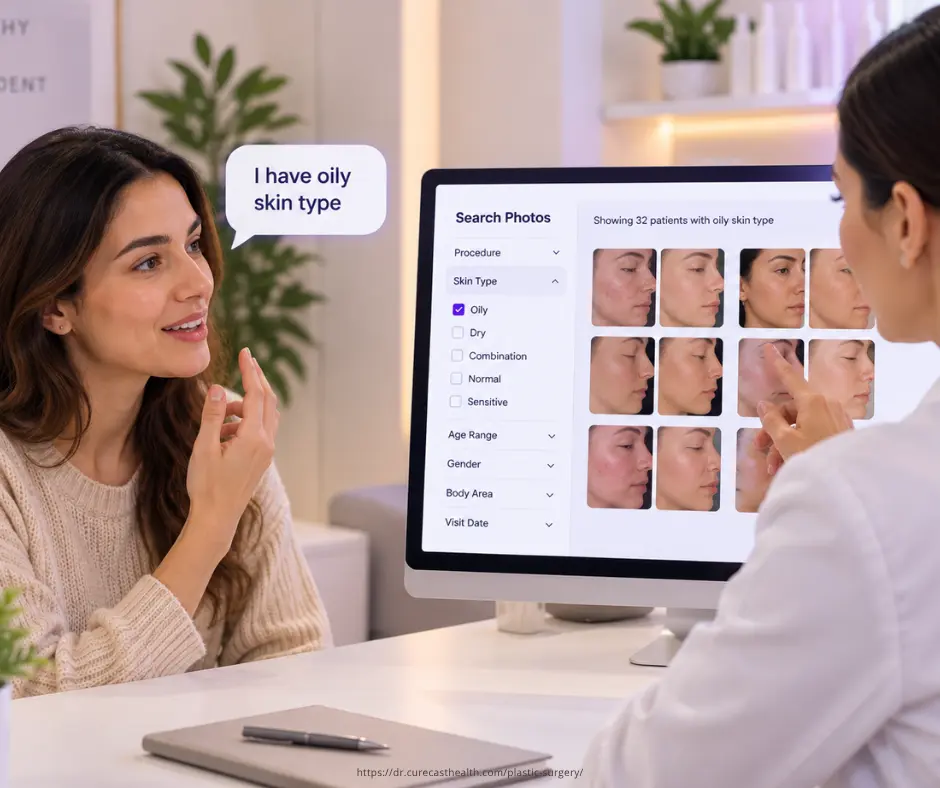
Show new clients exactly the results they want before they book
A new client considering CoolSculpting describes their target area. Within seconds you are showing them your results filtered by body area such as the abdomen, flanks, inner thighs from clients with similar body types. They stop asking if you get results. They can see yours. The consultation converts itself.
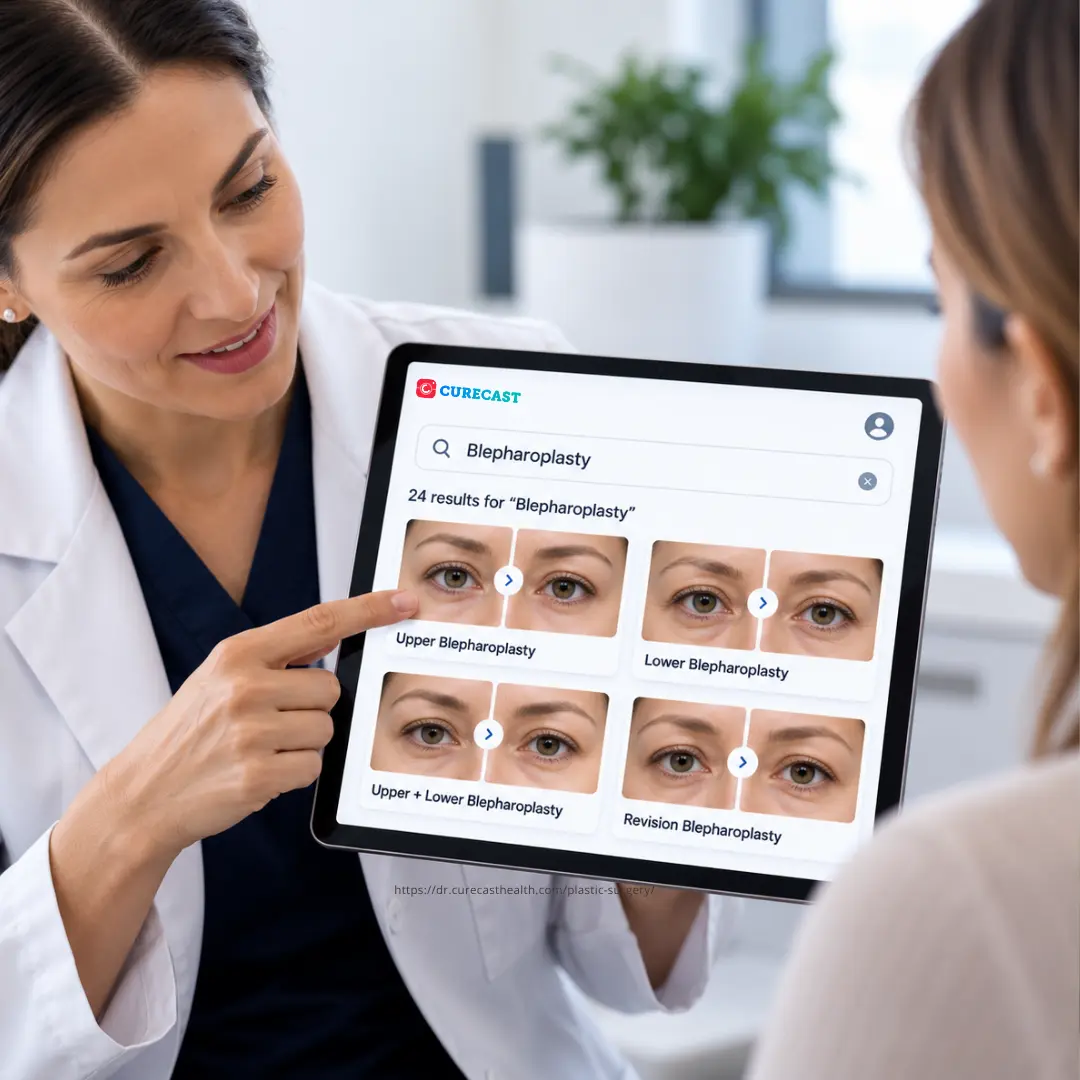
- Build treatment-specific galleries e.g. CoolSculpting, Botox, laser, skin tightening
- Filter by body area so clients see results matching exactly where they want treatment
- Use combination treatment galleries to cross-sell complementary treatments naturally
- Every before/after auto-filed into the right treatment gallery as you work
Collect post-operative photos, videos, and documents from patients who never come back for follow-up
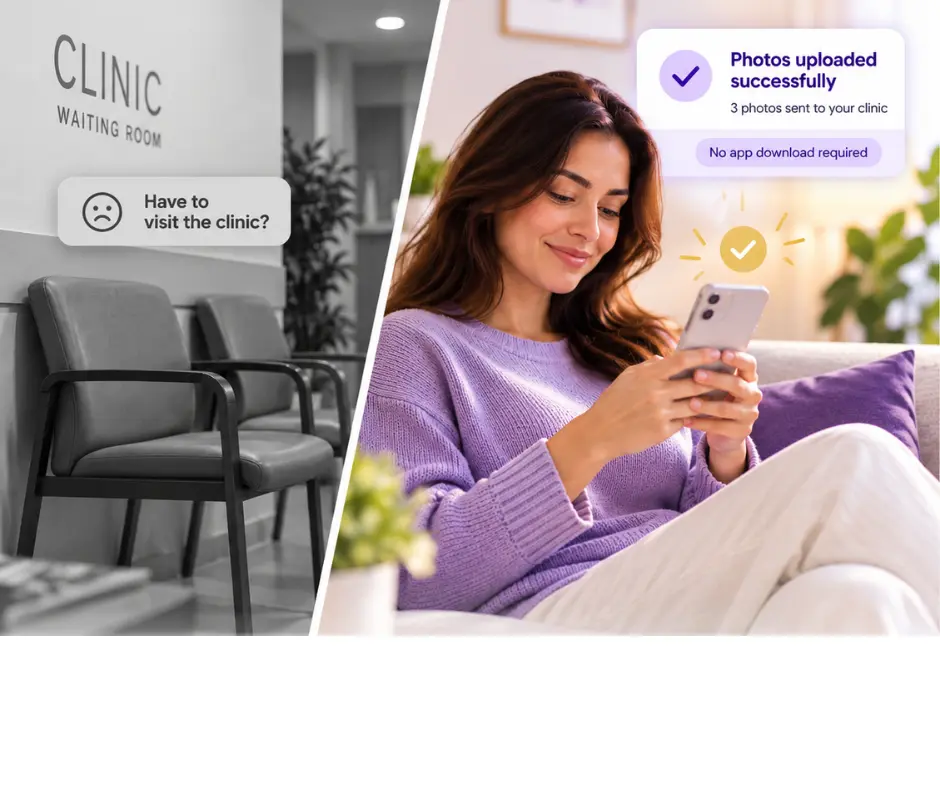
Send a secure upload link directly from CureCast, if the patient’s phone and email are saved, it sends automatically via WhatsApp or email in one tap. The patient uploads photos, videos, or documents from their phone without installing any app. Files auto-file to their chart. You receive an instant push notification.
- Secure link generated and sent in one tap – WhatsApp or email
- Patient uploads without installing any app – frictionless experience
- Photos auto-file into client chart on the upload date
- Photos, videos, and documents all accepted
Why clinic choose CureCast
Get Started With CureCast

See How CureCast Fits Your Practice
Discuss how CureCast fits into your clinical photo workflow, from capturing and organizing patient photos to securely managing them across your practice.
Prefer email? [email protected]