Quick summary
When a patient sits down for a follow-up appointment, the practitioner needs to locate the correct clinical photograph without delay. In many clinics, that photograph is not where it should be. It may still be stored on a phone camera roll or in a desktop folder under an unclear file name. It may also be filed in the patient record without enough documentation to identify the body site, the date or the clinical purpose. This article uses examples and professional guidance from Australia. The practical steps for labelling, filing and finding clinical photos can help clinics anywhere. Follow your local privacy and recordkeeping requirements when handling patient photos.
In one Australian survey of dermatologists and dermatology trainees, only 51 per cent of the respondents transferred the clinical images they received into the patient’s file (Abbott and colleagues, 2018, cited in a 2019 review in the Australian Journal of General Practice). Images left on personal devices are hard to search and easy to lose. The Privacy Act also expects you to take reasonable steps to protect them.
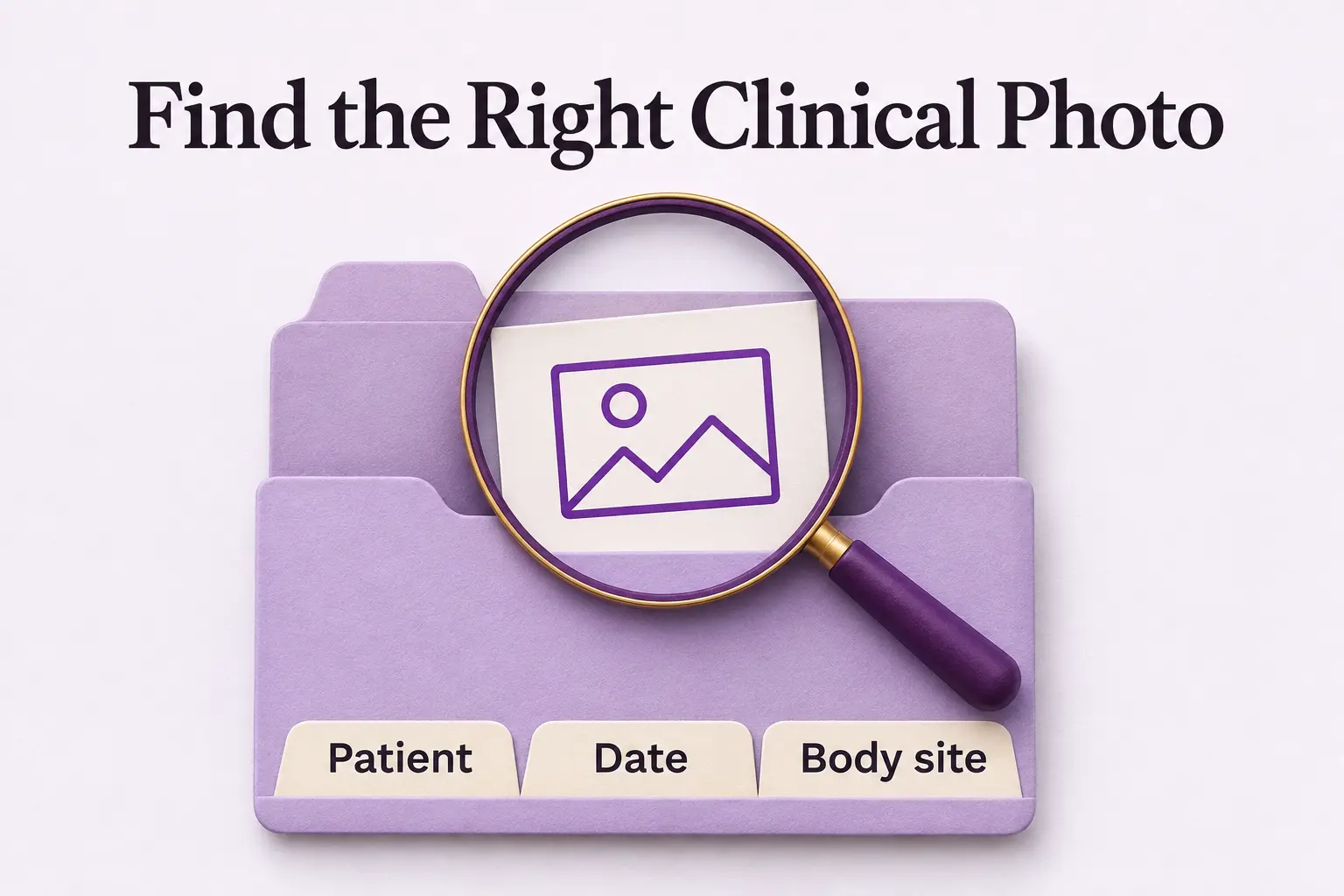
The practical solution is to capture each clinical photograph with enough identifying information, known as metadata, to retrieve it later. File it promptly, and use a system that allows searching by patient, date and body site.
Where clinical photos get lost
Clinical photographs go missing for predictable reasons.
They remain on the smartphone. The same survey found that 46 per cent of the practitioners stored clinical images on their personal smartphones (Abbott and colleagues, 2018). A separate study of dermatology registrars found that 85 per cent had more than 100 patient images on their phones (Kunde and colleagues, 2013, as reported in Arora and colleagues, 2019). These clinical images cannot be searched by patient name, date or diagnosis, because they sit in a camera roll mixed with personal photographs.
They are filed without useful labels. A 2007 survey of 255 facial plastic surgery practices, presented at a meeting of the American Academy of Facial Plastic and Reconstructive Surgery, found that inconsistent file naming and little use of metadata were the biggest problems. Nearly one third of respondents did not have a file management strategy, and respondents were also not familiar with the file management strategies in their imaging software (Dermatology News, 2007). Without consistent naming, a photograph taken six months ago for a specific lesion may be impossible to locate during a 15-minute consultation.
The transfer step is slow and manual. A 2018 article states that in some electronic health record (EHR) systems, filing a single photograph can occupy up to five minutes of a doctor’s time (HealthManagement.org, 2018). Its author is employed by a clinical photo app company.
They can be sent to the wrong place. The RACGP points out a common risk when sharing clinical photos: accidentally sending them to the wrong person. The HIMSS-SIIM Enterprise Imaging Community whitepaper notes that photographs stored on personal devices create significant risks for patient health information, including loss, theft and inadvertent sharing.
What makes a clinical photo findable
A photograph that cannot be found during a consultation has limited clinical value. The following metadata makes an image retrievable.
Patient identifier. Link the clinical image to the correct patient at the point of capture rather than afterwards. When the photograph is captured through a clinical platform, this link is created automatically. When it is captured on a phone, the practitioner must record the patient’s full name or identifier before proceeding to the next patient.
Date. The camera records the capture date automatically. However, the filing date may differ from the capture date when images are transferred in batches, so both dates should be displayed in the patient record.
Body site. A dermatologist tracking multiple lesions needs to know which lesion each photograph shows. A wound care team monitoring two surgical sites needs to distinguish between them. Without a body site label, practitioners spend time comparing photographs visually instead of searching by location.
Clinical context. A brief note explaining why the photograph was taken. Examples include “baseline before excision,” “two-week post-op wound check” and “new lesion right forearm.” A label of this kind turns a photograph into part of the clinical narrative.
Consent scope. The OAIC’s guidance states that providers usually need consent to collect identifiable clinical images (OAIC, Taking Photos of Patients). The consent scope (clinical, teaching, marketing) should be tagged so the image is not used beyond what the patient authorized.
What goes wrong between taking and filing a photo
The interval between taking a photograph and filing it in the patient record is where most problems occur. Avant, an Australian medical defense organization, advises that you must take reasonable steps to keep the device, and the confidential information stored on it, secure. It asks whether you have password protection and whether you can remotely erase the contents of the device if it is lost. It also asks whether you have turned off automatic upload to cloud storage (Avant, Clinical images: a snapshot of the issues, 2026).
The RACGP has guidance on using personal mobile devices for clinical photos (page last updated 29 June 2026). It says photographs should be stored against the patient’s health record as soon as is practicable and then deleted from the phone. It also advises turning off automatic cloud backup in the apps used for clinical photos. It suggests that practice owners consider buying a phone reserved for clinical photos and kept securely on site.
In practice, “as soon as is practicable” often becomes “later today.” Simple example. A nurse takes a patient photo in the morning. The next patient is already waiting, so the nurse plans to add the photo to the patient’s record that afternoon. If the photo sits unfiled for a week, it can be harder to remember which patient it belongs to. Twenty images filed a week later depend on memory alone. Staff must then guess which patient and body site each photograph shows, which is where mislabeling and misfiling happen.
The RACGP Standards (5th edition, Criterion C6.4C) require that a practice’s clinical software is accessible only through unique individual identification, with access matched to each person’s level of authorization. The RACGP released a 6th edition on 26 August 2026, where this requirement sits under F9.B. The Australian Commission on Safety and Quality in Health Care says accreditation currently still uses the 5th edition. The OAIC lists access security among the areas where reasonable steps should be taken under APP 11. A phone camera roll is not clinical software, so C6.4C does not cover it. APP 11 still applies, so a photo on a phone still needs reasonable protection.
How to set up a reliable retrieval workflow
A retrieval workflow should make it easy to find the right image during a consultation without relying on memory or visual scanning.
- Capture directly into the patient record. The safest approach is to bypass the phone’s camera roll entirely. A clinical photo management app can link the image to the correct patient at the point of capture. This eliminates the manual transfer step and the associated risk of misfiling.
- Use consistent labelling. Establish a standard set of labels for body sites, clinical contexts and procedures, and use the same terms every time. A closed vocabulary (a fixed list of labels rather than free text) makes search results consistent.
- File immediately. Do not batch uploads. Capture and file each clinical image before moving to the next patient. If you use a phone, move the image into the patient record at the end of each consultation, not hours later.
- Check the image is in the right record. Before closing the patient record, confirm that the image is attached to the correct patient, labelled with the correct body site and dated accurately. A misfiled image is worse than a missing one, because it can associate the wrong clinical history with a patient.
- Delete from the device. Once the clinical image has been verified in the patient record, delete every other copy of it, such as one saved in your phone’s personal gallery or on a memory card. Avant gives the same advice for personal devices, because images left on phones or memory cards create a data breach risk if the device is lost or stolen.
Where CureCast fits
CureCast is a clinical photo app that saves each photograph directly into the patient record. The photograph never enters the camera roll of your personal phone. It is linked to the correct patient at the moment of capture, so there is no manual transfer step to complete later and no period when the photograph remains unprotected on a personal device.
Each staff member sees only what their role allows. CureCast also keeps a record of who viewed, downloaded or shared each photo. The OAIC lists access controls as a security measure for protecting personal information under Australian Privacy Principle 11.
You choose what each patient has agreed to (clinical, teaching or marketing) when you take the photograph. If a patient withdraws consent, you update the tag, so the photograph is not used beyond what the patient allowed. The OAIC says health providers usually need consent to collect identifiable photos of patients.
Frequently Asked Questions
Why can I never find the photo I need during a consultation?
The most common reason is that the image was never transferred from the capture device to the patient record. One Australian survey of dermatologists and dermatology trainees found that only 51 per cent of respondents transferred the clinical images they received into the patient’s file. Even when photos are filed, inconsistent labelling makes them hard to search.
What metadata should I record for each clinical photo?
At a minimum: patient name or identifier, date, body site, a brief clinical context (such as “baseline” or “two-week post-op”) and consent scope. These five fields make an image searchable and clinically useful.
How do I stop photos piling up on my phone?
Capture directly into a clinical photo management app instead of the phone’s camera roll. If that is not available, transfer and delete after each patient rather than batching uploads hours later. The RACGP says photographs should be stored against the patient’s health record “as soon as is practicable.”
References
Australian privacy law and guidance (government)
- Office of the Australian Information Commissioner. Taking photos of patients. https://www.oaic.gov.au/privacy/privacy-guidance-for-organisations-and-government-agencies/health-service-providers/taking-photos-of-patients
- Office of the Australian Information Commissioner. Chapter 11: APP 11, Security of personal information. https://www.oaic.gov.au/privacy/australian-privacy-principles/australian-privacy-principles-guidelines/chapter-11-app-11-security-of-personal-information
Accreditation and professional bodies
- Royal Australian College of General Practitioners. Standards for general practices (5th edition), Criterion C6.4: Information security. https://www.racgp.org.au/running-a-practice/practice-standards/standards-5th-edition/standards-for-general-practices-5th-ed/core-standards/core-standard-6/criterion-c6-4-information-security
- Royal Australian College of General Practitioners. Standards for general practices (6th edition), F9: Confidentiality and privacy of health and other information. https://www.racgp.org.au/running-a-practice/practice-standards/standards-6th-edition/the-standards-for-general-practices-6th-edition/foundations-of-general-practice-standard/f9-confidentiality-and-privacy-of-health-and-other
- Royal Australian College of General Practitioners. Using personal mobile devices for clinical photos in general practice. https://www.racgp.org.au/running-a-practice/technology/mobile-devices-to-support-care/using-personal-mobile-devices-for-clinical-photos
- Australian Commission on Safety and Quality in Health Care. RACGP Standards for general practices 6th edition. https://www.safetyandquality.gov.au/accreditation/national-general-practice-accreditation-ngpa-scheme/racgp-standards-general-practices-standards-6th-edition
- Avant. Clinical images: a snapshot of the issues (12 May 2026). https://avant.org.au/resources/clinical-images-a-snapshot-of-the-issues
Research papers
- Arora, C.J., Mitchell, J., Rafiq, M. and Shumack, S. (2019). Clinical photography of skin lesions: Professional and legal considerations in primary care. Australian Journal of General Practice, 48(7). https://www1.racgp.org.au/ajgp/2019/july/clinical-photography-of-skin-lesions
- Abbott, L.M., Magnusson, R.S., Gibbs, E. and Smith, S.D. (2018). Smartphone use in dermatology for clinical photography and consultation: Current practice and the law. Australasian Journal of Dermatology, 59(2), 101-107. https://doi.org/10.1111/ajd.12583
- Kunde, L., McMeniman, E. and Parker, M. (2013). Clinical photography in dermatology: Ethical and medico-legal considerations in the age of digital and smartphone technology. Australasian Journal of Dermatology, 54(3), 192-197. https://doi.org/10.1111/ajd.12063
- Petersilge, C.A., McDonald, J., Bishop, M., Yudkovitch, L., Treuting, C. and Towbin, A.J. (2022). Visible Light Imaging: Clinical Aspects with an Emphasis on Medical Photography. A HIMSS-SIIM Enterprise Imaging Community Whitepaper. Journal of Digital Imaging, 35(3), 385-395. https://pmc.ncbi.nlm.nih.gov/articles/PMC9156602
News and industry sources (not government)
- Splete, H. (2007). Proper Labeling Key to Digital Imaging Success. Dermatology News (MDedge), 1 November 2007. https://www.mdedge.com/content/proper-labeling-key-digital-imaging-success
- Abrahamson, P. (2018). New photo transfer apps are challenging security perceptions in medicine. HealthManagement.org. https://healthmanagement.org/s/new-photo-transfer-apps-are-challenging-security-perceptions-in-medicine
Disclaimer: This post is general information, not legal advice, a certification or a guarantee of compliance with any law. Rules differ by country, state and type of practice. Check the official guidance that applies to you, and consult a qualified legal adviser if you are unsure.