Quick summary
Dubai plastic surgery clinics keep before-and-after photographs in order by giving every image the same four labels (patient, procedure, visit date and angle), assigning each staff member one clear responsibility, and keeping original clinical photographs separate from images selected for marketing. Dubai’s health regulator also requires documented written consent before patient images are used in advertising, and it limits how patient data can be transferred outside the UAE.
A patient returns for a follow-up appointment, and the surgeon needs the original consultation photographs, the procedure date and the previous review. The team opens the shared folder and finds three folders with almost identical names, and nobody is certain which images belong to which visit.
This situation is common in busy clinics, and it can be prevented with a simple system. This guide explains a practical way to organize before-and-after photographs, from the front desk to the follow-up appointment, and you can adapt each step to the way your own clinic works. If you want the wider picture first, see how before-and-after photo management software keep every visit comparable.
Why before-and-after photo folders become confusing
Photographs usually accumulate in a phone gallery, a shared drive or a messaging application, and each of those places develops its own habits. One nurse names a folder “nose,” another writes “rhinoplasty case,” and a third writes “rhinoplasty surgery.” All three labels describe the same procedure, but a search will find only one of them.
Clinical photographs are also health information, so filing mistakes carry real consequences. The Dubai Health Authority (DHA) lists full face photographic images as protected health information in its health data protection policy, which means an image stored in the wrong folder, or on a personal phone, is a privacy concern as well as an organization problem.
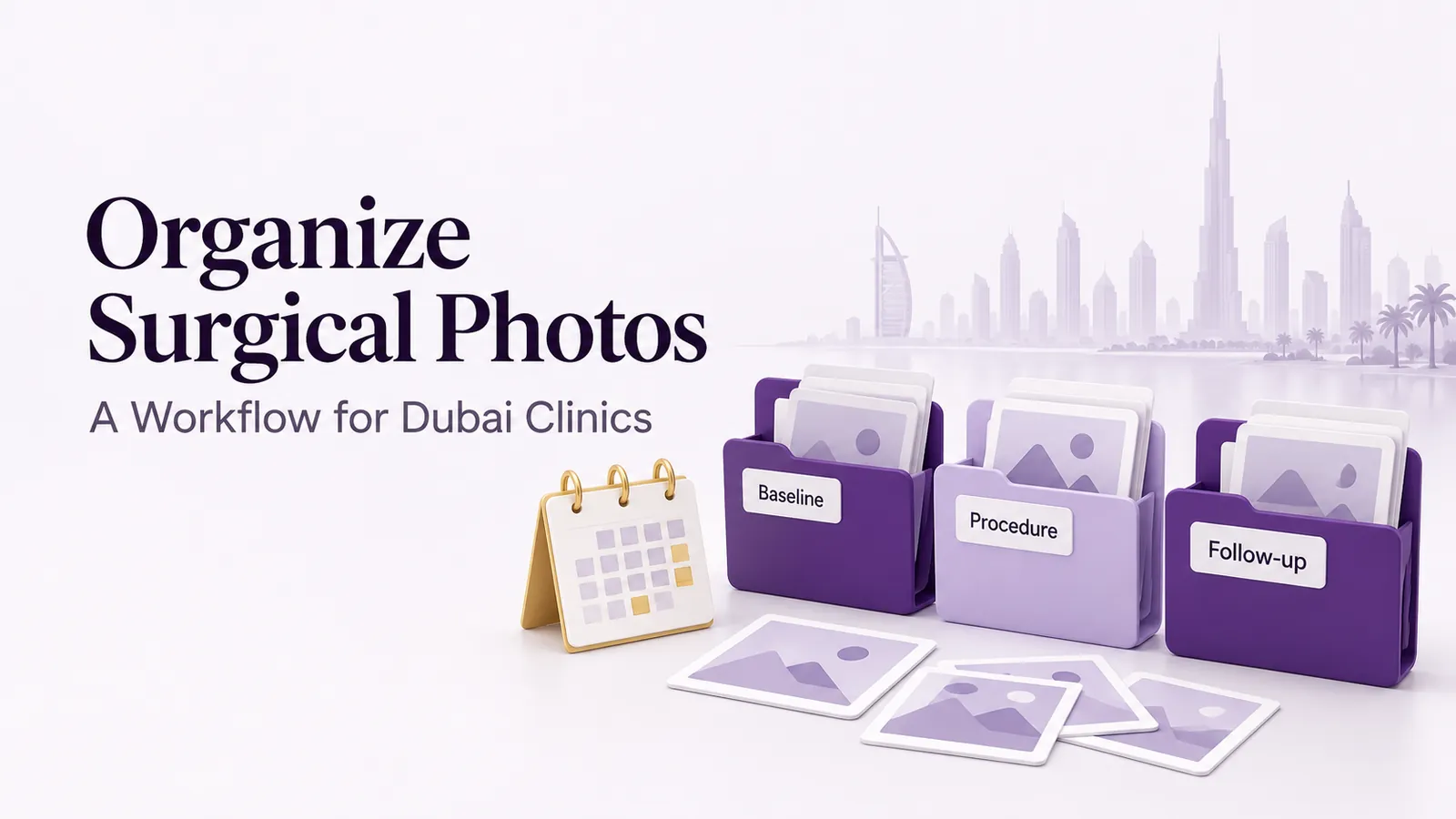
Four labels every patient photo needs
Every image should answer four questions, and the labels should be short and used consistently by the whole team.
- Patient: the clinic’s confirmed patient record, never a face photograph alone.
- Procedure: one agreed name for each treatment, such as “rhinoplasty.” If a patient has a revision or a second procedure, decide in advance how the clinic will record it.
- Visit: the actual date of capture, together with a simple stage label such as “baseline” or “follow-up 1.” Keep the exact date visible, because stage labels alone can be misunderstood.
- Angle: a fixed name for each camera position, such as “right profile” or “front.”
For example, “rhinoplasty / baseline / right profile” is only useful when it remains connected to the correct patient and the correct capture date.
Choose a single list of procedure names for the whole clinic instead of allowing each surgeon to create new ones. Additional detail should be added only when it helps staff identify a particular treatment journey.
Who does what in a clinic photo workflow
A photograph workflow runs most reliably when every step has one owner, and the following division of responsibilities is a reasonable starting point.
- Front desk: opens the correct patient record and confirms the appointment before any photograph is taken, using the clinic’s normal identification process rather than a photograph of the face.
- Nurse or photographer: captures the agreed angles. An instruction card in the photography area should name the angles, background, lighting and patient position for each procedure, and the images should be reviewed before the patient leaves so that a missing or unsuitable angle can be retaken immediately.
- Surgeon: confirms that the selected photographs belong to the intended procedure and stage. When a patient has more than one treatment in progress, enough detail should be kept to separate them, because staff should never estimate the stage from the appearance of an image.
- Administrator: assigns each person an individual login with only the permissions that person needs. DHA’s health data policy states that staff may open only the patient records they are authorised to access, and shared logins make that requirement difficult to demonstrate. Access should be reviewed whenever someone joins, leaves or changes responsibilities, including temporary photographers. CureCast’s staff management page explains how role-based access can work.
Keep original patient photos separate from marketing photos and consent records
A clinical photograph and a marketing photograph serve different purposes. The original photograph belongs to the patient’s record, while a before-and-after comparison is only a presentation prepared from selected source photographs. Never replace an original photograph with an edited comparison, and keep the source photographs linked to the record so that staff can verify the dates later.
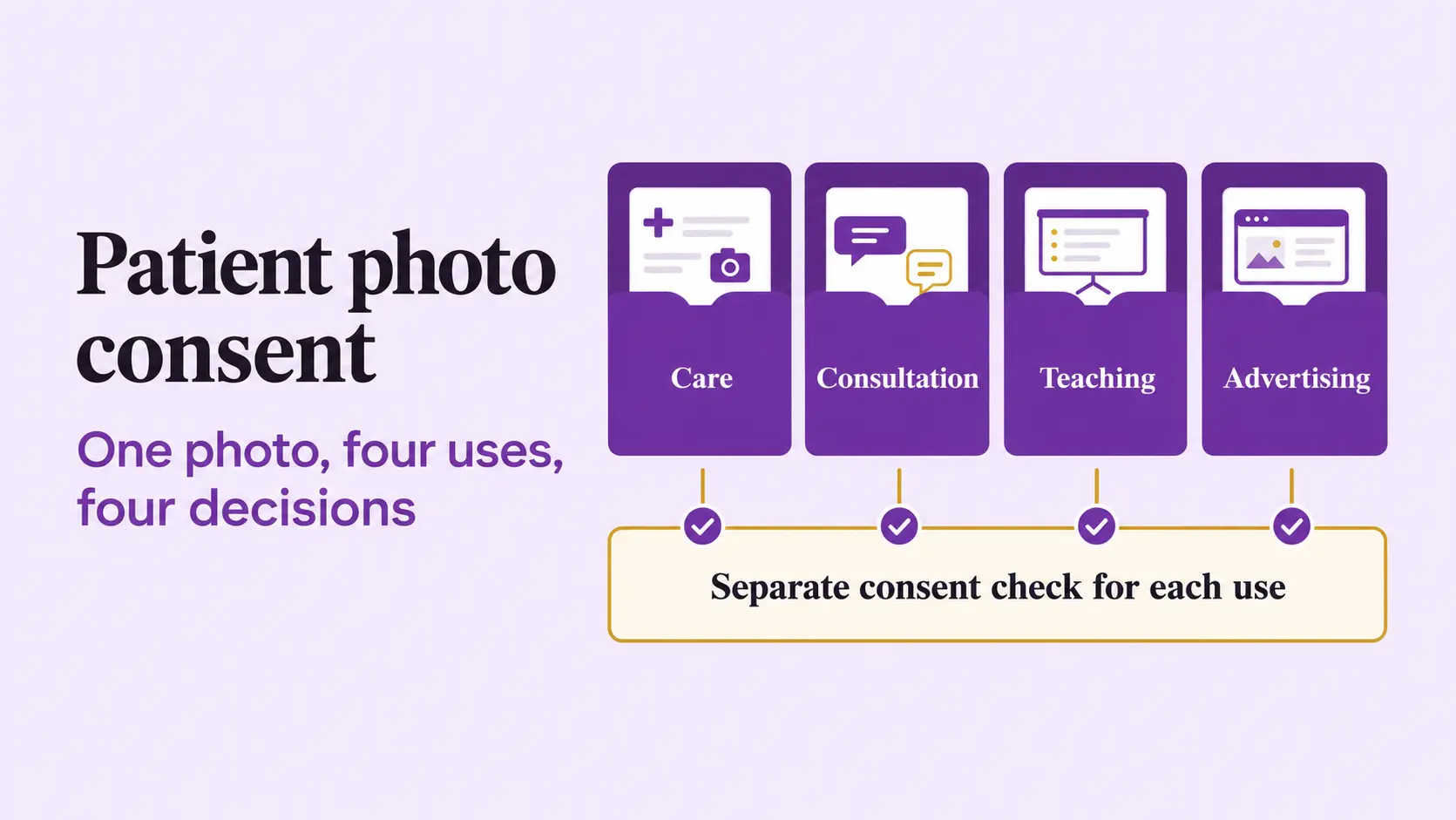
Clinics should also keep three uses of a patient photo clearly separate: the clinical record, a consultation example and public marketing. An image that is appropriate to show a new patient in the consultation room is not automatically approved for publication online.
For public use, DHA’s standards for medical advertising on social media require documented written consent from any patient whose picture, video or statement is used. That consent applies only to the purpose for which it was requested and cannot extend beyond the period the patient agreed to. The same standards state that before-and-after images must show the same person, be taken with the same lens, contain no photo editing, and include a disclaimer that the result is not guaranteed. Store each patient’s consent beside their photographs, and check it every time images are selected for a gallery or a post.
Follow-up photos for patients who travel
Many Dubai patients live overseas or travel frequently, so the clinic should agree three things in advance when a patient will be away on a follow-up date: how the patient sends images, who reviews them, and when the clinic expects them to arrive.
Give the patient simple instructions about lighting, distance and the required angles. A secure upload link is better than a personal messaging account, because the images go directly into the patient’s record instead of onto a staff member’s phone, and CureCast provides a patient photo upload link that needs no app and no patient account.
Photos taken at home are often unclear, so the clinic may ask the patient to take them again. They do not replace an examination in the clinic when the surgeon needs one. The surgeon decides what follow-up the patient needs.
UAE data storage: where your clinical photo app keeps patient photos
Before you buy a clinical photo app, ask each vendor where your patient photos are stored. DHA’s health data policy says patient health information should not be sent outside the UAE, except in limited cases that need DHA approval. Ask each vendor these questions before you sign:
- Where are the main files, backup copies and secondary copies stored?
- Can the clinical photo management app vendor’s staff see your patients’ photos, and how does support access work?
- Can you export every patient’s photographs if you decide to leave?
Moving an old photo library: test a small sample first
Moving thousands of photographs in a single step is risky, so import a small sample first and check four things: each image is matched to the correct patient, the original image quality is preserved, the dates are accurate, and any related documents arrived with the images. Then choose a start date for the new clinical photo app. From that day, staff save every new photo there and nowhere else.
A ten-minute weekly photo filing check
- Review a few newly added records and confirm they sit under the correct patient and visit.
- Confirm that the expected angles are present and usable.
- Resolve duplicate or inconsistent procedure names.
- Confirm consent before any image is used outside the clinical record.
- Review changes to staff and device access.
How CureCast supports UAE clinics
CureCast is a clinical photo app for plastic surgery, dermatology and medical spa practices. Here is how it supports the steps in this guide.
- Same angles at every visit: CureCast supports standardized photo capture, so staff take each patient’s photos the same way every time. Read more about standardized before-and-after photos.
- Finding and comparing results: During a consultation, the surgeon can search the practice’s own photo library for similar cases to show a new patient, or build a before-and-after for an existing patient on the spot.
- Patients who travel: A patient can send follow-up photos through a patient photo upload link. The patient does not need an app or an account.
- Staff access: The practice decides which team members can open patient photos. See staff management.
- Leaving without losing photos: A practice can download one patient’s photos, or all of a patient’s photos across every visit at once.
CureCast stores data in Microsoft Azure and can store a clinic’s data in the UAE. Book a demo with us to learn more. You can read more on the security and compliance page
Frequently asked questions
Should every surgeon create their own procedure names?
No. Agree on one core list for the whole clinic so that every team member can retrieve a record in the same way, and add extra detail only when it helps separate one treatment journey from another.
Can a before-and-after comparison replace the original photographs?
No. Keep the original photographs linked to the record, because a comparison is only a presentation and staff may need to review the source images and dates later.
Can staff share one login for the photo system?
It is better not to. Individual logins show who opened which photographs and allow access to be removed when a person leaves, and DHA’s health data policy also says staff may access only the records they are authorised to see.
This guide describes a sample workflow and is not a clinical photography protocol or legal advice. Review DHA’s current requirements and your own clinic policies before you set up your process.