Quick Summary
Patients can send follow-up photos your team can compare, but only if you tell them exactly what to take. Give every patient the same short instruction card, the same schedule and one secure way to send the photos. To get consistent photos from home, do these 3 things:
- Send a 1-page photo guide with the views, lighting and background you want.
- Ask for photos on fixed days, such as day 7, week 4 and month 3.
- Give patients one secure upload method, so photos go straight to the patient record.
This guide covers what to put on the instruction card and how to receive photos safely. It also covers what to do when a photo arrives by text.
Key principle: Patients don’t take bad photos on purpose. They take the photo they were asked for, and most were never told what that is.
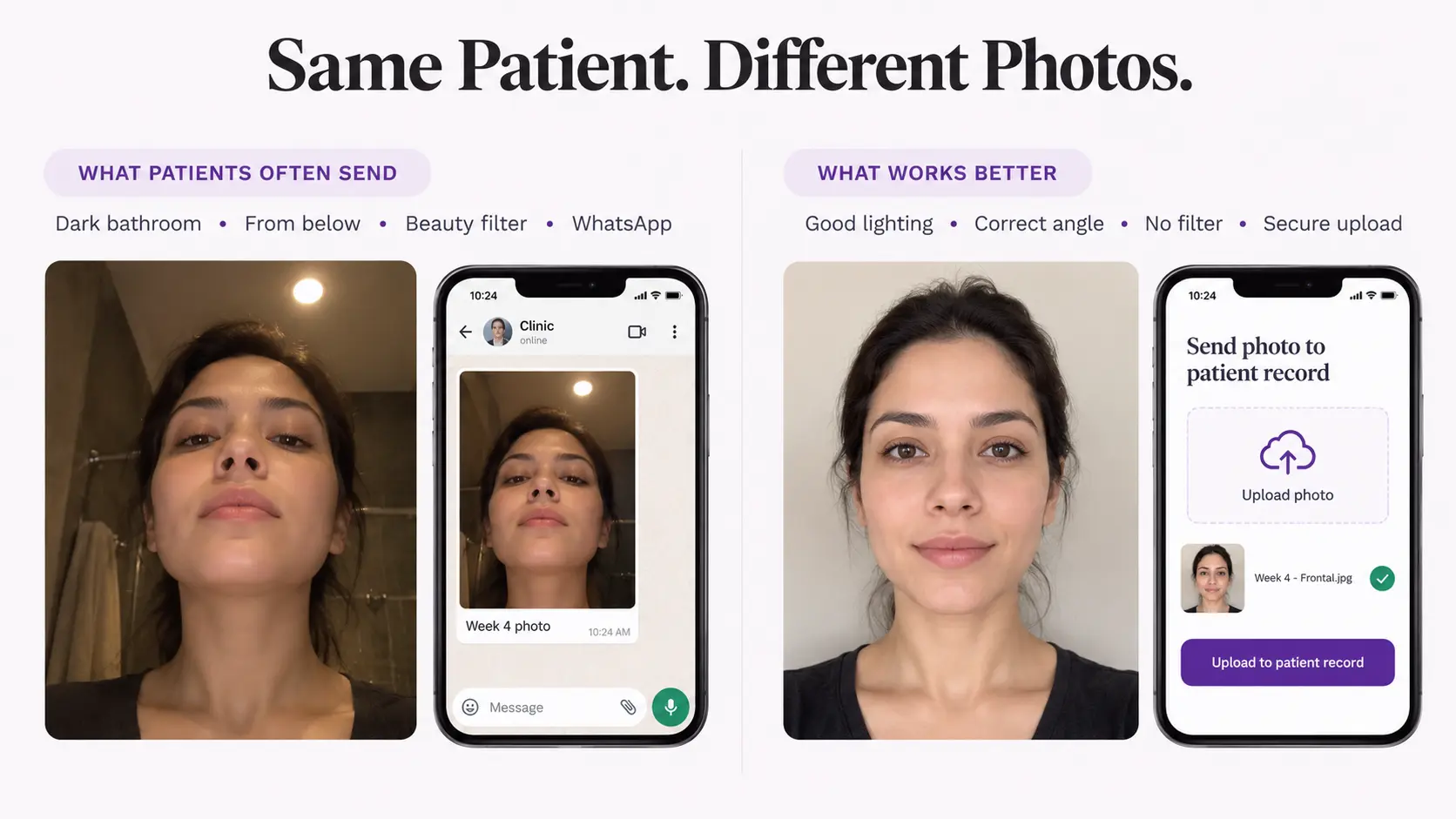
What should the patient photo instructions say?
Keep the card to 1 page, with pictures or simple line drawings of each view. Published patient guides from US dermatology services agree on the basics.
Then add what’s specific to your practice:
- The exact views. For a facelift, that might be front, both sides and both three-quarter views. Name them and show a small drawing of each.
- The same spot each time. Ask patients to use the same room and stand in the same place for every photo.
- Someone to help. If possible, ask a family member to take the photo. It’s easier to hold the phone straight for someone else.
- No filters or edits. Tell patients to turn off beauty filters and send photos straight from the camera.
When should you ask for follow-up photos?
Set the schedule at the pre-op or treatment visit, and put the dates on the instruction card. A fixed schedule gives you photos at the same stage for every patient.
A common pattern is day 7, week 4 and month 3, or after the last session of a treatment series. Your surgeon or provider should set the exact days for each procedure.
Send a reminder a day before each photo date. Patients forget, and a missed week-4 photo can’t be taken later.
How should patients send the photos?
Give patients one approved way to send photos, and say it on the card. If you don’t, they’ll text the photos to whatever number they have.
HIPAA lets patients start email contact with your practice, and HHS says providers may use email with patients if they apply reasonable safeguards. If a patient may not understand the risks of unencrypted email, you can explain them and let the patient decide.
Once a patient’s photo reaches your practice, it’s part of their health information. Our guide Are patient photos PHI? explains when a patient-sent photo becomes PHI.
What if a patient texts a photo anyway?
It will happen. Have a simple rule your team follows every time:
- Save the photo to the patient record through your approved system.
- Delete it from the phone’s messages and photo gallery, including Recently Deleted.
- Reply with the secure upload method for next time.
- Tell your privacy officer if the photo landed on a personal phone.
Our guide Is a phone gallery HIPAA compliant? covers why photos shouldn’t stay on staff phones.
Working outside the US?
The instruction card and the schedule work in any country. The rules for how patients may send photos, and how you store them, differ. Check your own country’s privacy rules before you choose a sending method.
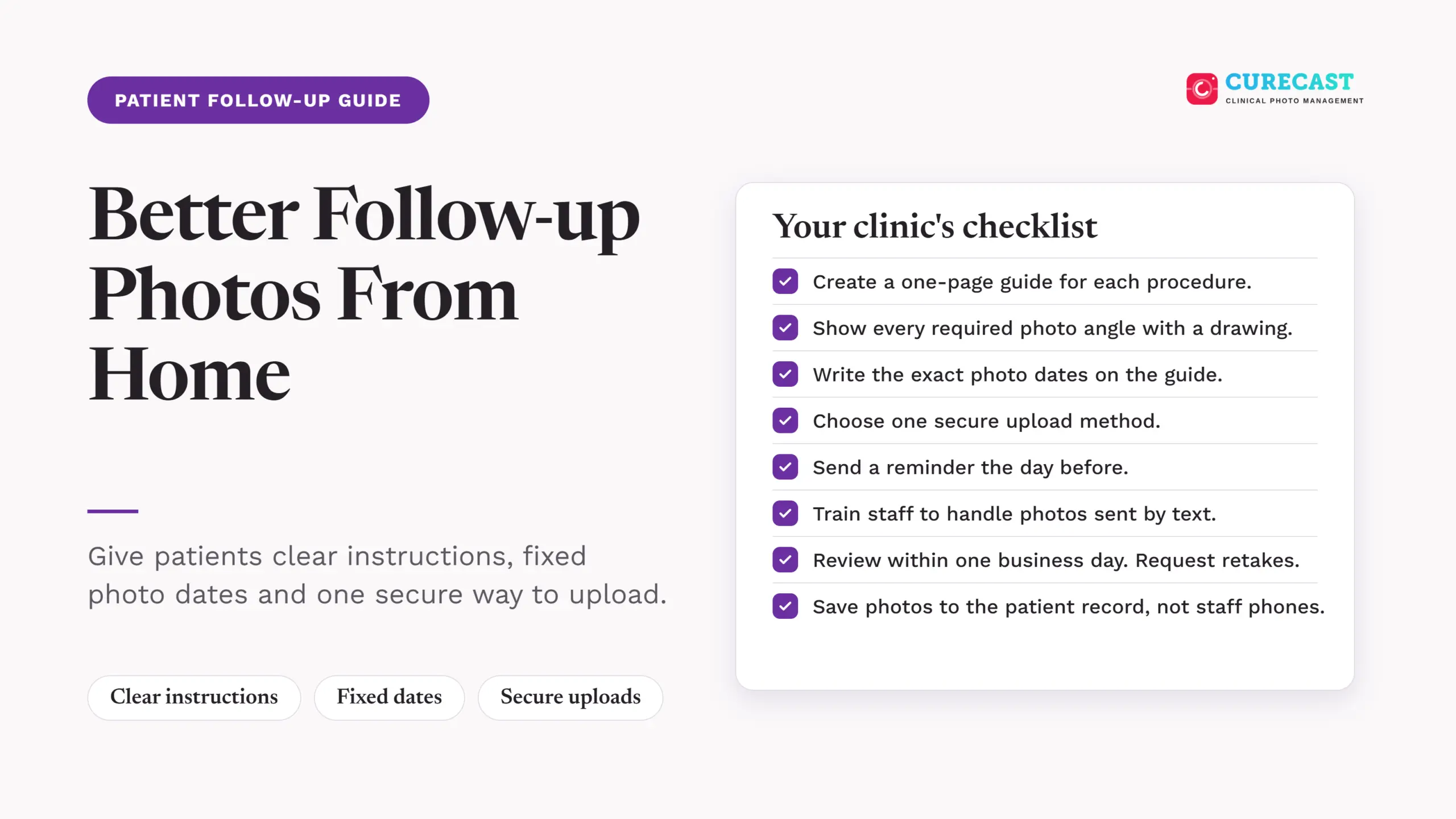
Your clinic’s patient follow-up photo checklist
Where CureCast fits
CureCast is a clinical photo app for plastic surgery, dermatology and medical spa teams. Staff create a secure upload link from the patient’s record and send it by email or text. The patient opens it in a browser, with no app or account, and uploads photos, videos or documents. The files go to the practice’s CureCast account and appear in the patient’s chart. Staff get a notification when the patient uploads. The upload link doesn’t give patients photo instructions, so send your instruction card with it.
CureCast supports HIPAA-compliant workflows and provides a signed BAA, starting from your 14-day trial. Your practice is still responsible for its own consent and photo policies.
Frequently asked questions
Can patients use their own phones for follow-up photos?
Yes. Patients can photograph themselves on their own phones. What matters for your practice is how the photo reaches you and where you store it.
Is it a HIPAA violation if a patient texts us a photo?
Not by itself. The risk starts with what your team does next. Move the photo to the patient record, delete it from the phone and send the patient your secure method for next time.
How many photos should we ask for?
No more than you need. Ask for the views your provider uses at in-office visits, plus one wide photo. A short list gets better compliance from patients.
Should patients use the front camera?
Not if they can avoid it. A family member using the back camera can hold the phone straighter and farther away. If the patient is alone, a phone stand at chest height helps.
References
All accessed October 24, 2026. Legislation links are listed for you to click; none is marked verified.
US guidance (HHS)
- HHS, Does the HIPAA Privacy Rule permit health care providers to use e-mail to discuss health issues and treatment with their patients? (content last reviewed July 26, 2013): email with patients, reasonable safeguards, patient-initiated contact
Patient photo guides
- VisualDx, How to Take the Best Photos for Teledermatology: lighting, background, angle, focus, close, medium and wide shots, jewelry
- Cambridge Health Alliance, Department of Dermatology, photo guide for televisits: establishing photo then close-up, plain background, camera parallel to skin
CureCast pages
- Patient photo upload: secure upload link, no app or account, uploads to the patient’s chart, staff notification, timing examples