Quick Summary
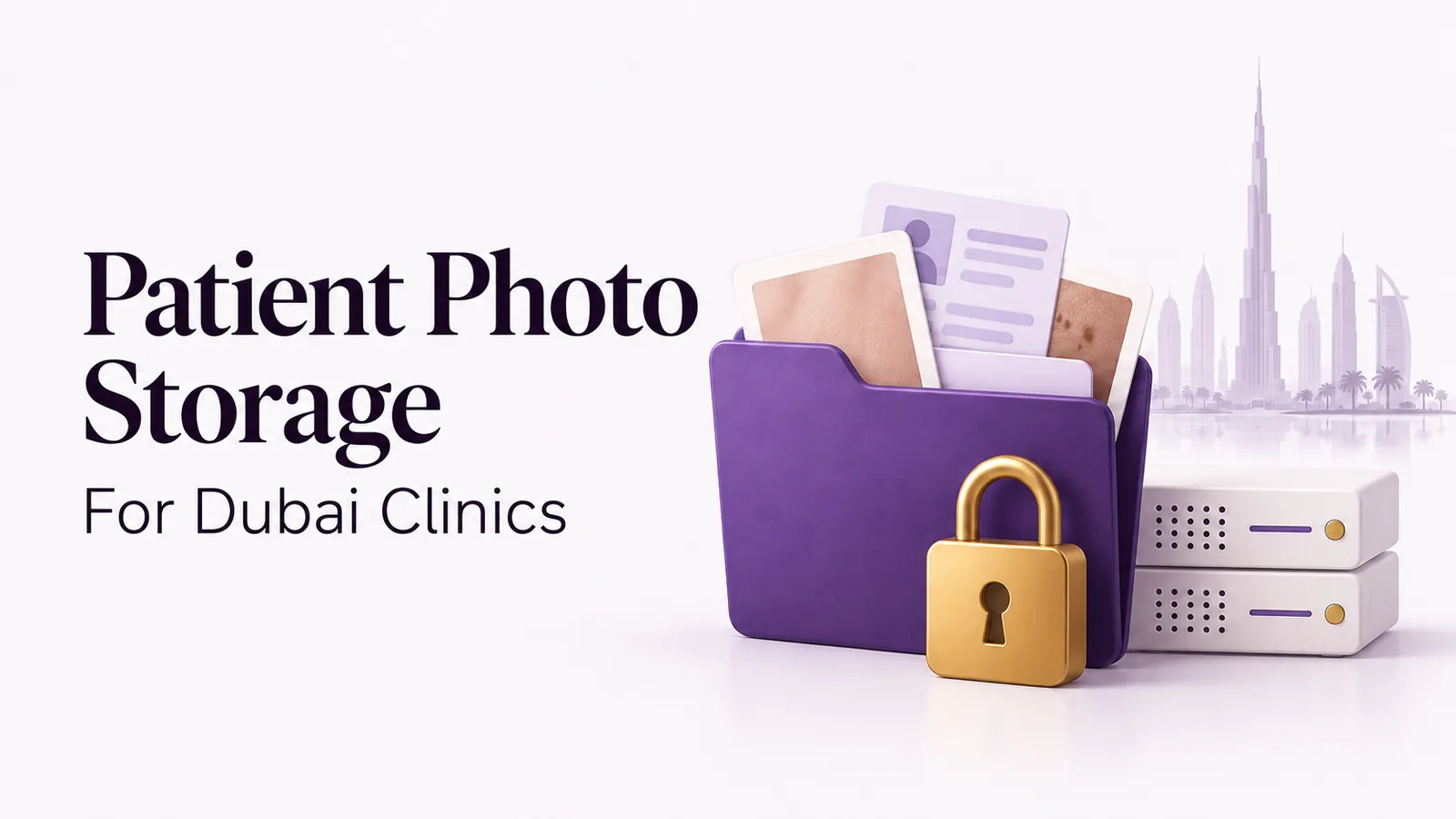
A Dubai clinic should choose patient photo storage with a confirmed UAE deployment, controlled staff access and a documented backup and recovery process. Check the location of the primary files, secondary copies, backups and any support access before moving patient records.
A clinic can organize its photos carefully and still have unanswered hosting questions. The app may show the right patient and visit date, but that screen does not tell you where the files are stored or who can access them for support.
This guide helps plastic surgeons, dermatologists, medical spas, wound care teams and pediatric surgery teams assess patient photo storage in Dubai. Use it alongside your clinic’s policies and the DHA clinical photography and UAE data residency guide.
What does UAE data residency mean for patient photos?
UAE data residency describes where your patient information is stored. For a clinical photo app, ask about more than the main photo library. Patient details, consent records, database copies, backups and exported files can follow different paths.
Also separate storage location from support access. A file stored in the UAE may still be accessible to a support team elsewhere. Ask the clinical photo app provider to explain both in writing.
The DHA’s Health Data Protection and Confidentiality Policy addresses third-party processing in section 4.14 and transfers outside the UAE in section 4.15. It describes restrictions and exemption or approval conditions. Do not assume a patient’s consent alone resolves every cross-border processing question.
Seven questions to ask before choosing a photo app
1. Where will our clinic account run?
Ask for the country, cloud region and deployment assigned to your account. A provider’s availability in Dubai does not establish the location of your particular account. If you already use the app, confirm whether a move to UAE hosting has been completed.
2. Where are the secondary copies and backups?
Ask separately about the live secondary copy, scheduled backups and recovery files. Request the backup schedule, retention period and storage locations. A secondary copy helps with continuity, while a backup provides a recoverable point in time. Ask how the provider uses each.
3. Who can access patient photographs?
List the roles that need access: surgeon, nurse, photographer, administrator and temporary staff. Check whether each person has an individual login and whether an administrator can change permissions. A shared password makes it harder to identify who opened or exported a record.
4. What happens when a device goes missing?
Ask the provider to demonstrate its device controls on the platforms your clinic uses. Check how an administrator ends a device session, removes staff access and reviews the audit trail. Confirm any differences between Android, iPhone, iPad and desktop. Our lost-device checklist for UAE clinics helps your team prepare.
5. Can support staff or other companies process the records?
Request a description of support locations, the companies involved in processing, approval steps and access logging. Clarify what happens if support needs to inspect a record or receive an exported file. Discuss these responsibilities in the agreement before uploading patient information.
6. Can the clinic retrieve and export its information?
Test the export process with sample records. Check whether photos retain their patient association, visit dates and useful labels. Discuss how consent records and other documents are supplied, the cost of assistance and what happens when the agreement ends.
7. Has recovery been tested?
Ask when a backup was last restored and what was checked. Confirm who requests a restore, how an incident is escalated and how the clinic receives progress updates. Obtain an account-specific explanation rather than relying only on the cloud platform’s general capabilities.
Plan the move from phone galleries or an older system
Migration needs a patient identification process. Before moving patient photos, make sure your team can match each photo to the correct patient. A folder labelled “rhinoplasty” identifies the procedure, but not the patient.
- Choose one administrator to coordinate the move and approve the sample import.
- Agree on the patient identifiers, procedure labels and visit dates your clinic will use.
- Test a small group of records. Check the original files and any associated documents.
- Confirm the account’s UAE deployment before transferring real patient data.
- Train staff on capture, retrieval, comparisons, permissions and exports.
- Agree on the changeover date and how the old system will be retained or retired under clinic policy.
For procedural photo organization, see plastic surgery photo management. For skin follow-up visits, see dermatology progress photography. Keep the storage decision connected to the workflow the team will actually use.
Where does CureCast store UAE patient photos?
CureCast’s UAE deployment uses Microsoft Azure UAE North in Dubai for primary storage, with an active secondary copy in Azure UAE Central in Abu Dhabi. This describes the UAE deployment. Confirm the configuration and migration status of your clinic’s account before uploading records.
Explore CureCast clinical photo management software for Dubai and UAE clinics for deployment details, product workflows and getting started. During a demo, ask to review your account’s hosting, staff access and data processing agreement alongside your photo workflow.
Frequently asked questions
Does a Dubai office mean an app stores patient photos in the UAE?
No. A company can have an office in Dubai while storing patient photos in another country. Ask for the actual account deployment and the locations of primary storage, recovery copies and backups. A business address and a data hosting location are different facts.
Can we keep using personal phone galleries after migration?
Use your clinic’s approved clinical photo app for new patient photos instead of personal phone galleries. Moving your photo library does not remove old copies from phones, personal cloud accounts or messages. Check these separately and follow your clinic’s policy for securely removing copies after confirming they are saved in the correct patient record.
Should we review a data processing agreement before uploading?
Yes. Review the responsibilities for handling patient information, support access, exports and account closure. DHA policy section 4.14 addresses agreements and confidentiality requirements for third parties processing information within the UAE.
Reference
Dubai Health Authority: Health Data Protection and Confidentiality Policy, issued August 10, 2022. Relevant sections: 4.8, staff access; 4.14, third-party processing; 4.15, transfers outside the UAE. Source checked October 31, 2026. Confirm the applicable current requirements for your clinic with its responsible adviser.