Quick summary
HIPAA does not provide an official intake form, and it does not specify the fields that your intake form must contain. It does, however, establish several regulatory requirements that usually apply during patient intake, when front desk staff, nurses and providers collect and document personal health information.
To bring your intake forms into compliance with HIPAA, complete these three administrative actions:
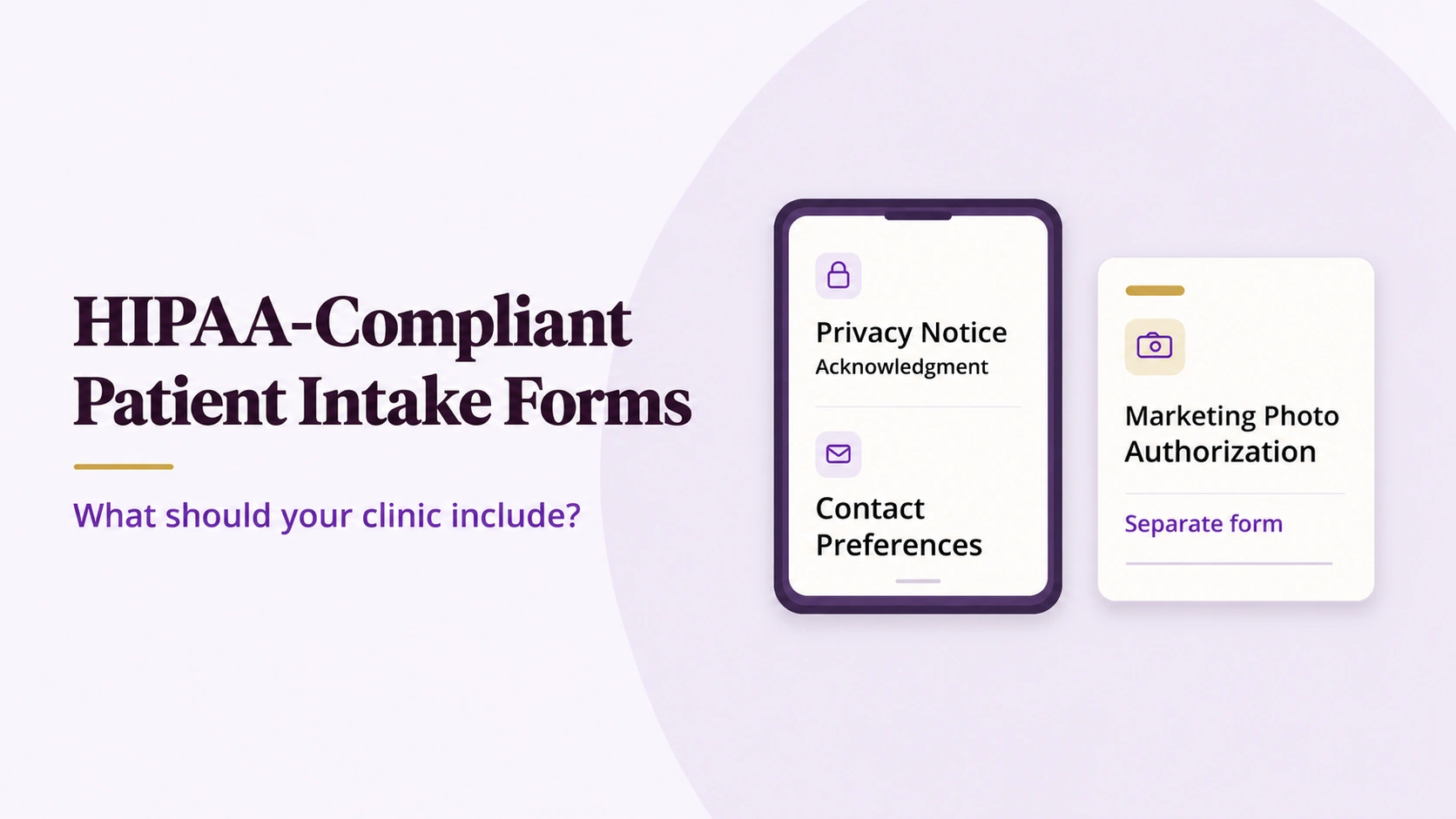
- Privacy notice acknowledgment. Give new patients your Notice of Privacy Practices no later than their first non-emergency service, and make a good faith effort to obtain a written acknowledgment of receipt. If the patient declines to sign, record that you made the attempt and the reason it was unsuccessful.
- Contact preferences. Ask how the patient wants to be contacted, such as which telephone number to use, and whether voicemail, text or email is acceptable, and honor any reasonable request.
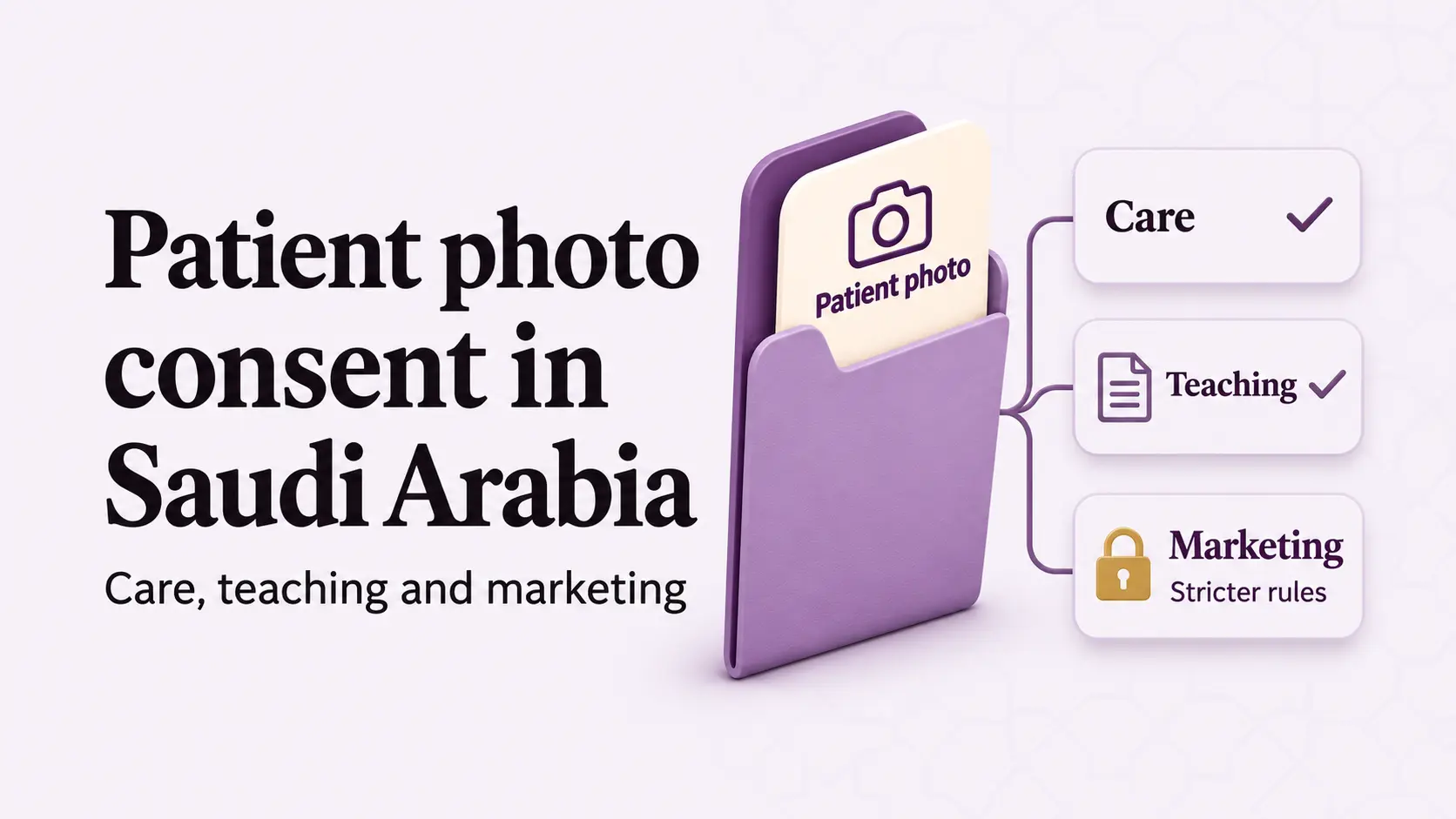
- Marketing photo authorization. Obtain a signed authorization before you use identifiable patient photographs in marketing. It must be a separate form, not a checkbox on the intake form, and the patient must receive a copy of it.
This guide, written for practitioners, nurses and practice managers, describes what belongs in an aesthetic practice’s intake forms (the full set of paperwork a new patient completes), identifies which parts HIPAA actually regulates, and explains how to manage electronic forms securely.
Does HIPAA require a specific intake form?
No. HIPAA does not publish a standard intake form or a list of required intake fields. Your medical history questions, allergy documentation and treatment goals are clinical decisions, determined by your providers and by the regulations of your state, which means the content of the form is your practice’s responsibility.
HIPAA does require that you protect the form once it contains patient information, and a completed intake form is protected health information, whether it is on paper, in a tablet application or in your electronic health record (EHR) system.
CureCast’s security and compliance guide explains how these confidentiality protections apply to patient photographs.
What should an aesthetic practice’s intake packet include?
Most practices use a single set of forms with several parts. The table below explains the purpose of each part and identifies where HIPAA becomes relevant.
| Part of the intake forms | What it covers | Where HIPAA comes in |
|---|---|---|
| Patient details | Name, date of birth, address, phone, email, emergency contact | Protect it like any other patient information |
| Medical history | Conditions, medications, allergies, past procedures, pregnancy | Clinical content, not set by HIPAA |
| Treatment goals | What the patient wants to change, and why | Clinical content, not set by HIPAA |
| Contact preferences | Which phone number to use, whether a voicemail may be left, and whether text messages or email may be used | You must allow requests for other ways or places to be contacted, and honor reasonable ones (45 CFR 164.522(b)(1)(i)) |
| Notice of Privacy Practices acknowledgment | A signed line saying the patient got your privacy notice | You must make a good faith effort to get it in writing (45 CFR 164.520(c)(2)(ii)) |
| Consent to treatment | Agreement to the procedure, its risks and costs | Set by state law and your clinical policy. HIPAA consent for treatment and payment is optional (45 CFR 164.506(b)) |
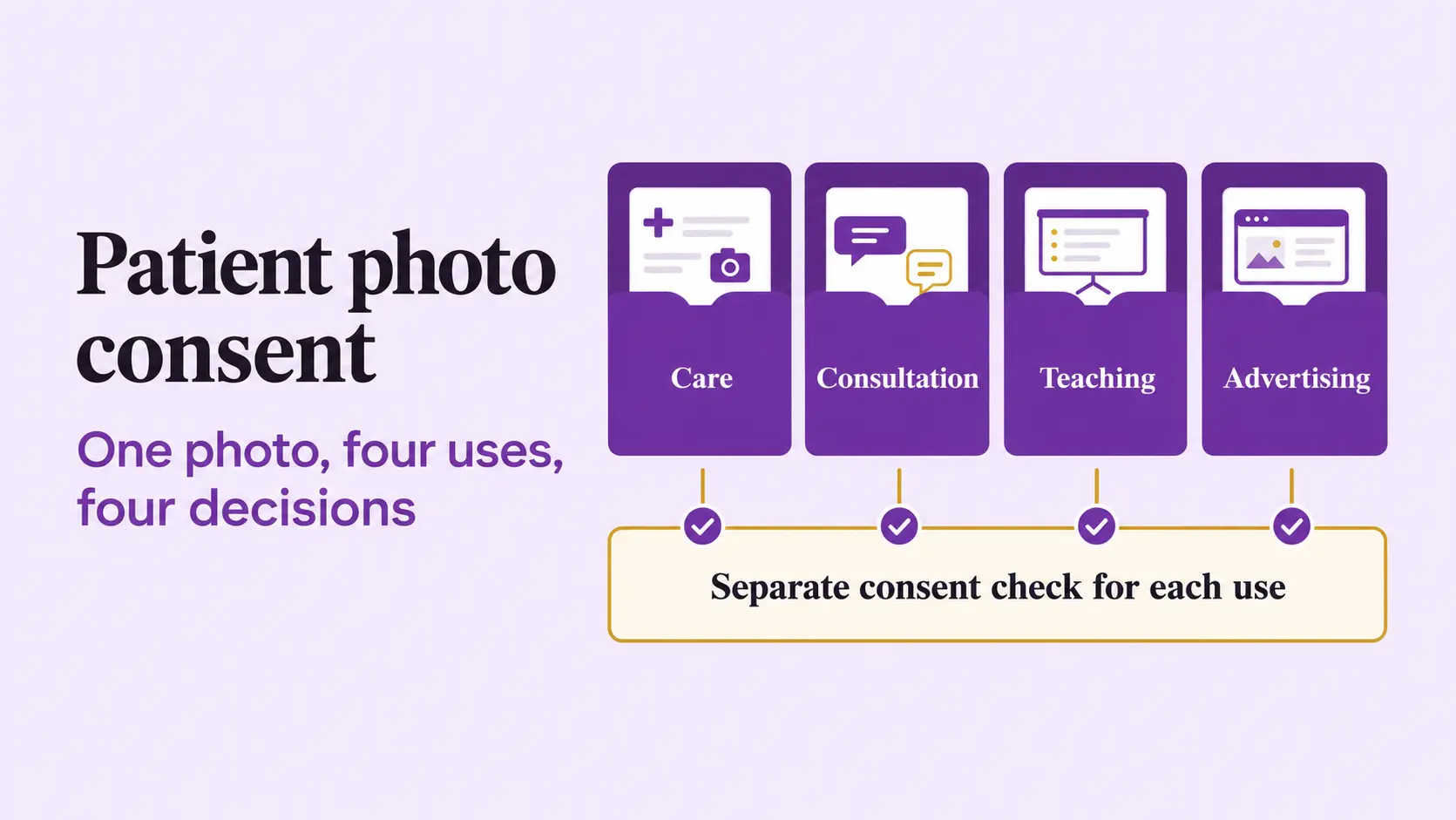
| Clinical photo consent | Agreement to photos for the medical record | HIPAA doesn't require authorization for treatment use (45 CFR 164.506). Most practices still get written consent |
| Marketing photo authorization | Permission to use photos on your website, social media or ads | Generally required for marketing uses of identifiable patient photos (45 CFR 164.508(a)(3)). Keep it as a separate form |
| Personal representative | Parent or guardian for a minor, or another legal representative | HIPAA treats a personal representative as the patient for most purposes (45 CFR 164.502(g)) |
| Financial policy | Payment, deposits, cancellations | Not a HIPAA topic |
Does the patient have to sign the privacy notice acknowledgment?
No. The patient is not obligated to sign, but your practice is obligated to make a reasonable attempt. A covered provider with a direct treatment relationship must provide the notice no later than the date of the first service delivery in non-emergency situations (45 CFR 164.520(c)(2)(i)), and must then request a written acknowledgment of receipt.
When a patient declines to sign, document that you made the attempt and explain why the acknowledgment was not obtained (45 CFR 164.520(c)(2)(ii)). A brief notation on the form is sufficient: “Patient declined to sign. Notice given on [date] by [staff initials].”
Why should the marketing photo authorization be its own form?
HIPAA generally does not allow an authorization to be combined with other documents, such as an intake form or a treatment consent (45 CFR 164.508(b)(3)). A line such as “yes, you may use my photographs” buried inside the intake forms will therefore not satisfy the regulatory requirements.
A valid authorization must contain these core elements (45 CFR 164.508(c)(1)):
- What information it covers, described clearly, such as “before-and-after photos of my nose”
- Who may use or share the information, and who will receive it
- The purpose, such as “the practice website and Instagram account”
- An expiration date or expiration event
- The patient’s signature and the date
The authorization must also inform the patient of three things (45 CFR 164.508(c)(2)): that the patient may revoke the authorization in writing, that the patient will still receive treatment if they do not sign it, and that a photograph, once it is published, can be copied or shared by other people, so HIPAA may no longer protect it.
Important: You cannot make treatment depend on the patient signing a marketing authorization (45 CFR 164.508(b)(4)). You must also give the patient a copy of the signed form (45 CFR 164.508(c)(4)).
Our patient photo consent form page covers photograph consent in more detail. For advertising rules, see Before-and-after advertising rules in the US, UK, UAE and Australia.
What should you leave off the intake form?
Request only the information that your practice will actually use, since every additional field creates more patient information that requires protection and more administrative responsibility.
- Fields that nobody reads. If no staff member uses a question, remove it.
- Information your practice already holds. Returning patients should confirm or update their existing medical history instead of completing the entire questionnaire at every appointment.
- Free-text boxes for sensitive history that aesthetic treatment does not require. Ask a specific question instead. For example, replace a blank box that says “Describe your full medical history” with a short question such as “Are you pregnant or breastfeeding?”
Check each field against your state’s requirements before removing it, because some states require certain medical history to be recorded.
Are digital intake forms HIPAA compliant?
Not automatically. An electronic form is only as secure as the technology system supporting it. When the company that supplies your digital intake forms (the vendor) creates, receives, maintains or transmits protected health information on behalf of your practice, that vendor generally counts as a business associate, and a business associate agreement (BAA) should be signed before the vendor handles any such information.
Before selecting a digital intake tool, evaluate the following:
- Does the company that supplies the intake forms sign a business associate agreement?
- Do completed forms go directly into your EHR or a secure account, not an email inbox?
- Does each staff member have an individual login?
- Can you see who opened or downloaded a form?
Avoid emailing blank PDF forms to patients and requesting that they email back a scanned copy, because the completed form would then sit in email accounts on both sides.
How should the front desk handle intake forms?
- Distribute forms before the appointment through your approved electronic system, or provide the patient with a practice tablet at check-in.
- Confirm that the privacy notice acknowledgment is signed, or record why it is not.
- Review the contact preferences aloud whenever any answer is unclear, and update the patient record accordingly.
- Keep the marketing authorization separate, and offer it only when the patient’s photographs may be used.
- Clear or lock the practice tablet between patients so that the next patient cannot view the previous patient’s information.
- Never leave printed forms at the front desk where other patients can read them.
Working outside the US?
The intake sections in this guide are applicable internationally, but the privacy notice and authorization rules are specific to HIPAA. Clinics in the UK, UAE and Australia should check their own privacy and consent regulations before they reuse a form designed for the United States.
This post provides general information and is not legal advice. Your privacy officer or legal counsel should review your intake forms, including your state’s consent requirements.
Your clinic’s intake form checklist
Add a Notice of Privacy Practices acknowledgment line, with a designated space to document a patient's refusal.
Add contact preference questions for phone, voicemail, text and email.
Move the marketing photo authorization to its own separate form.
Check that the authorization has all core elements and required statements.
Provide every patient with a copy of any authorization that they sign.
Add a parent, guardian or personal representative section for minors.
Remove unnecessary fields that nobody uses.
Confirm that your digital forms vendor signs a business associate agreement (BAA).
Send completed forms to your EHR or a secure account, never by email.
Have qualified counsel review the complete set of intake forms against your state's regulations.
Where CureCast fits
CureCast is a clinical photo app designed for plastic surgery, dermatology and medical spa teams. It is not an EHR, so your intake history stays in your records system, while CureCast handles the photo consent form part of the intake forms.
Practices can begin with a ready-made photo consent template or create their own. The patient signs on the device using a finger or stylus, and the completed signed form is stored as a PDF in the patient folder. Details you entered when you registered the patient, such as name and date of birth, appear on the form by themselves, so your staff do not type them twice.
CureCast supports HIPAA-compliant workflows and provides a signed BAA, beginning with your 14-day trial. Your practice remains responsible for its own forms, consents and authorizations, and you can see how the patient consent form works in CureCast.
Frequently asked questions
Do patients have to sign the privacy notice acknowledgment?
No. Your practice must make a good faith effort to obtain it in writing, and if the patient does not sign, you should record that you made the attempt and the reason it was unsuccessful.
Can we refuse treatment if a patient won’t sign the marketing photo authorization?
No. HIPAA does not allow you to make treatment depend on signing a marketing authorization (45 CFR 164.508(b)(4)).
Is a checkbox on the intake form enough for marketing photos?
No. HIPAA generally does not allow an authorization to be combined with other documents, so you should use a separate form that contains all of the required elements.
Do we need HIPAA consent to treat a patient?
No. HIPAA consent for treatment and payment is optional (45 CFR 164.506(b)). Your state law and clinical policy may still require informed consent to the procedure.
References
US law (HHS, via eCFR)
- 45 CFR 164.520: notice of privacy practices; timing (c)(2)(i) and good faith acknowledgment (c)(2)(ii)
- 45 CFR 164.522: confidential communications (b)(1)(i); no explanation required (b)(2)(iii)
- 45 CFR 164.506: treatment, payment and operations; optional consent (b)
- 45 CFR 164.508: authorizations; marketing (a)(3), compound authorizations (b)(3), conditioning (b)(4), core elements and statements (c)
- 45 CFR 164.502: personal representatives (g)
HHS guidance
- HHS, Model Notices of Privacy Practices: free model notices for providers
CureCast pages
- Patient consent form: templates, on-device signature, PDF stored next to the photos, auto-filled patient details.
Disclaimer: This post is general information, not legal advice, a certification or a guarantee of compliance with any law. Rules differ by country, state and type of practice. Check the official guidance that applies to you, and consult a qualified legal adviser if you are unsure.