Quick answer
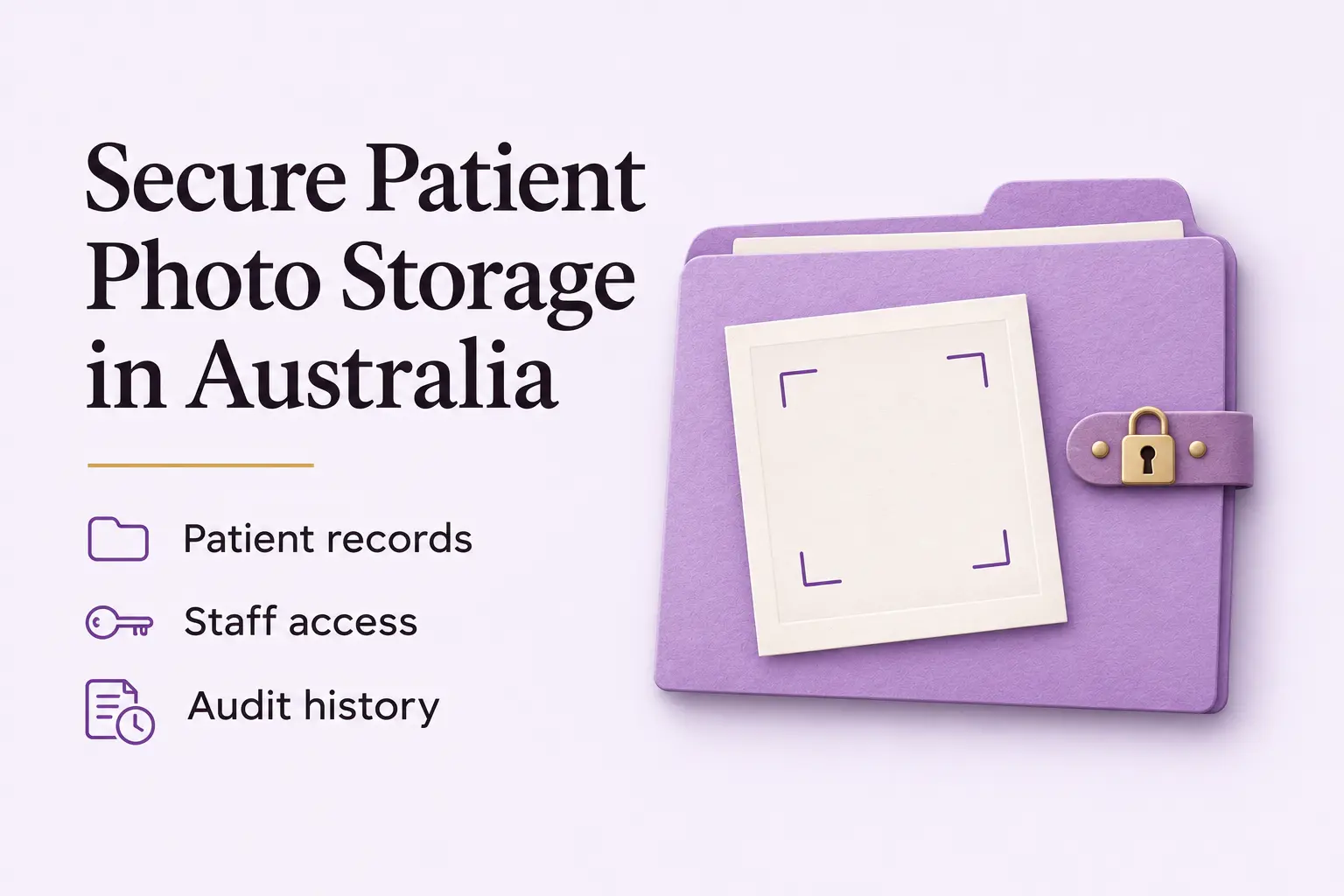
Keep clinical photos in the patient’s record, not on a phone. Give every staff member their own login, record who opens each image, and keep the photos for as long as your state requires.
A photo that shows an identifiable patient is personal information under the Privacy Act. If you take it as part of giving care, it is also sensitive health information, so it needs the same protection as the rest of the record.
The law asks you to take “reasonable steps” to protect that information. This is Australian Privacy Principle (APP) 11 in the Privacy Act 1988. The OAIC says the more sensitive the information, the more steps are reasonable.
For general practice accreditation, the RACGP Standards for general practices (5th edition) expect you to show information security controls under Criterion C6.4. The RACGP released a 6th edition on 26 August 2026, but accreditation under the national scheme still uses the 5th edition for now.
For how long to keep photos, state law decides. In NSW, section 25 of the Health Records and Information Privacy Act 2002 sets 7 years from the last visit for adults, or until age 25 for patients treated as minors. Victoria sets the same two periods. The Medical Board’s code also expects doctors to hold records securely and keep them for the period the law requires.
The practical minimum:
- Store photos in a system with individual logins and role-based access. Do not use a personal phone or a shared folder.
- Move images from the camera to the patient record promptly, then delete them from the device.
- Back up regularly and test that you can restore from a backup.
- If you use cloud storage, find out which country the photos are stored in. If it is outside Australia, a privacy rule called APP 8 applies. It says you stay responsible for how the overseas company handles the photos.
- Keep a record of who opened which image, and when.
The key point: a clinical photo is health information. Store it, protect it and keep it to the same standard as any other part of the medical record.
For the product workflow, see CureCast clinical photo management for Australian clinics, including photo search, follow-up comparisons and secure patient upload.
For the permissions that sit alongside storage controls, read our Australian patient photography consent guide.
Why is the phone camera roll a risky place for patient photos?
Clinical photography is routine in Australian healthcare. GPs photograph skin lesions. Dermatologists track how a treatment is going. Plastic surgeons record a starting point and the result.
The camera is very often the clinician’s own smartphone. A 2019 review in the Australian Journal of General Practice points to Australian surveys of dermatologists and registrars. In one, 46 per cent of the practitioners kept clinical images on their smartphones. In another, 85 per cent of registrars had more than 100 patient images on their phones.
The risks are specific:
- Automatic cloud backup. Many phones copy photos to a cloud service such as iCloud or Google Photos. If the servers are overseas, that can raise questions under APP 8.
- Loss or theft. The OAIC gives a lost or stolen device holding personal information as an example of a data breach. A lost phone with unencrypted clinical images may need to be reported.
- No access controls. Anyone who unlocks the phone can see every clinical image on it. The OAIC says you must check that the security settings on a phone or tablet are adequate if photos are kept there.
- No audit trail. A camera roll does not record who looked at an image, when or why. The OAIC’s Guide to securing personal information covers audit logs as part of access security.
In 2019, iTnews reported new RACGP guidance on personal phones. It suggested a dedicated clinic phone kept on the premises, and uploading photos to the patient file as soon as practicable, then deleting them from the phone. It also advised switching off automatic cloud backup and avoiding third-party cloud storage apps.
Avant advises encryption, a passcode and remote-wipe for any phone used in clinical work. It also says you are responsible for the secure storage and safe transmission of the image.
The safest approach is to take the photo straight into the patient record using a purpose-built platform. That takes the phone’s camera roll out of the process completely.
What do the law and the standards require?
APP 11 of the Privacy Act 1988
APP 11.1 says you must take “reasonable steps” to protect personal information from misuse, interference and loss. It also covers unauthorised access, changes and disclosure. You can read it in Schedule 1 of the Privacy Act.
Clinical photos are sensitive health information. The OAIC says the steps expected of you grow as the sensitivity of the information grows.
The OAIC’s Guide to securing personal information lists nine areas of reasonable steps. Five matter most for photos:
- Governance, culture and training
- ICT security, which includes encryption
- Access security, which includes audit logs
- Third-party providers, including cloud providers
- Destruction and de-identification of information you no longer need
The other four areas are internal practices and procedures, data breaches, physical security and standards.
RACGP Standards for general practices, 5th edition (Criterion C6.4)
To be accredited, a practice must show it has information security controls. Criterion C6.4 includes:
- A named team member who is responsible for computer security (C6.4A).
- Clinical software that is used through unique individual logins, with access matched to each person’s authorisation level (C6.4C).
- A business continuity and information recovery plan (C6.4D).
- Procedures for storing, keeping and destroying records (C6.4E).
How can you store patient photos securely?
- Control who can open them. Give every staff member their own login. Use role-based access, so each person sees only what their job needs. Keep an access log of who viewed or downloaded each image. Unique logins are part of RACGP C6.4C. Audit logs are covered in the OAIC guide.
- Back up and test the backups. Run backups often and keep a copy stored securely somewhere else. Then check that you can really restore from them. The OAIC guide recommends testing that data can be recovered. RACGP C6.4D asks for a business continuity and recovery plan.
- Move photos into the record quickly. Transfer each image from the camera to the patient record as soon as you can. Delete the copy on the device once you have confirmed it arrived. Avant says you are responsible for safe transmission as well as secure storage, so avoid ordinary email and consumer chat apps for patient photos.
- Secure the device. Use encryption, a passcode and remote-wipe on any phone or tablet that takes or shows clinical images. The OAIC guide asks about minimum security standards for mobile devices, including remote wiping of lost devices. A camera has its own risk: the memory card. Avant warns that deleted files can often be recovered easily unless they are overwritten. So use a dedicated camera, and wipe the card properly after you confirm the transfer.
- Destroy photos safely when the time comes. When a photo reaches the end of its retention period, destroy it so it cannot be recovered. This is the APP 11.2 duty to destroy or de-identify information you no longer need. It does not apply while a law requires you to keep it. Printed images should be shredded. RACGP C6.4E asks for procedures for destroying records, and Avant recommends keeping a register of what you destroy.
What if your photos are stored outside Australia?
Many clinical platforms keep data on overseas servers. Under APP 8, if you disclose personal information to an overseas recipient, you stay accountable for what that recipient does with it, if it would breach the APPs.
The OAIC also explains that storing data with an overseas cloud provider is not always a “disclosure”. It can count as a “use” if you keep effective control of the data. Even then, you may still be responsible for how the provider handles it.
When reviewing a cloud platform, check storage locations and overseas access. You should:
- Find out which country the data is stored in.
- Read the data processing agreement. The OAIC guide recommends strong contract terms and checking the provider’s security controls, and confirming that data and backups are destroyed when the contract ends.
- Tell patients. When you collect images, the OAIC says you must take reasonable steps to make sure people know whether you are likely to send their images overseas.
The Privacy Act does not impose a general Australian data residency requirement. APP 8 applies to overseas disclosures, subject to its exceptions. Australian hosting alone does not resolve this question: check whether overseas support staff or subprocessors can access the information, as well as the location of backups and recovery copies. Other privacy and security duties still apply.
How long should you keep patient photos?
The federal Privacy Act does not set a fixed period. It says you must destroy or de-identify information you no longer need, unless a law requires you to keep it (APP 11.2). The actual minimum comes from state law.
- Adult patients: 7 years from the last time you provided a health service. This is the law in NSW (section 25), and the NSW Information and Privacy Commission explains it for private providers. Victoria has the same rule.
- Patients treated as minors: until the patient turns 25. NSW and Victoria both say this.
- Obstetric records: Avant recommends 25 years from the child’s birth.
Avant says the ACT also has specific records law, and that doctors in other states and territories should use the NSW, Victorian and ACT periods as a guide. See Avant’s retention guidance.
Keep records longer if they are part of a complaint, a legal claim or a coronial investigation. Keep them until the matter is finished. After the retention period ends, destroy the images securely under APP 11.2 and keep a register of what you destroyed. The Medical Board’s code also expects records to be kept for the period the law requires and destroyed securely afterwards.
Where does CureCast fit?
CureCast is a clinical photo app. It captures clinical photographs directly into the patient record, so they never touch the phone’s camera roll. This closes the most common storage gap: the time between taking a photo and filing it.
Each image is linked to the patient it belongs to. Access controls work at the user level, and an audit trail records who viewed, downloaded or shared each photograph. The consent scope (clinical, teaching or marketing) is tagged when the photo is taken, and it is updated if a patient withdraws consent.
CureCast supports HIPAA-compliant workflows and provides a signed BAA, starting from your 14-day trial.
Frequently asked questions
Do I need to encrypt clinical photographs?
The Privacy Act does not name encryption. But APP 11 requires “reasonable steps” to protect health information. The OAIC says encryption is important in many circumstances and asks whether it should cover databases, backups, cloud storage and mobile devices.
How long do I need to keep patient photos?
In NSW and Victoria, the law says 7 years from the last time you provided a health service to an adult, and until age 25 for a patient treated as a minor. See NSW section 25 and the Victorian Health Complaints Commissioner. Avant recommends the same periods in other states, and 25 years for obstetric records. Keep records that relate to a complaint or legal claim until the matter is finished.
What should I do if a phone with patient images is lost?
Treat it as a possible data breach. Wipe the device remotely if you can. The OAIC says that if quick action prevents the likely risk of serious harm, you do not need to notify. If serious harm is likely and you could not prevent it, you must tell the OAIC and the affected patients under the Notifiable Data Breaches scheme (Part IIIC of the Privacy Act). If you only suspect a serious breach, assess it within 30 days. Write down what happened, then review your device security.
References
Australian privacy law and guidance
- Privacy Act 1988 (Cth): the Act, including APP 8 and APP 11 in Schedule 1 and the data breach scheme in Part IIIC
- OAIC, Taking photos of patients: when a patient photo is personal and sensitive information, consent, and security
- OAIC, What is personal information?: photos can be personal information
- OAIC, Guide to securing personal information: the nine areas of reasonable steps, including encryption, audit logs, backups and cloud providers
- OAIC, APP 11 guidelines (chapter 11): reasonable steps and the duty to destroy or de-identify
- OAIC, Sending personal information overseas: APP 8 accountability and overseas cloud storage
- OAIC, Posting photos and videos: telling people if images may go overseas
- OAIC, About the Notifiable Data Breaches scheme: who must notify, with a lost device as an example
- OAIC, When to report a data breach: the three tests for an eligible data breach
- OAIC, new dashboard for data breaches: the 30-day assessment period
State health records law
- Health Records and Information Privacy Act 2002 (NSW): section 25, retention for health service providers
- NSW Information and Privacy Commission, retention and storage of health information: 7 years for adults, until 25 for minors
- Victorian Health Complaints Commissioner, Health records: Individuals: when a private provider may delete records
Regulators and accreditation
- Medical Board of Australia, Good medical practice: section 10.5 on secure records and retention
- Australian Commission on Safety and Quality in Health Care, RACGP Standards 6th edition: accreditation currently uses the 5th edition
Professional bodies and news
-
- RACGP, Criterion C6.4 Information security: indicators C6.4A to C6.4G
- Australian Journal of General Practice, Clinical photography of skin lesions (2019): survey figures and storage advice
- Avant, Digital photography factsheet: encryption, passcodes, remote-wipe and memory cards
- Avant, Storing, retaining and disposing of medical records: retention periods and destruction register
- iTnews, Doctors warned about using personal phones for clinical photos (2019): the RACGP personal phone guidance