Why you need a photo storage checklist
Clinical photography is part of everyday practice. Dermatologists track lesions. Plastic surgeons document baselines and outcomes. Dentists record pre-treatment conditions. Wound care teams monitor healing.
A clinical photo is private health information, and in most countries privacy law covers it. That means every clinical image your clinic takes, stores, sends or destroys needs the same care as any other part of the patient record.
The gap between taking the photo and filing it securely is where most risk sits. A phone camera roll with no encryption, no access log and automatic cloud backup is not a safe place to store patient photos. Neither is a shared folder on a desktop with a single login.
The two checklists below cover the same core steps. The first is for clinics that use a dedicated clinical photo management app. The second is for clinics that rely on manual workflows (phone to patient record transfer, shared drives, USB storage). Pick the one that matches your setup.
Privacy law differs by country. If your clinic is in the US, read the HIPAA Privacy Rule and our HIPAA compliance checklist for clinics. If your clinic is in Australia, read the Privacy Act 1988 and our guide to storing patient photos securely in an Australian clinic.
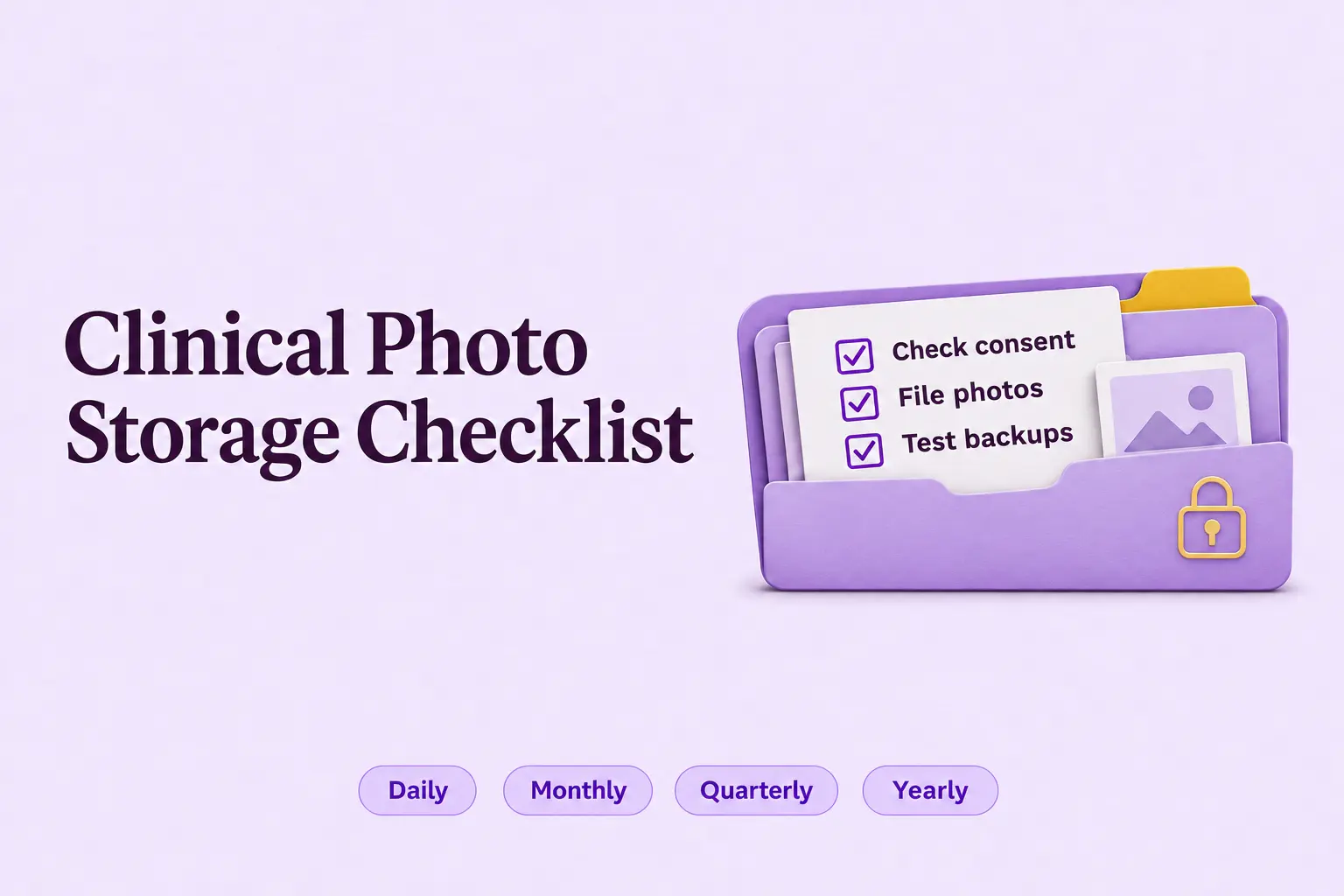
Checklist: clinics that use a clinical photo management app
Daily
Weekly
Monthly
Quarterly
Annually
This checklist is a practical review aid. It is not legal advice, a certification or a guarantee that your clinic follows the law. Privacy rules differ by country and region, so check the rules where your clinic works and ask a qualified adviser when you need to.
Checklist: clinics that do not use a clinical photo management app
Daily
Weekly
Monthly
Quarterly
Annually
Where CureCast fits
The “with an app” checklist is shorter because a purpose-built platform handles several of these steps automatically.
CureCast captures clinical photographs directly into the patient record, bypassing the phone’s camera roll. Each image is linked to the patient it belongs to at the point of capture, so there is no manual transfer step and no window where images sit unprotected on a personal device.
Access controls are applied at the user level. Staff see only the images relevant to their role. An audit trail records who viewed, downloaded or shared each photograph and when, which helps you show who handled each photo.
CureCast provides a signed agreement on how patient data is handled, starting from your 14-day trial.
References
- CureCast, How to Store Patient Photos Securely in an Australian Clinic.
- CureCast, HIPAA Compliance Checklist for Clinics.
- National Institute of Standards and Technology (NIST), SP 800-88 Rev. 2: Guidelines for Media Sanitization, 2025. Available at: https://csrc.nist.gov/pubs/sp/800/88/r2/final
- Avant Mutual, Digital Photography Factsheet. Available at: https://plasticsurgery.org.au/wp-content/uploads/2020/05/Digital-Photography_Avant-factsheet.pdf
- Medical Indemnity Protection Society (MIPS), Smartphone Photography in Healthcare. Available at: https://support.mips.com.au/home/smartphone-photography-in-healthcare
- iTnews, “Doctors warned about using personal phones for clinical photos,” 11 September 2019. Available at: https://www.itnews.com.au/news/doctors-warned-about-using-personal-phones-for-clinical-photos-530814
Disclaimer: This post is general information, not legal advice, a certification or a guarantee of compliance with any law. Rules differ by country, state and type of practice. Check the official guidance that applies to you, and consult a qualified legal adviser if you are unsure.