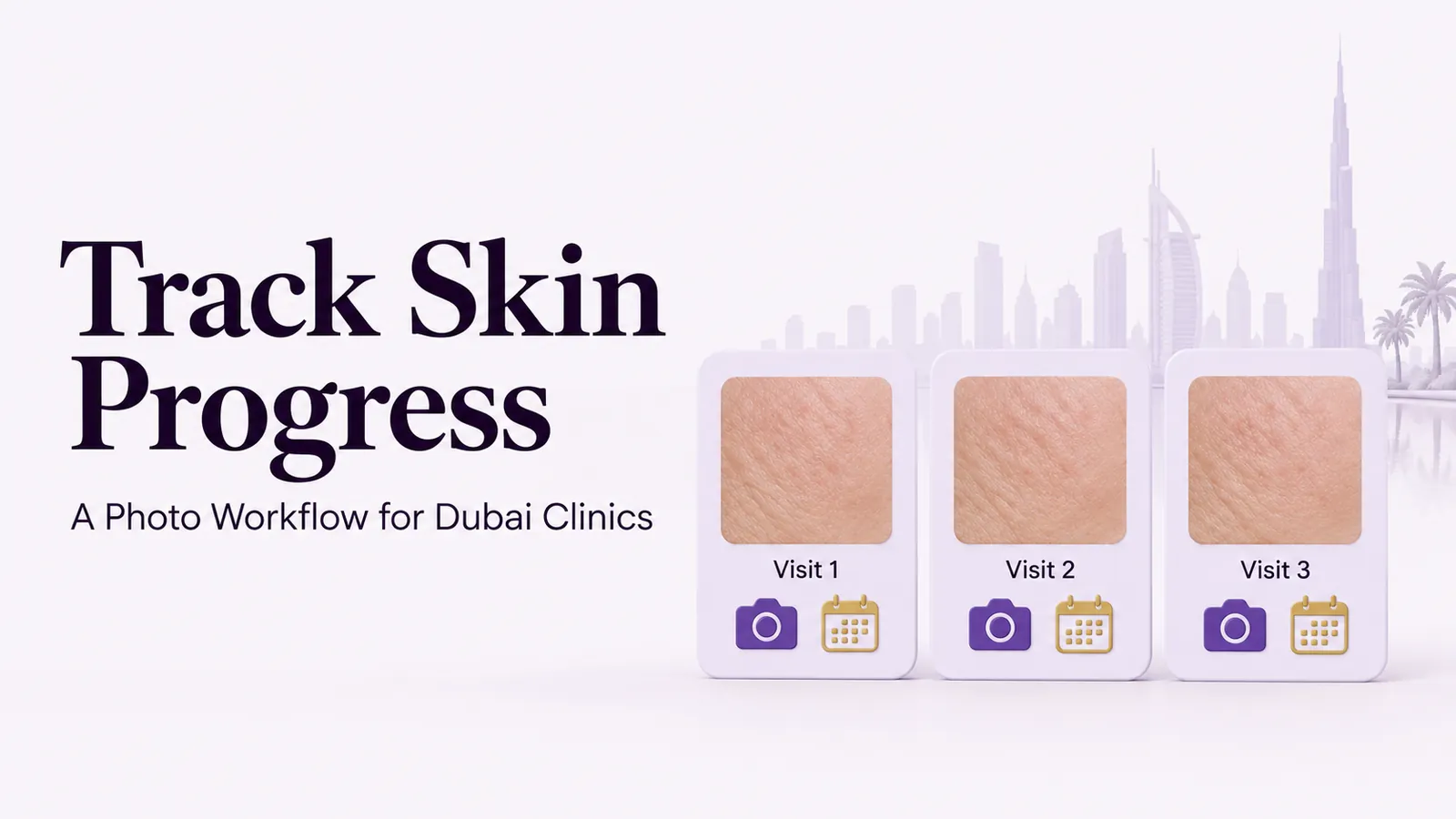
Quick answer: A Dubai dermatology clinic can make skin progress photos easier to compare by using the same patient record, the same photo angles and the same setup at every visit. Label each photo with the skin concern, the treatment and the date, and review the photos together with the clinical notes.
At one appointment a patient is photographed beside a window. At the next, the photo is taken under a warm ceiling light from a different distance. The photos may look different even when the skin has not changed.
This workflow helps Dubai dermatology teams organize acne, pigmentation, melasma, scar and other skin-progress photographs without relying on photos saved on staff phones, or on memory. The clinician decides which views and follow-up intervals are appropriate for each patient.
Decide which skin photos your Dubai clinic needs to compare
Before you create labels or buy another camera, decide what the photos need to help you answer. A full-face review and a close-up of a small area need different framing. The team should know which photo angles to take and where each photo belongs in the record.
For each agreed photo set, record the patient, condition or concern, treatment journey and visit date. Keep photographs of different concerns distinguishable when the same patient receives several treatments.
Use the same photo setup at every visit
Use the same photo area when possible
Choose a background and lighting that your clinic can set up the same way every time. If the room or equipment changes, write down the change, so the clinician reviewing the photos understands the comparison. A plain, matching background matters more than a nice-looking one.
Keep distance, lens and framing consistent
Agree where the camera should be and which photo angles you need for each set. Do not switch between the wide selfie camera and the close camera without a reason. If your clinical photo app can show an earlier photo as a guide, use it, then check the new photo yourself. A guide does not guarantee a match.
Keep preparation and image handling clear
Ask the clinician to give any preparation instructions that apply to the skin concern and the reason for the photo. Do not use beauty filters, skin smoothing or automatic photo enhancement, because they change how the skin looks. Keep the original photo linked to the patient’s record.
CureCast’s clinical photo app can show an earlier photo as a ghost image (faint copy) or an outline on the camera screen, so staff can line up the new photo as a reference. Your clinic still needs to agree on the lighting, the patient’s position and how the photos are reviewed.
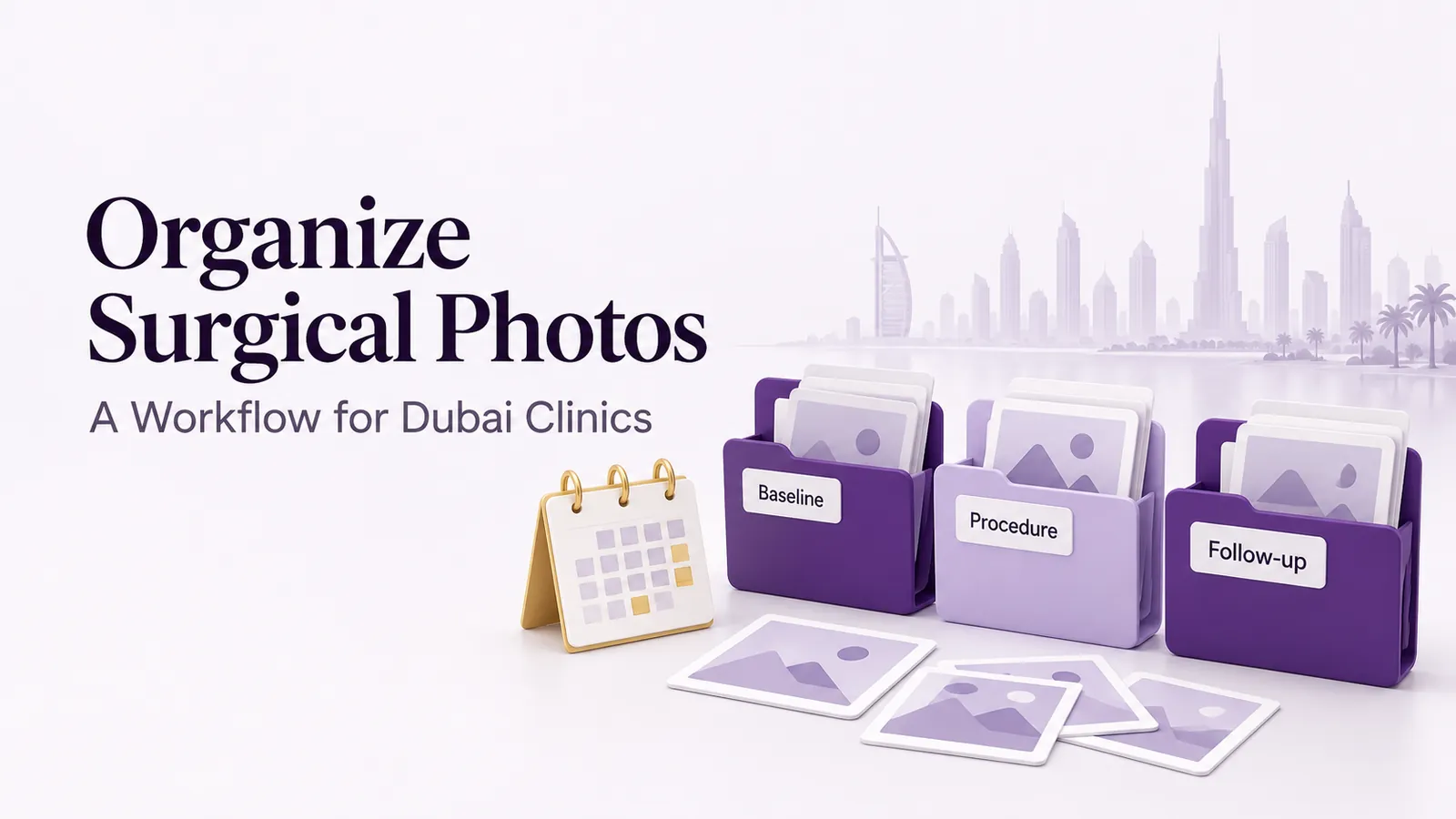
Organize skin photos around visits
A folder called “pigmentation results” may hold photos from several patients, visits and treatments. It only helps if staff can go from a photo back to the right patient and the right visit.
- Patient: check that you have the right patient record before you add or import photos.
- Skin concern: use an agreed label, such as acne, melasma or scar review.
- Treatment: keep separate courses of treatment apart if your clinic needs to.
- Date: keep the real date the photo was taken, even if the visit also has a stage name.
- Photo angle: use the same name for each agreed angle, area or close-up.
Use the clinician’s examination and notes to understand any change. A photo alone cannot show why the skin looks different, which treatment caused a change or whether treatment should continue.
For a filing example, see how Dubai plastic surgery clinics organize before and after photos.
Agree who checks the photos at each appointment
- Reception or nursing staff confirm the patient’s record and purpose of the visit.
- The person taking photos checks which photo angles are needed and how the earlier photos were taken.
- Staff check the photos for missing angles or obvious problems before the appointment ends.
- The clinician reviews the photographs with the visit notes and decides whether another photo angle or an examination is needed.
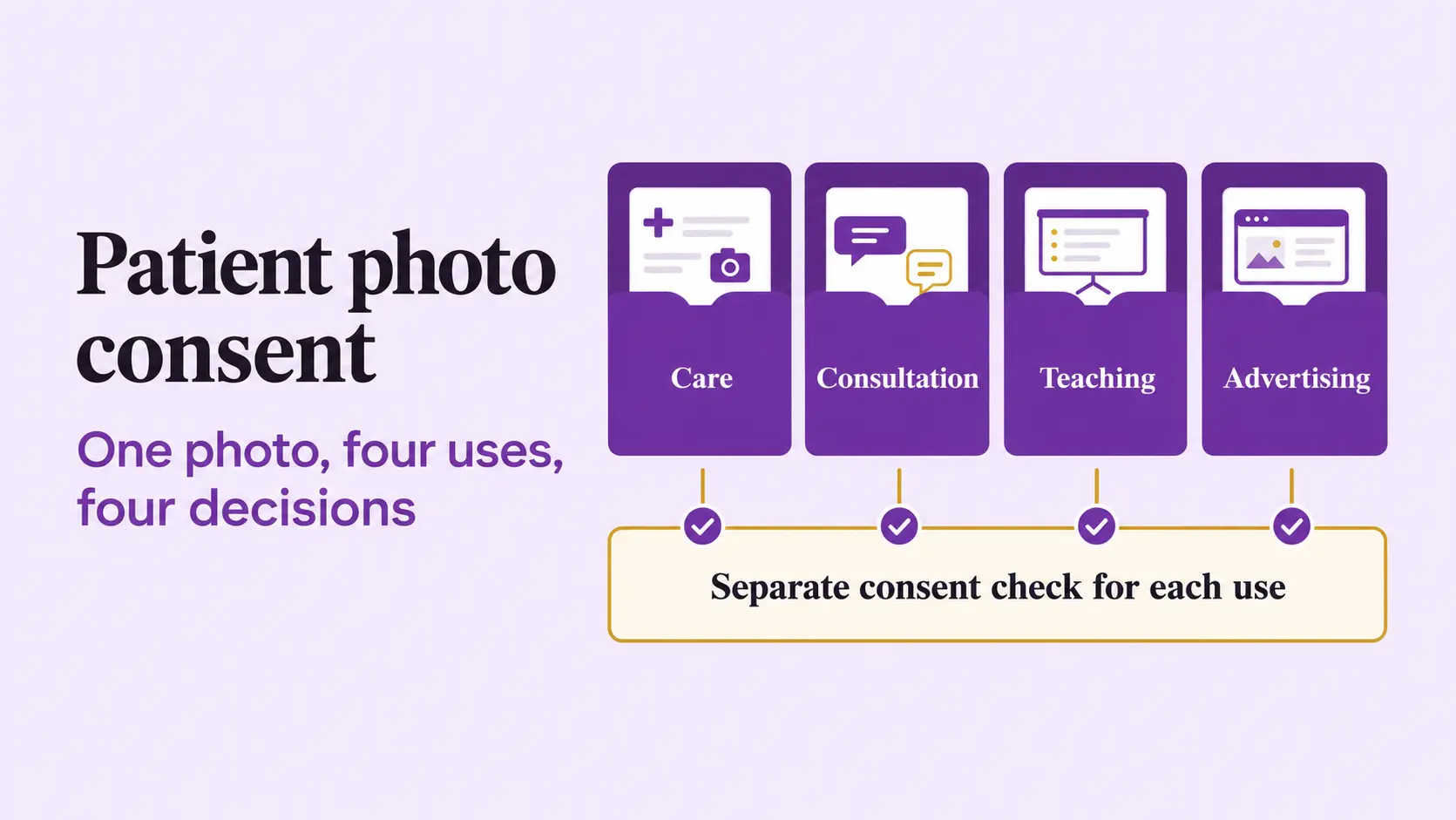
- Any photographs proposed for consultation examples or marketing go through a separate permission check.
Decide who is responsible if a set of photos is incomplete. If your clinic takes photos in one room and reviews them in another, decide who checks that all the photos reached the right patient record.
Follow-up skin photos from patients who cannot visit the clinic
If a patient is travelling or cannot attend, the clinician may request specific follow-up images. Give clear instructions for the photo angles, light, background and distance. Tell the patient where to send them and who will respond.
Use a secure patient upload link. Do not ask patients to send photos to staff through personal messaging apps. Mark photos sent by patients, so staff can tell them from clinic photos. Different lighting, phones and photo technique can make them harder to compare with clinic photos.
Do not tell a patient to wait for you to review photos if they need medical help soon. Give your usual instructions for how to contact the clinic about symptoms or concerns.
What should Dubai clinics check about storage?
Ask your clinical photo app provider where your photos, patient details, consent records and backups are stored. Ask separately who at the provider can open them, and what happens if you move to another system later. Within your own clinic, let each staff member open only the patient photos they need for their work.
For more on where Dubai clinics may store health data, read our guide to UAE data residency for patient photos.
Check consent before using skin progress photos in consultations or marketing
A photo set prepared for clinical review is not automatically suitable for a public page or social media. Before you use a patient’s photo outside the medical record, check the patient’s permission, where you plan to post it and the advertising rules.
See our DHA clinical photography guide for consent and storage.
How CureCast handles skin progress photos for Dubai clinics
CureCast is a clinical photo app. Clinics use it to take, store and compare patient photos in one place, so staff do not need to keep them in personal phone galleries. Dermatology teams can read more on our dermatology photo management page.
For follow-up visits, CureCast’s clinical photo app shows an earlier photo on the camera screen, as a faint copy or as an outline, so staff can line up the new photo. Staff can choose up to 15 earlier photos as references, and use a grid or level guide if they need it. The app does not retouch the photo, and the image is stored as it was taken. This feature works on iPhone and iPad.
If a patient is travelling and cannot come back, staff can ask for follow-up photos through a secure patient upload link. The photos then go into the patient’s record, not into a personal messaging app.
For Dubai clinics, CureCast stores photos in Microsoft Azure UAE North, in Dubai, with a second copy in Azure UAE Central, in Abu Dhabi. Read how this fits DHA clinical photography rules, and see how staff accounts and access are managed.
Our Dubai clinical photo management software page explains how onboarding works and how to book a demo. For an example of comparing photos between visits, read how Dr Sergio Mazzei compares wound photos.
Frequently asked questions
How do you take skin photos that match at every visit?
Use the same background, lighting, camera distance and photo angles at every visit, and look at the earlier photo before you take the new one. Take the photos in the same place, and do not use filters or skin smoothing. A clinical photo app can show the earlier photo on the camera screen as a guide, but check the new photo yourself.
How often should a clinic take skin progress photos?
There is no single schedule. The clinician decides how often, based on the skin concern, the treatment and the reason for the photos. Write down the real date of each photo and use the same photo angles each time.
Do Dubai clinics need separate consent to take skin photos?
Yes. The DHA Guidelines for Patient Consent say photography needs its own informed consent, separate from the consent for the procedure. The consent form should list photography before, during and after treatment. It should also say if the photos may be used for marketing. For help with the form, see our clinical photography consent guide for Dubai.
Can a Dubai dermatology clinic use skin photos on Instagram or in adverts?
Only with written consent from the patient, and separate parental consent if the patient is under 18. Before and after photos must also be of the same person, taken with the same lens and without editing, and they must carry a statement that results can vary. Check each post against the DHA rules for before and after photos before it goes live. Gulf News
Can a Dubai clinic store patient photos outside the UAE?
Generally no. Under Article 13 of UAE Federal Law No. 2 of 2019, health data about care given in the UAE cannot be stored, processed, generated or sent outside the UAE, unless the activity is approved by the health authority. A 2021 Ministerial Resolution added some exceptions, but the default position remains that the data stays in the UAE. Ask your provider to confirm in writing where your photos and backups are stored, and read our guide to Dubai patient photo storage and UAE data residency.
Reference and scope
This is a clinic workflow guide, not a diagnostic protocol. For Dubai health-data access and confidentiality requirements, review the DHA Health Data Protection and Confidentiality Policy, particularly section 4.8 on access. Source checked November 19, 2026.