• Clinical Photo App
    • Before & After Software
    • Standardized Photography
    • Collect Post-Surgery Photos
    • Patient Consent Form
    • Plastic Surgery
    • Dermatology
    • Medical Spa
  • By region

    • HIPAA (US)
    • DHA (Dubai)
    • PHIPA (Canada)
    • UK Data Protection
    • Australia Privacy Act

    Security

    • Audit Trail
    • Encryption
    • Reauthentication
    • Device Management

    Access and control

    • Staff Management
    • Patient Confidentiality
    • Multi-Clinic Photo Management
    Featured HIPAA (US) Signed BAA provided during the 14-day trial. AES-256 encryption and a full audit trail. Read the HIPAA guide →

    View Security & Compliance overview →

    • Customer Reviews
    • FAQs
    • Blog
    • About
  • Pricing
  • Login
Login Book a demo
Skip to content

BLOG

Photo Workflow & Operations

Your Journey to a Fulfilling Life

BLOG

Photo Workflow & Operations

BLOG

Photo Workflow & Operations

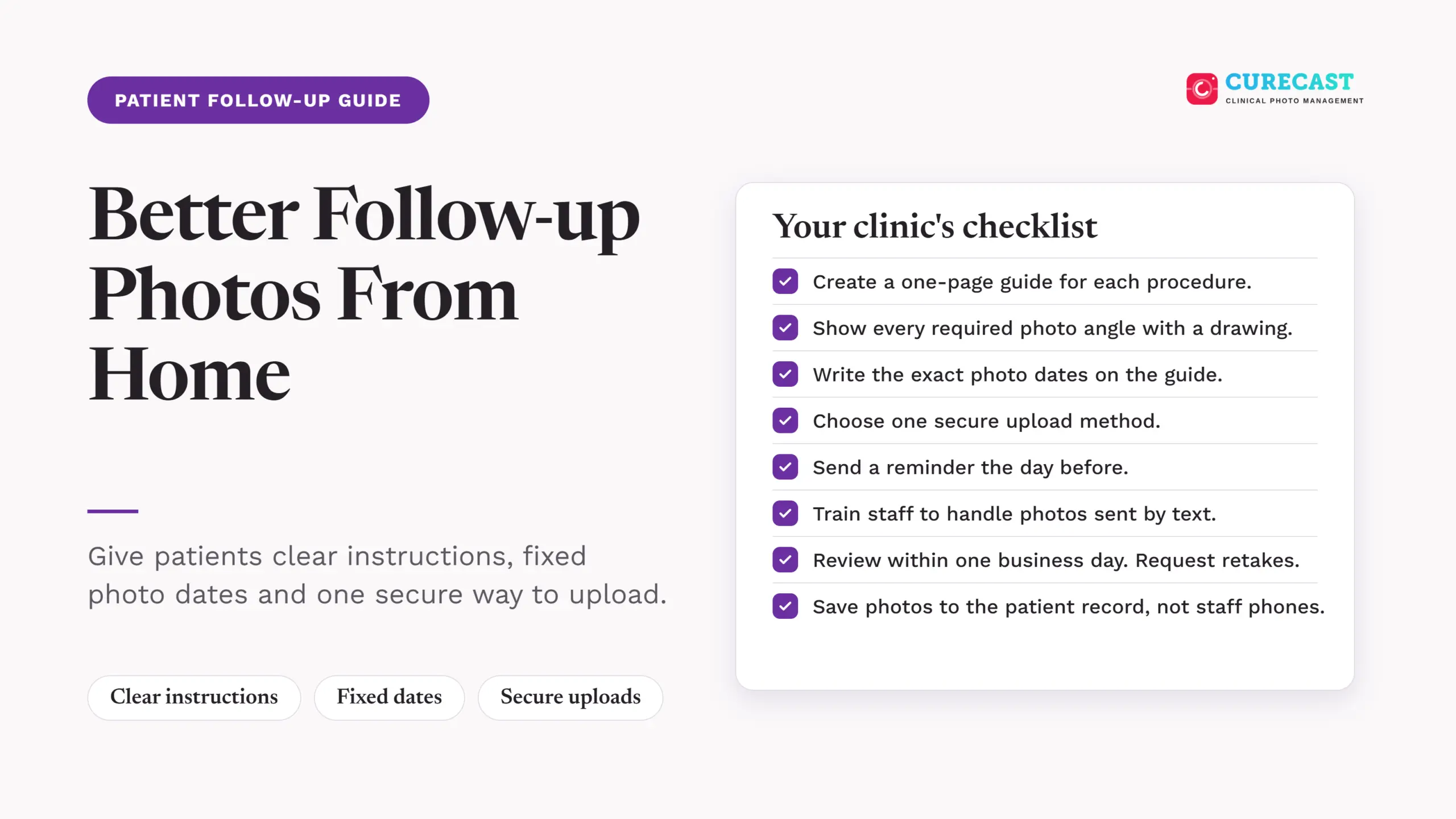
  • CureCast checklist for patient follow-up photos, covering procedure guides, photo angles, scheduled dates, secure uploads, reminders, staff training, photo review and storage in patient records.

    How to Collect Standardized Follow-Up Photos from Patients

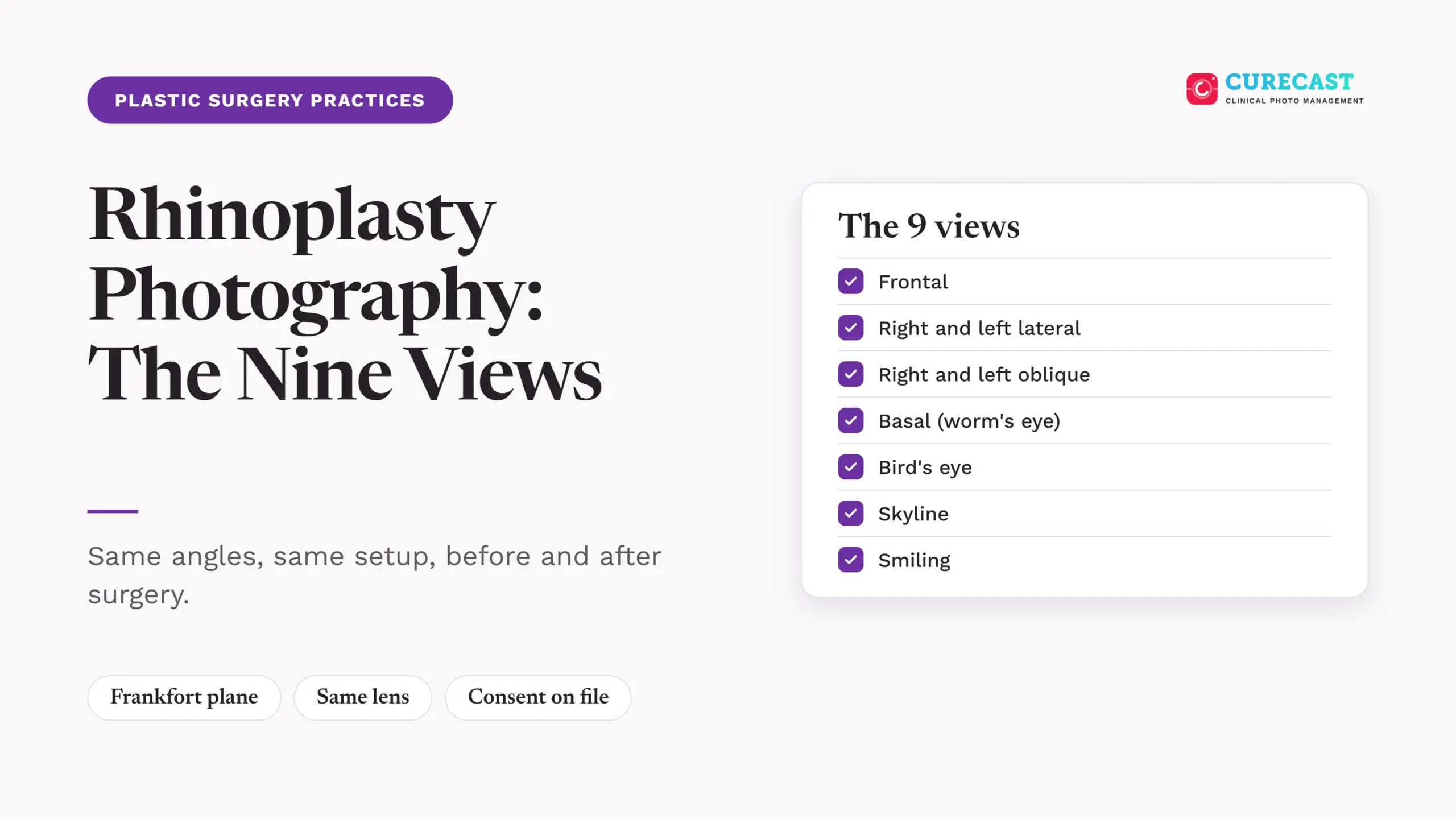
  • CureCast blog graphic titled Rhinoplasty Photography: The Nine Views, with a checklist of the standard views: frontal, lateral, oblique, basal, bird's eye, skyline and smiling.

    Rhinoplasty Photography: The Nine Standard Views

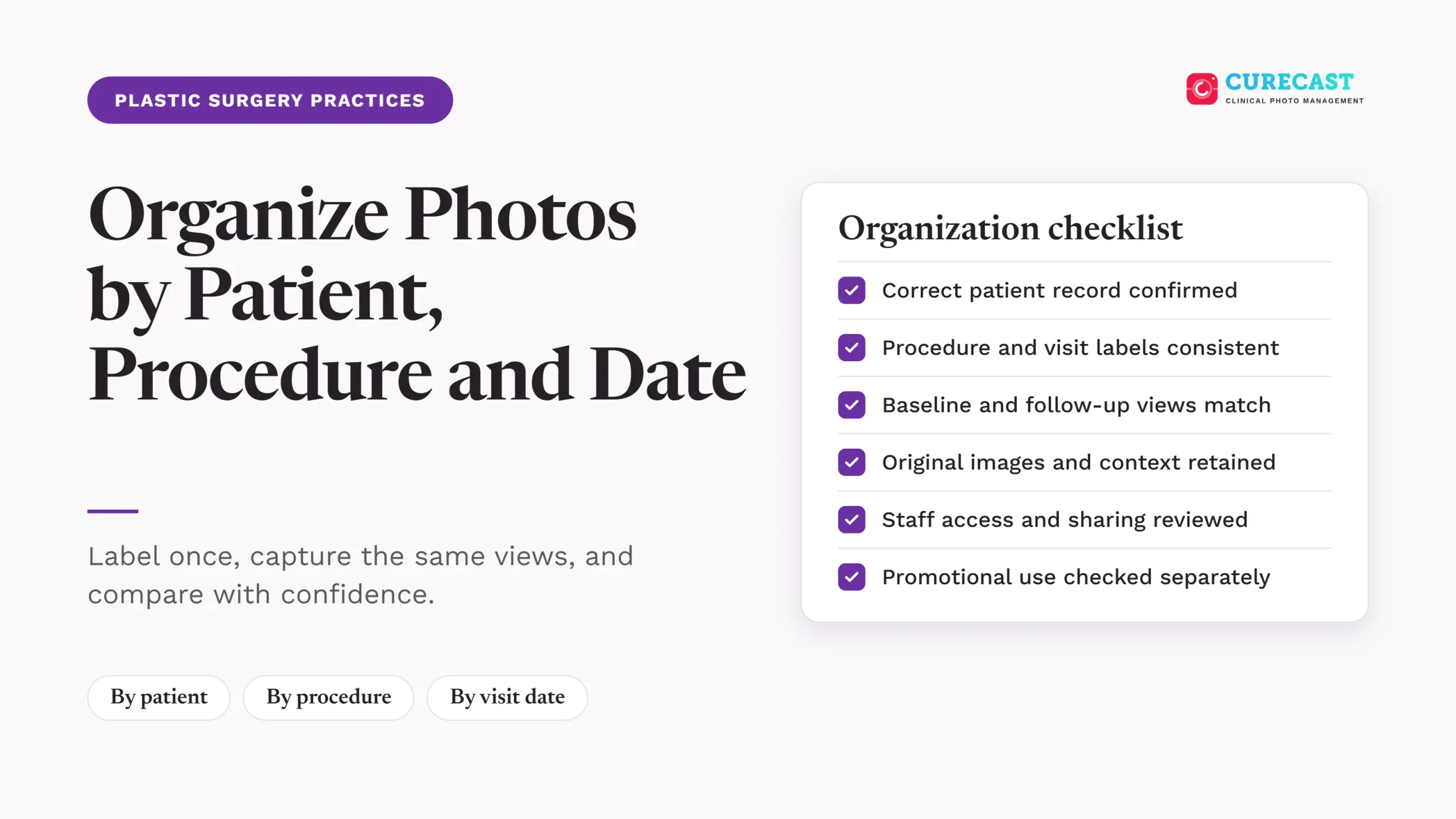
  • Graphic titled "Organize Photos by Patient, Procedure and Date" for plastic surgery practices, with a six-item organization checklist: correct patient record confirmed, procedure and visit labels consistent, baseline and follow-up views match, original images and context retained, staff access and sharing reviewed, and promotional use checked separately.

    How to Organize Patient Photos in a Plastic Surgery Practice

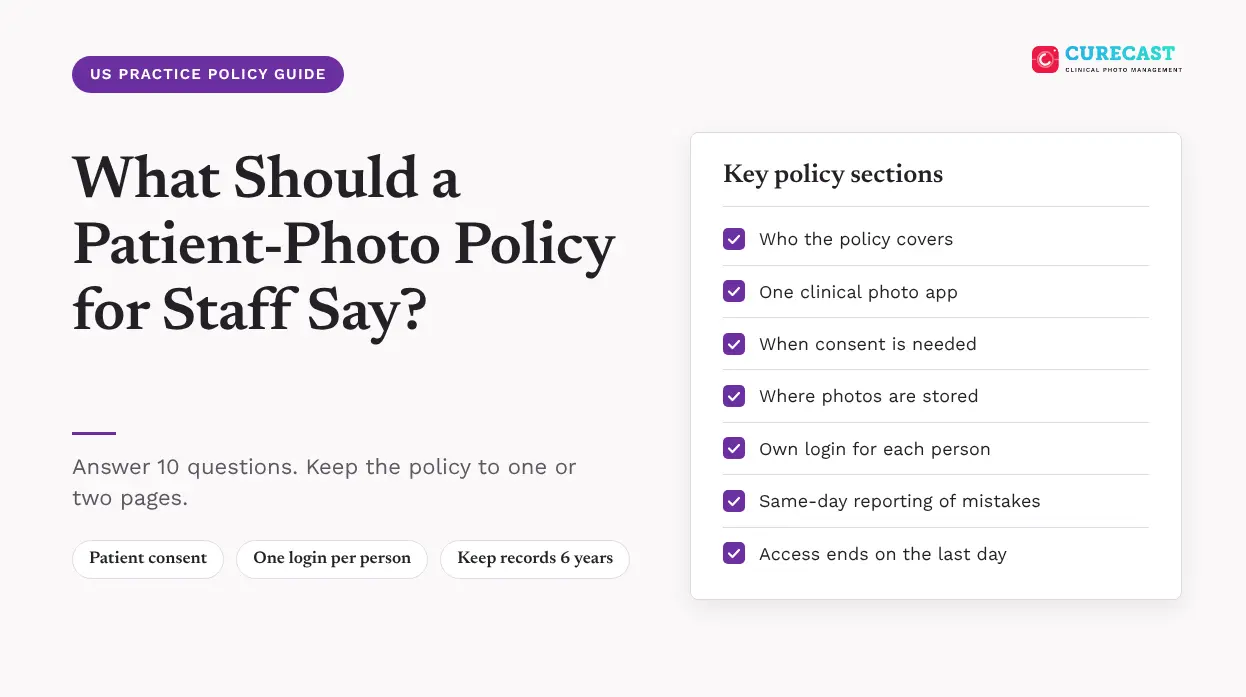
  • Patient photo policy for staff checklist: consent, one clinical photo app, own login, same-day reporting and access removal

    What should a patient-photo policy for staff say?

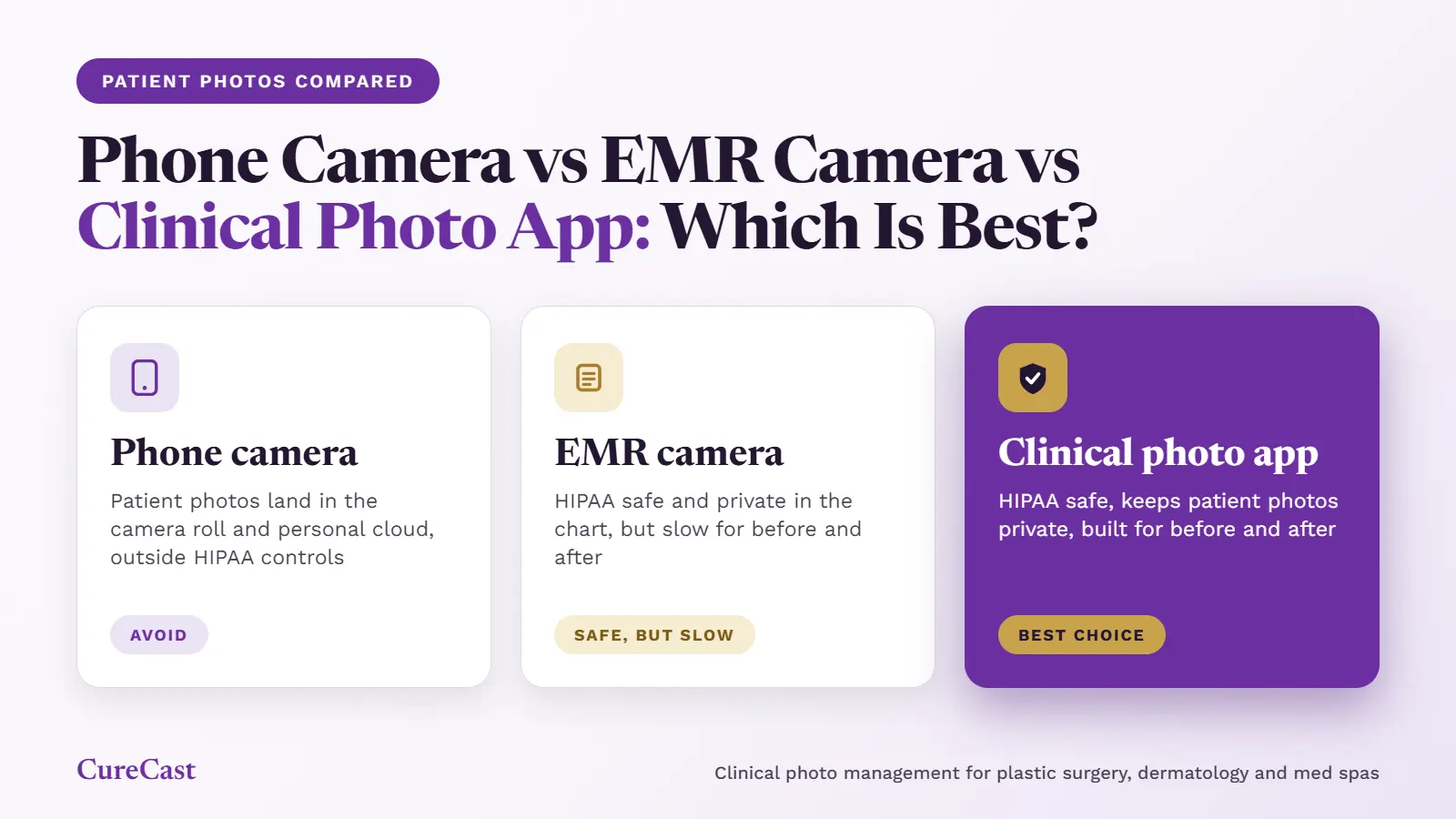
  • Comparison graphic showing a phone camera, EMR camera, and clinical photo app for managing patient photos. The phone camera is labeled “Avoid” because photos may be saved to the camera roll and personal cloud. The EMR camera is labeled “Safe, but slow” for storing photos in the patient chart but making before-and-after comparisons slower. The clinical photo app is highlighted in purple as the “Best Choice” for secure, consistent before-and-after photography.

    Phone Camera vs EMR Camera vs Clinical Photo App: Which Is Best for Patient Photos?

Page load link
CureCast home

Patient photo management software for plastic surgeons, dermatologists and med spas. Find & compare any patient photo in under 3 seconds.

[email protected]

Specialty

  • Plastic Surgery
  • Dermatology
  • Medical Spa

Company

  • Pricing
  • Reviews
  • About
  • Blog
  • FAQs
  • Contact

Solutions

  • HIPAA Clinical Photo App
  • Before & After Software
  • Standardized Photography
  • HIPAA Patient Photo Upload

Compare

  • CureCast vs RxPhoto
  • CureCast vs TouchMD
  • CureCast vs Canfield
  • CureCast vs Aesthetic Record

Signed BAA provided · AES-256 encryption · Audit trail

Privacy Policy Terms of Use © 2026 CureCast Technologies. All rights reserved.